

Jewelry try-on
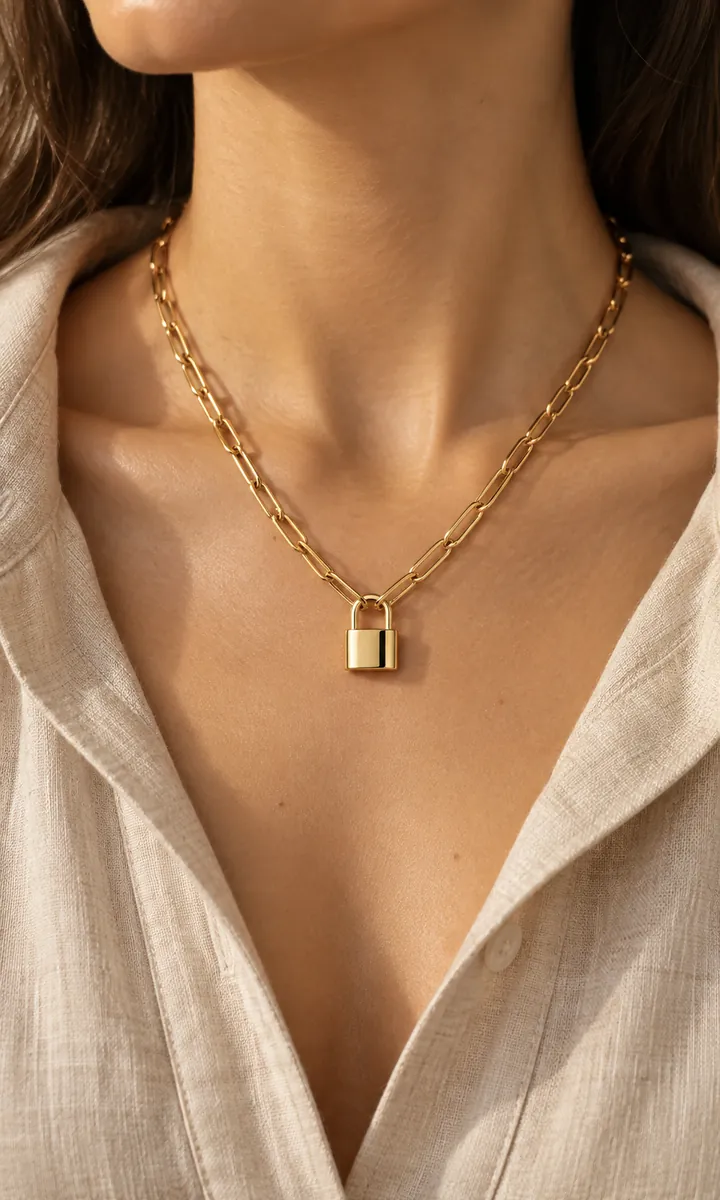
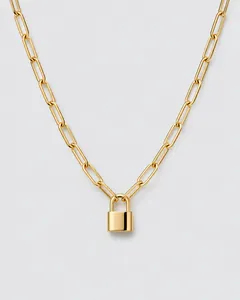
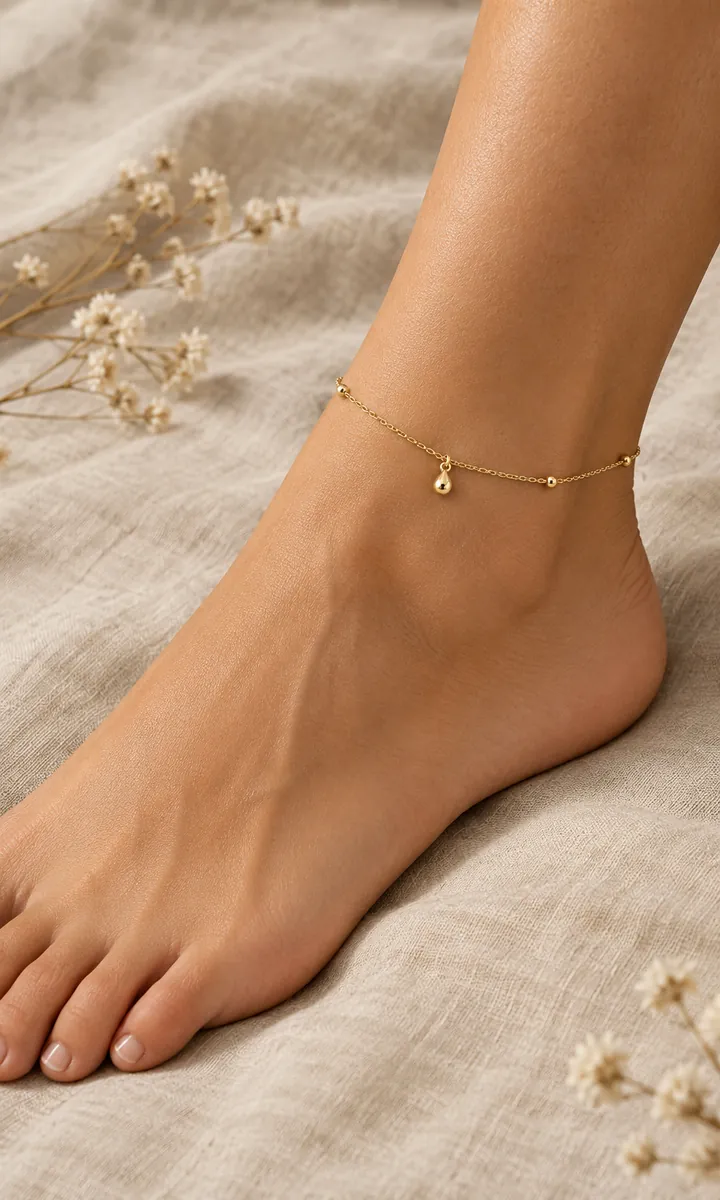
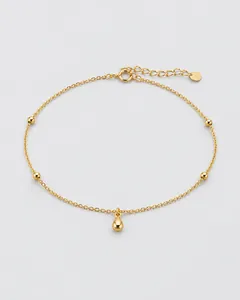
Jewelry on skinshot close, from one product photo
Upload a necklace, earring or ring on its own. Get back a close, well-lit shot of it worn, so buyers can see its size and how it catches the light.
50 free credits · 15 credits per image · No watermark
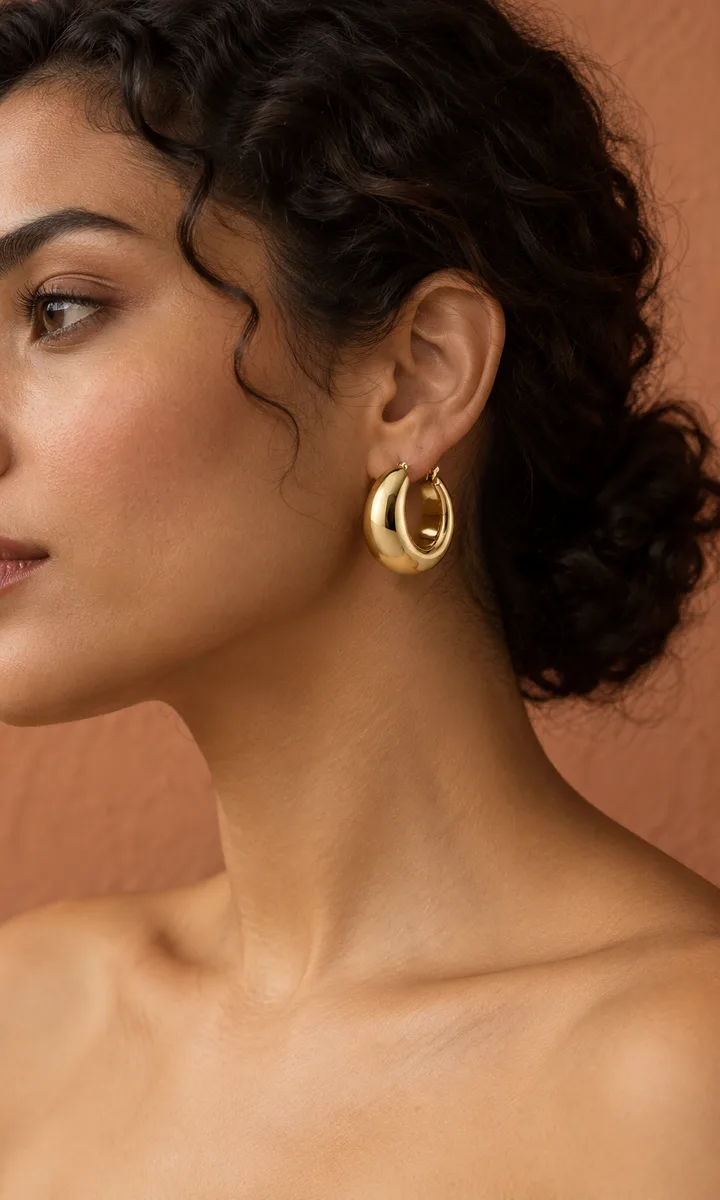
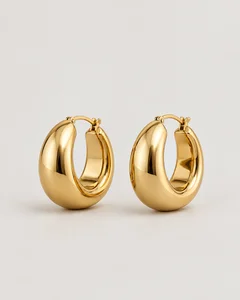
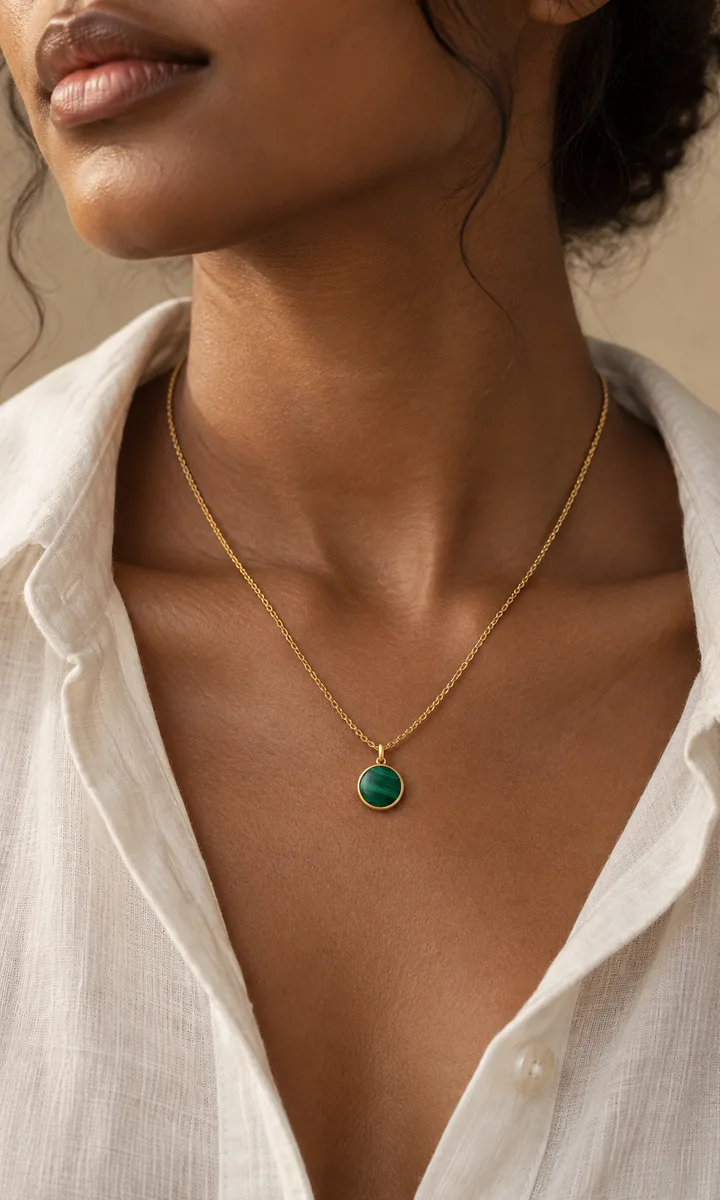
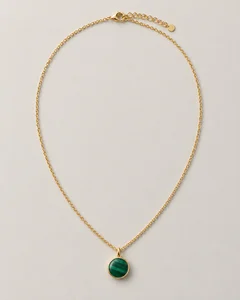
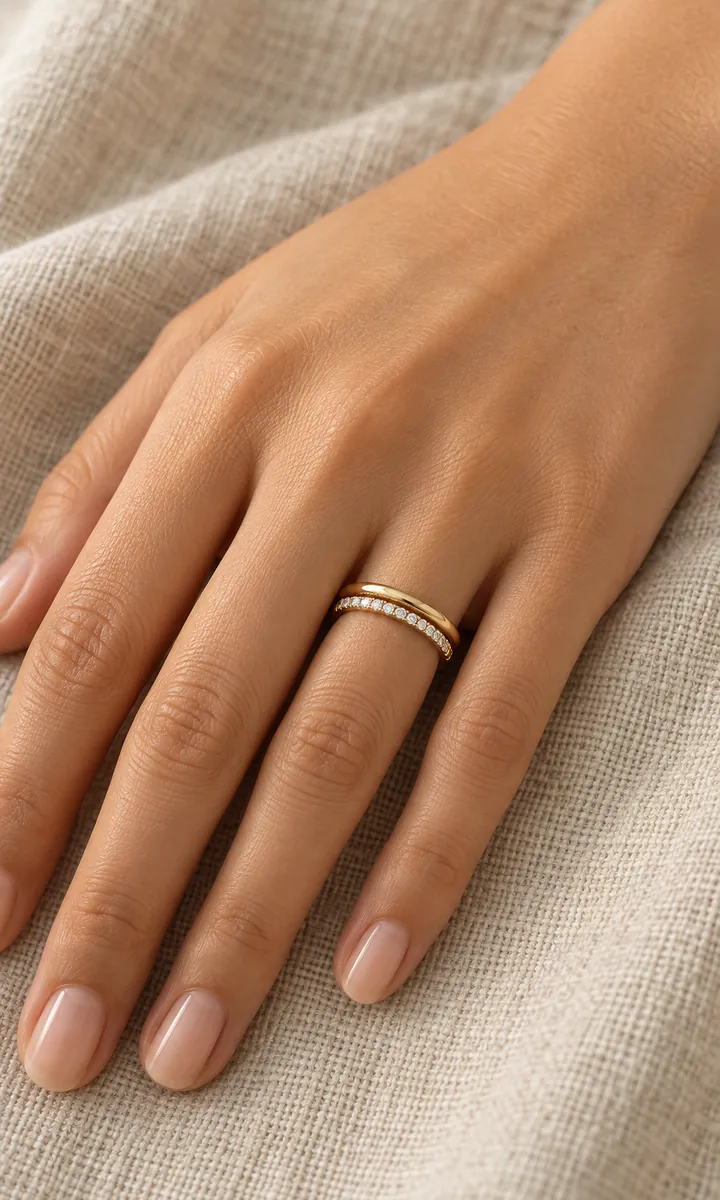
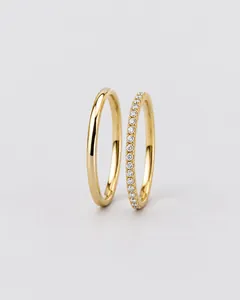
Piece in, worn shot out
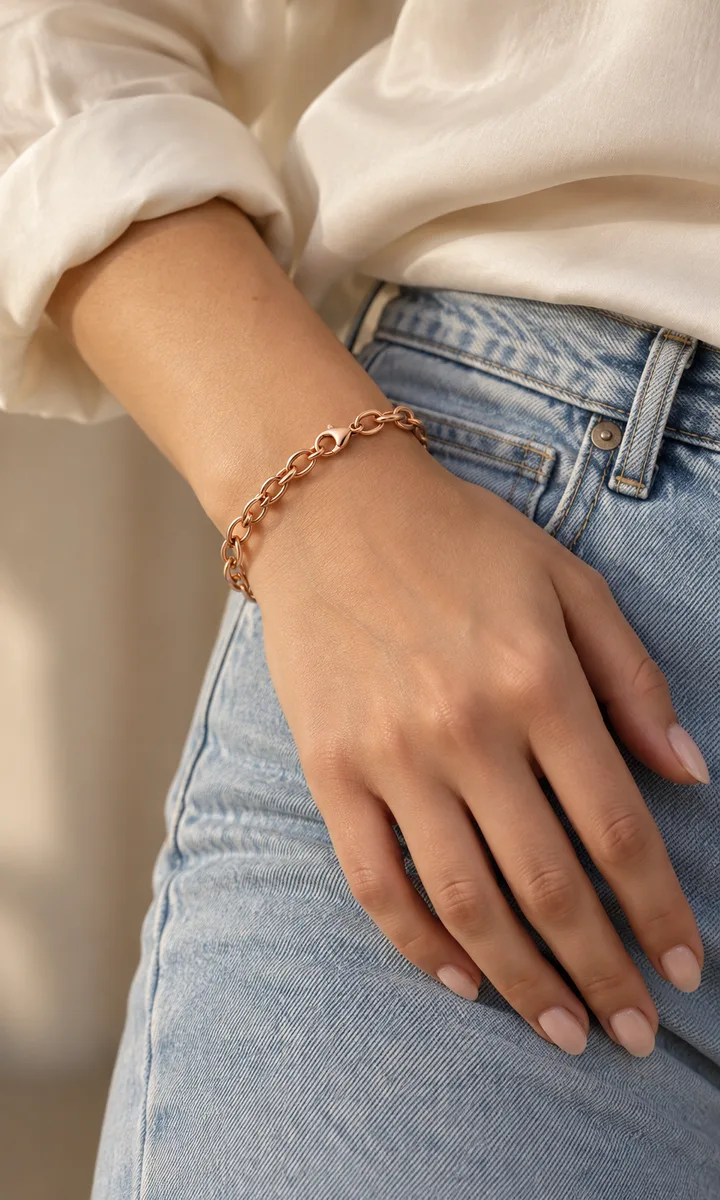
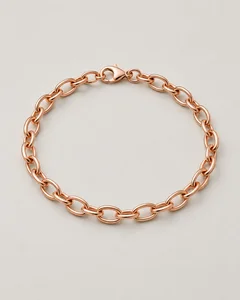
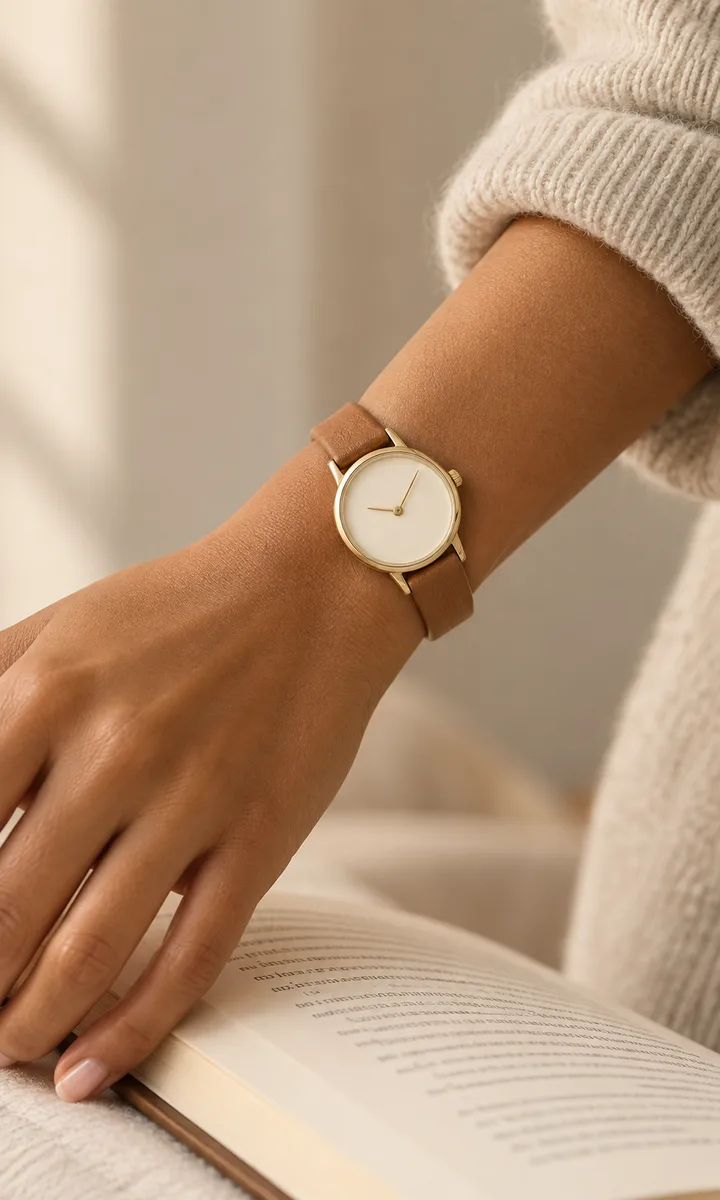
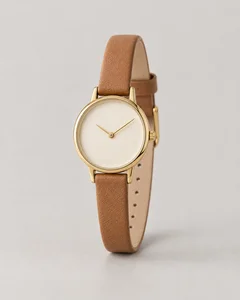
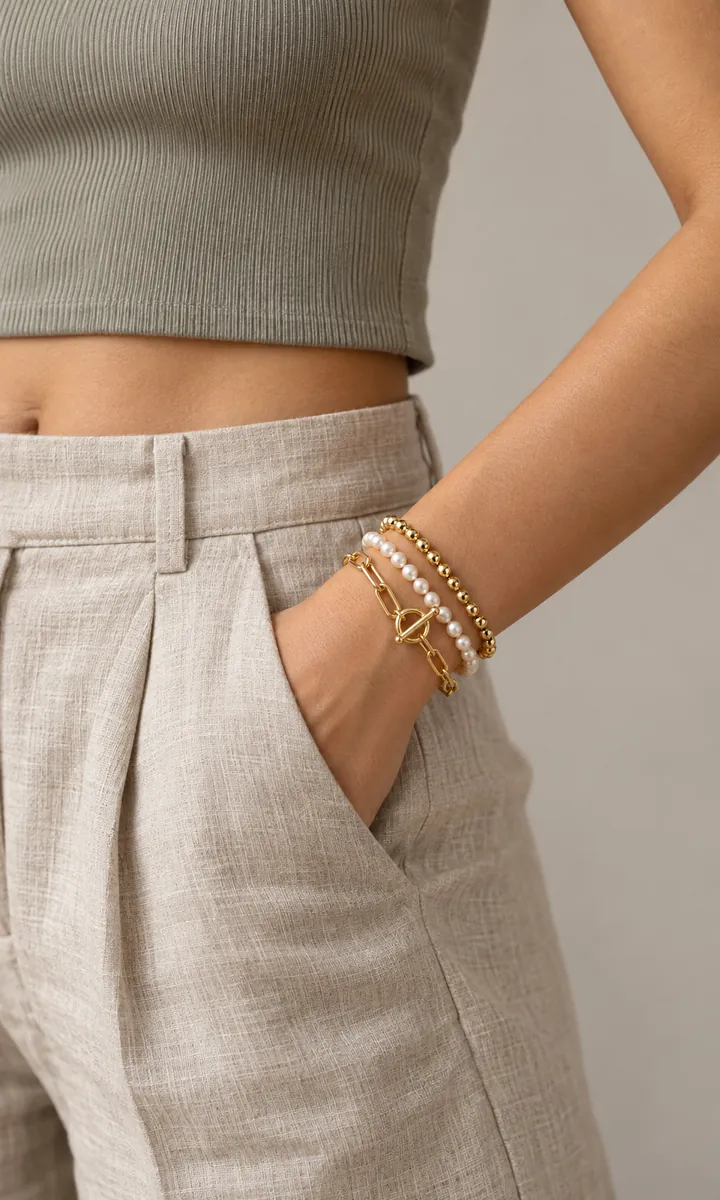
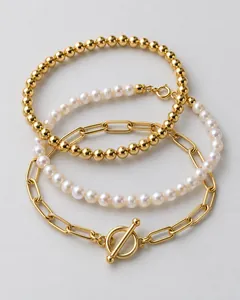
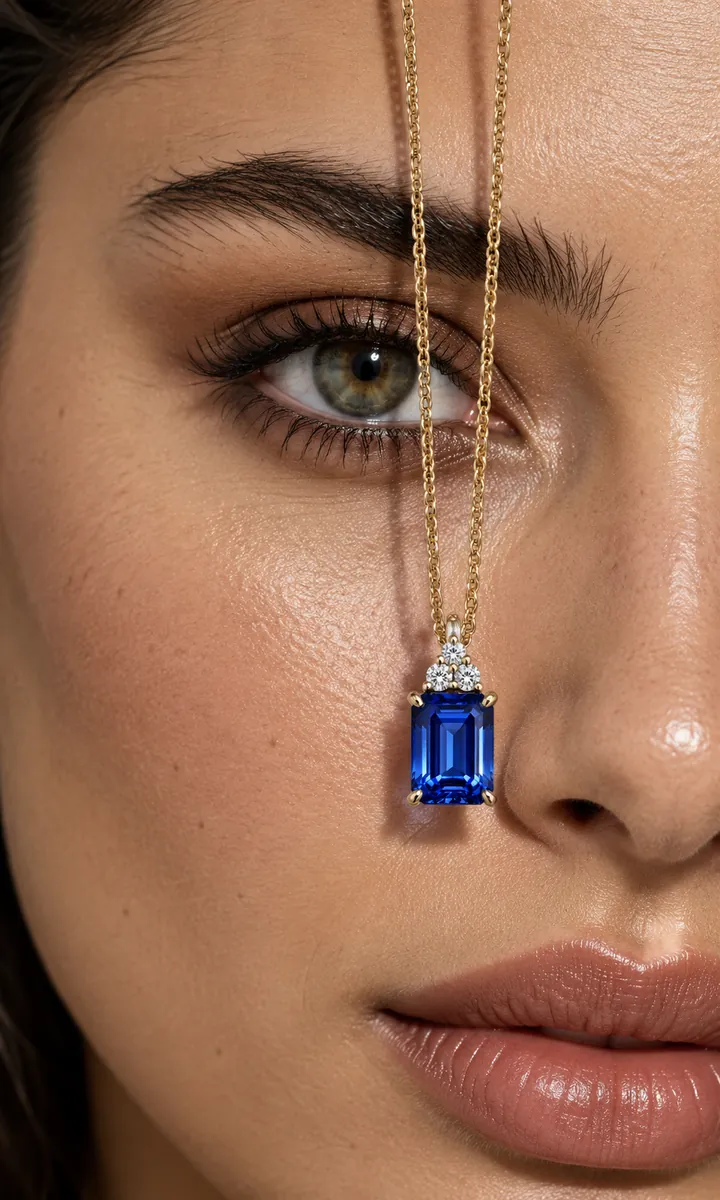
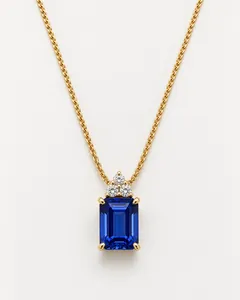
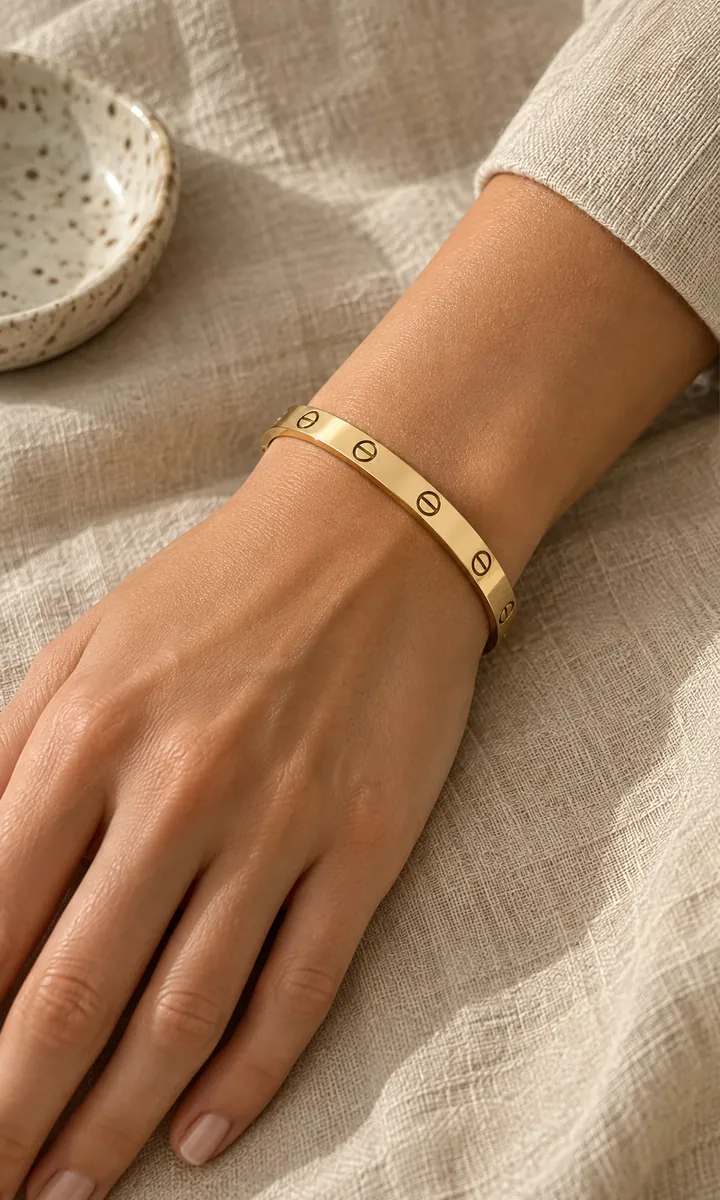
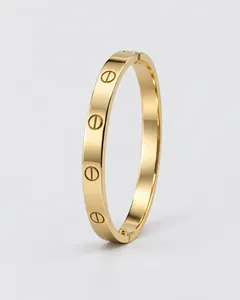
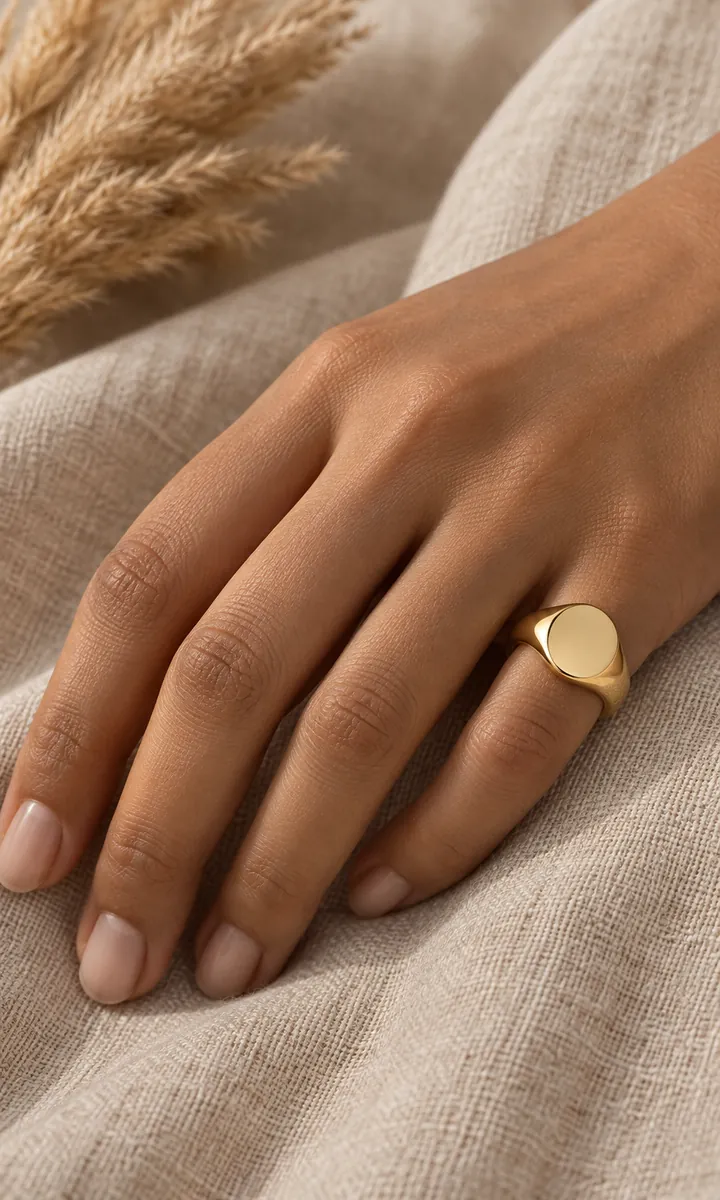
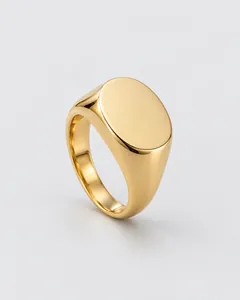
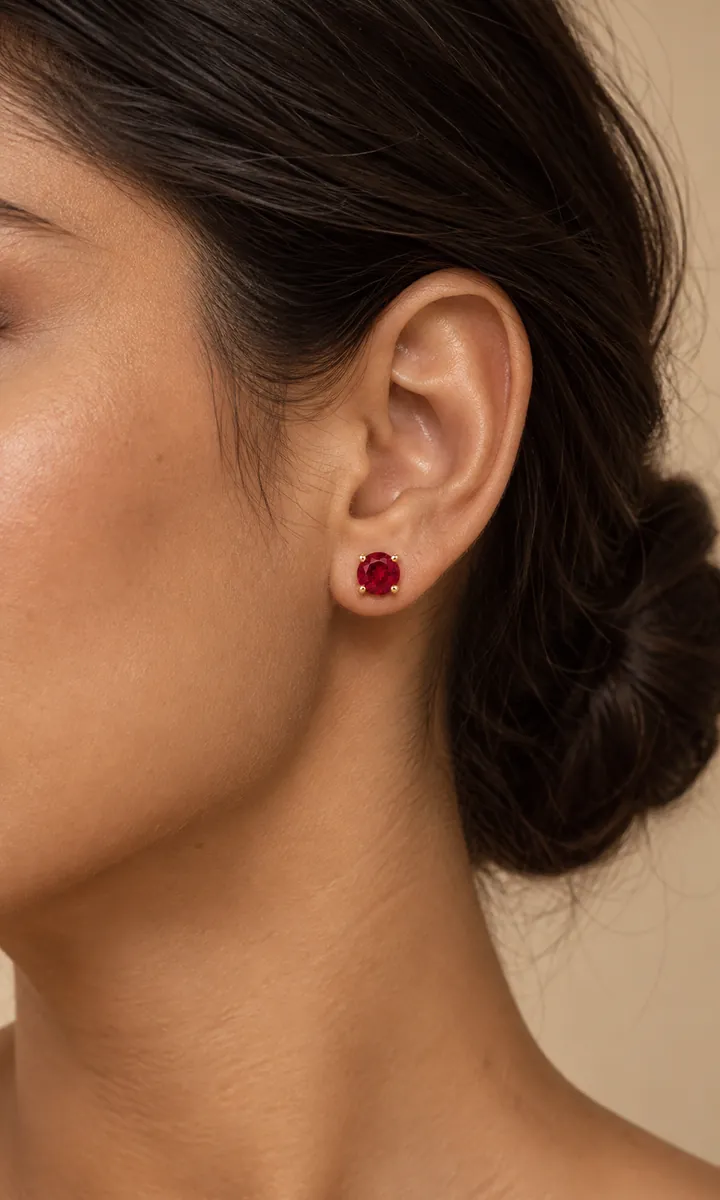
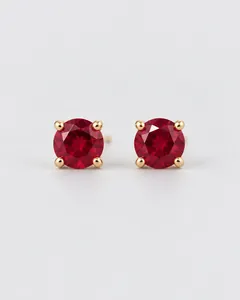
Pendants, studs, drops, rings, cuffs and anklets, each next to the product photo it came from.
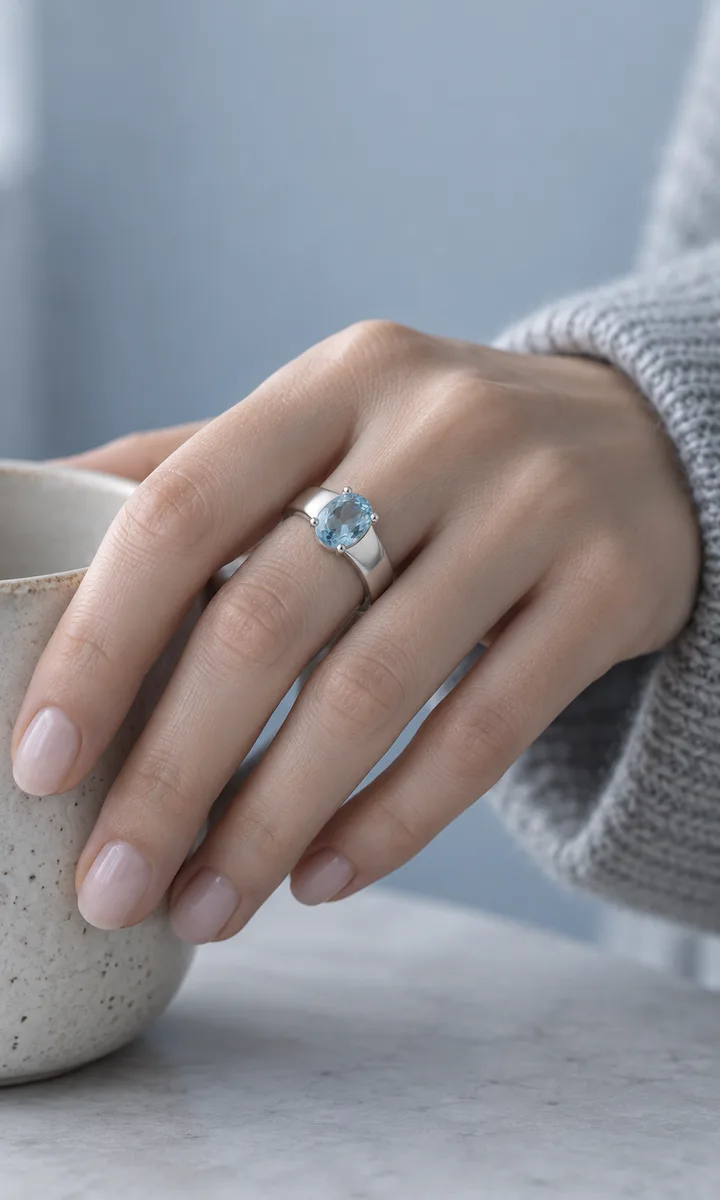
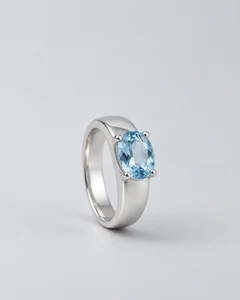
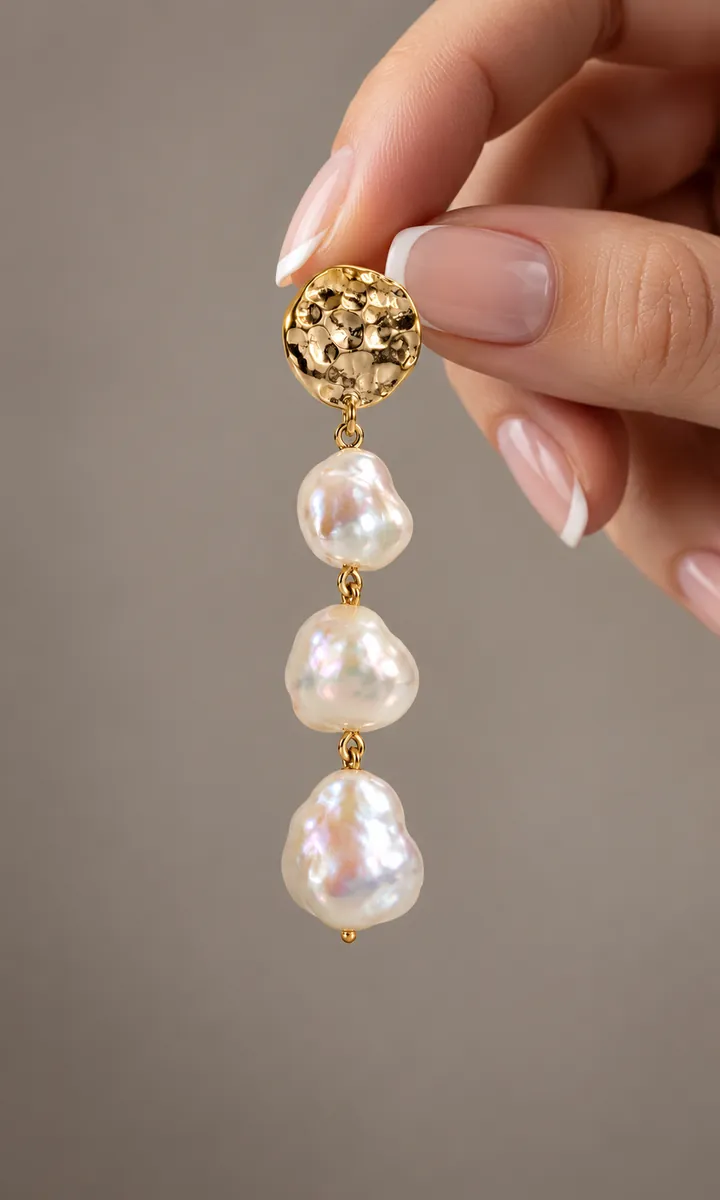
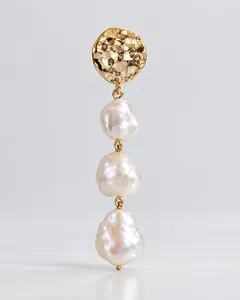
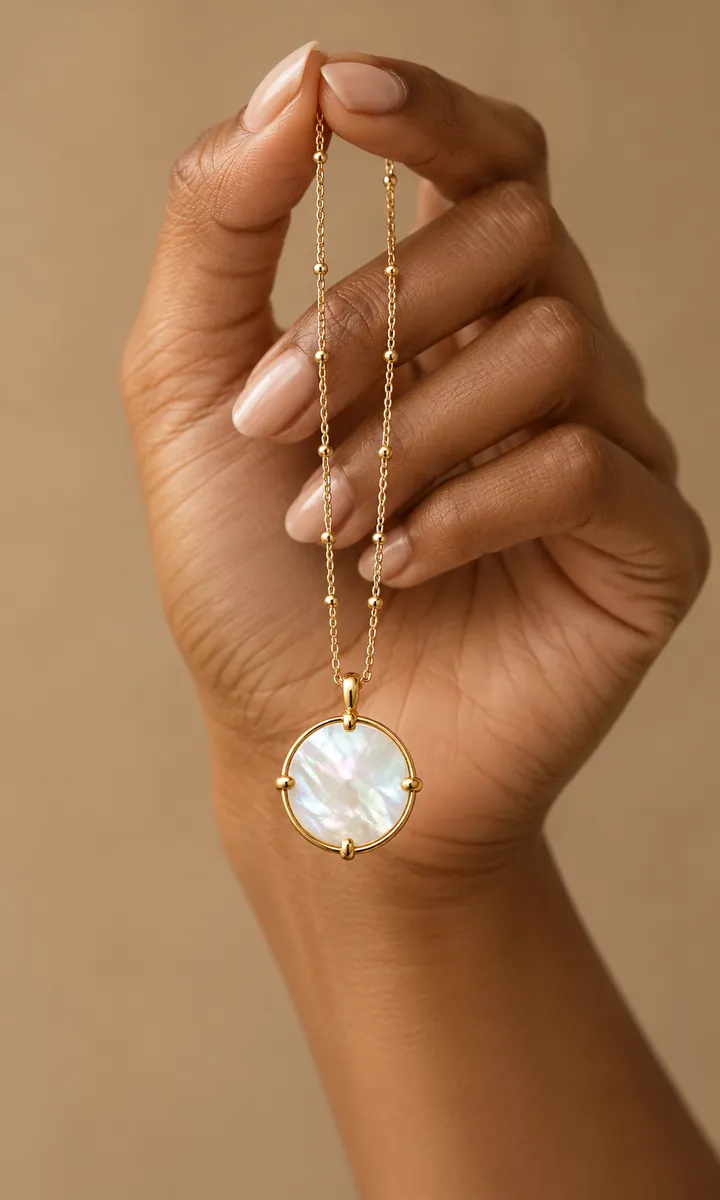
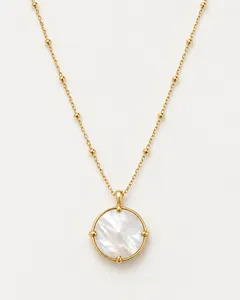
Poses made for jewelry
Necklaces on a bare shoulder, a strapless neckline or layered; earrings with hair held back, in profile or under golden-hour light.
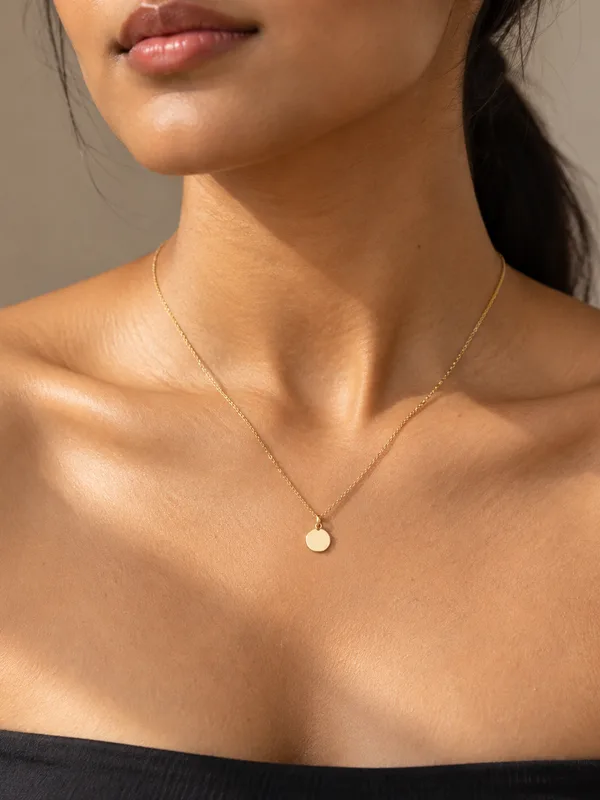
Bare shoulder
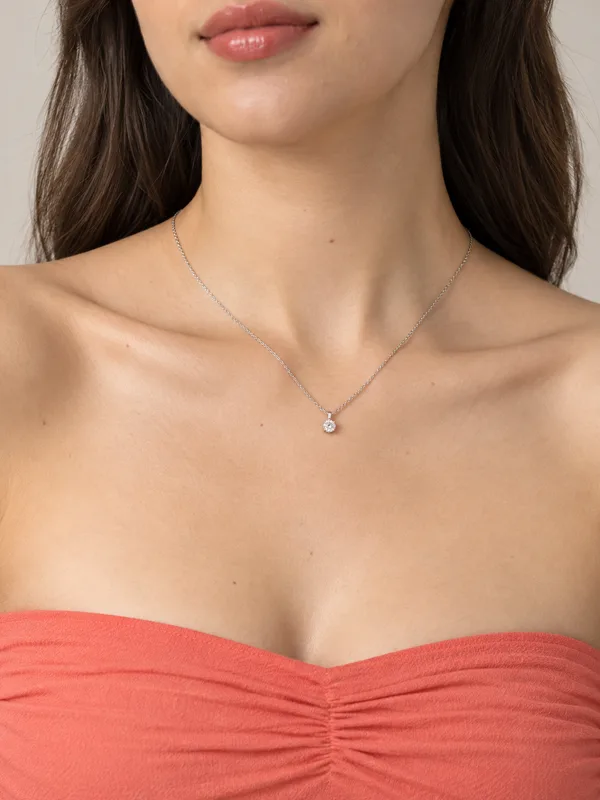
Strapless
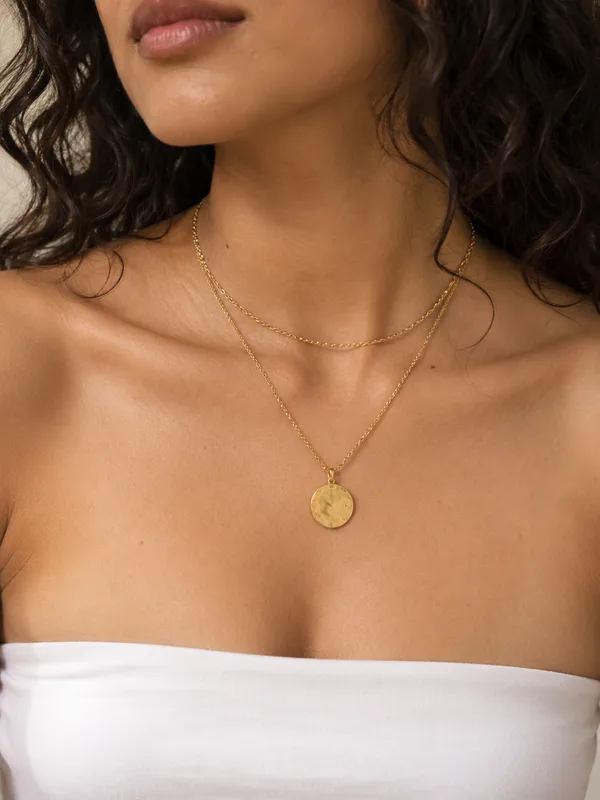
Layered
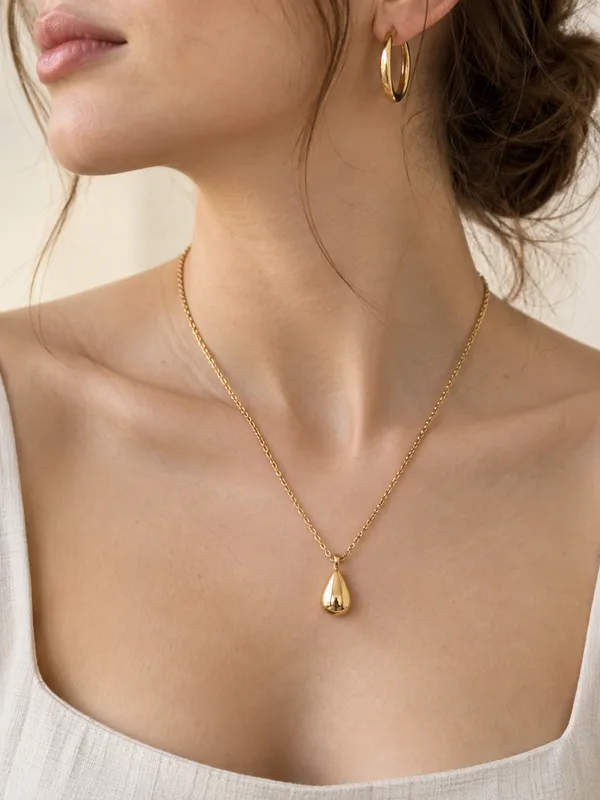
Pendant
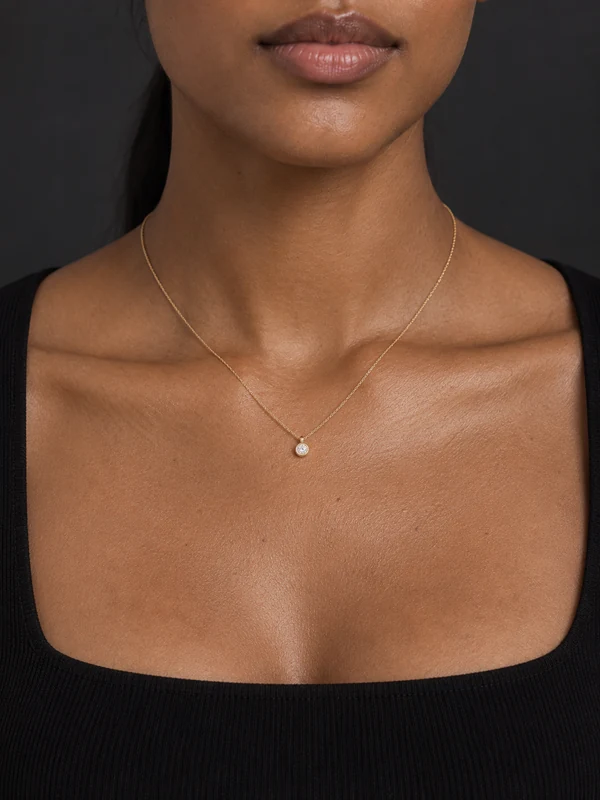
Dark studio
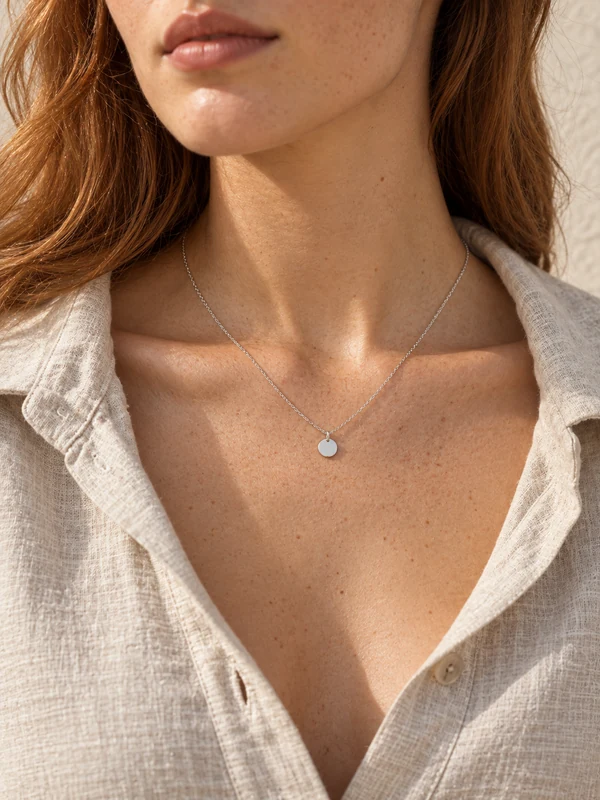
Linen
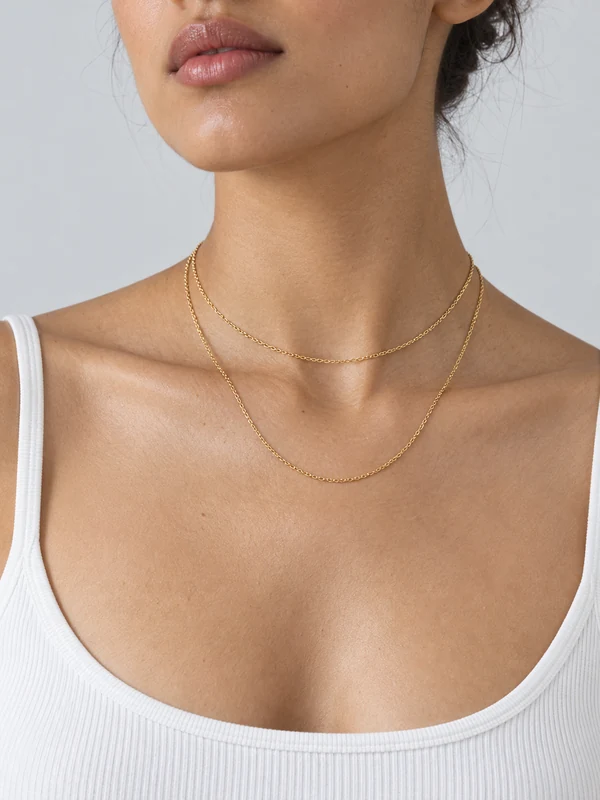
Double chain
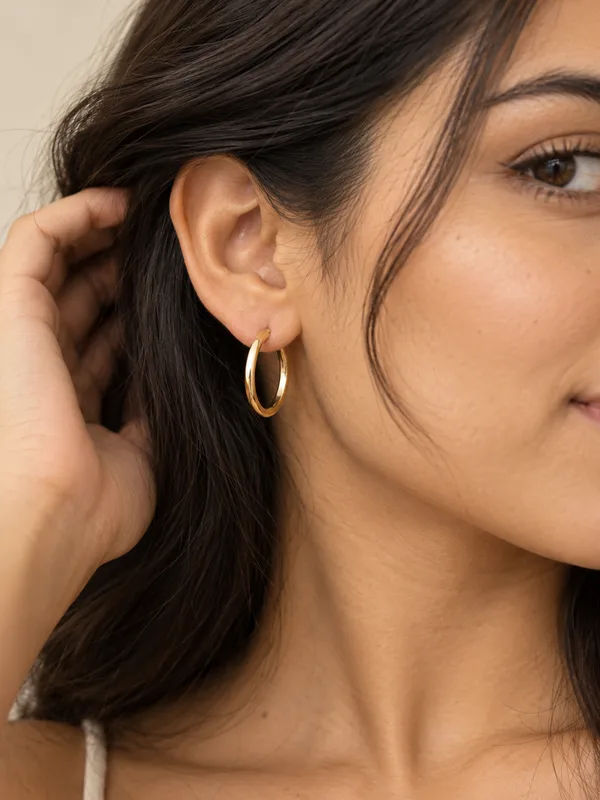
Hair held back
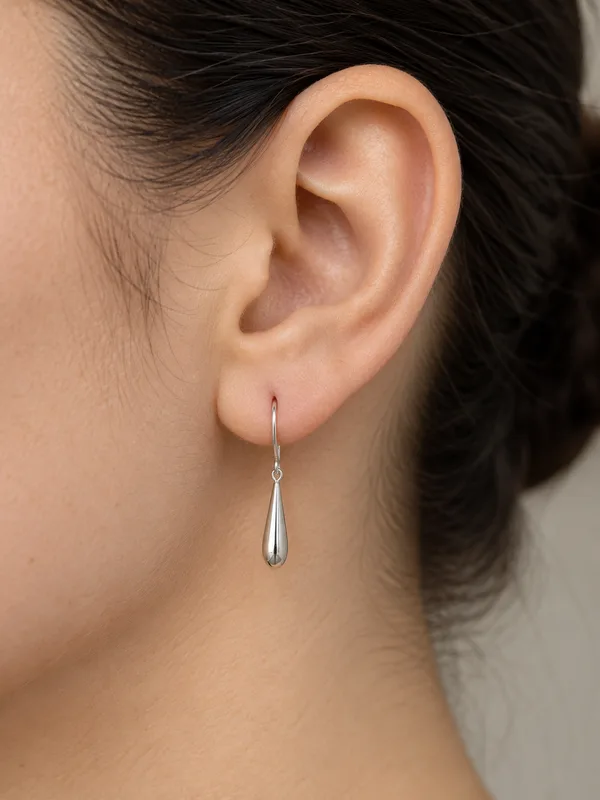
Profile
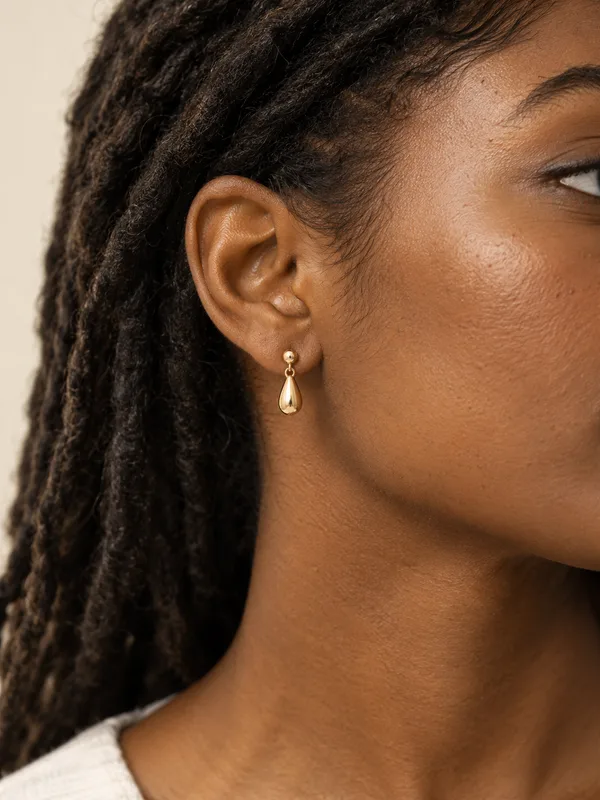
Locs
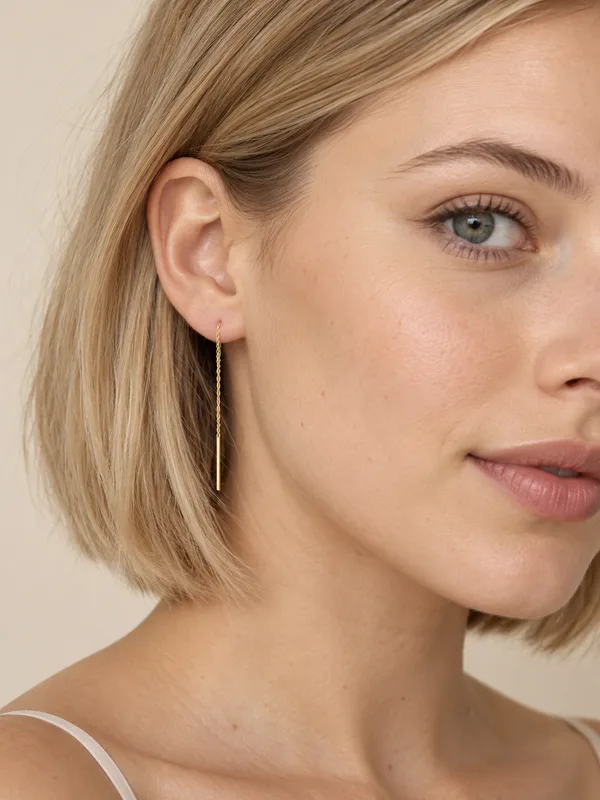
Bob
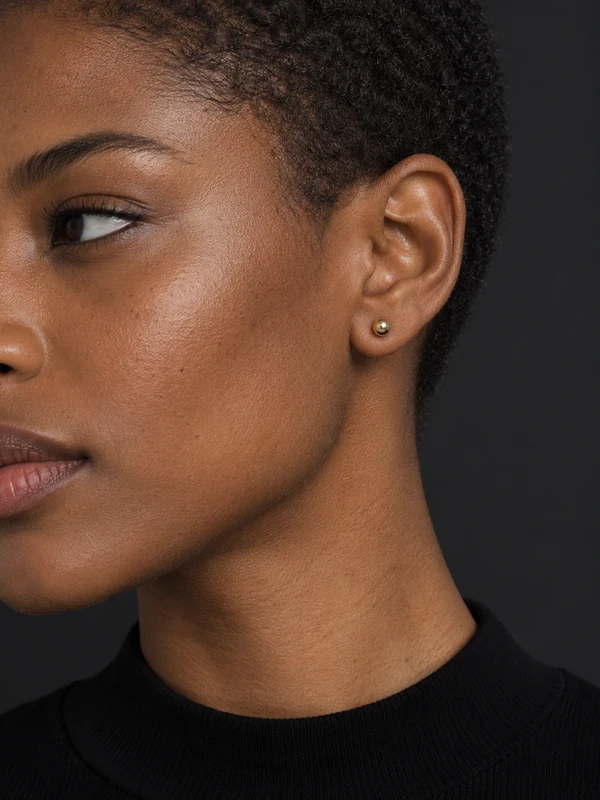
Dark studio
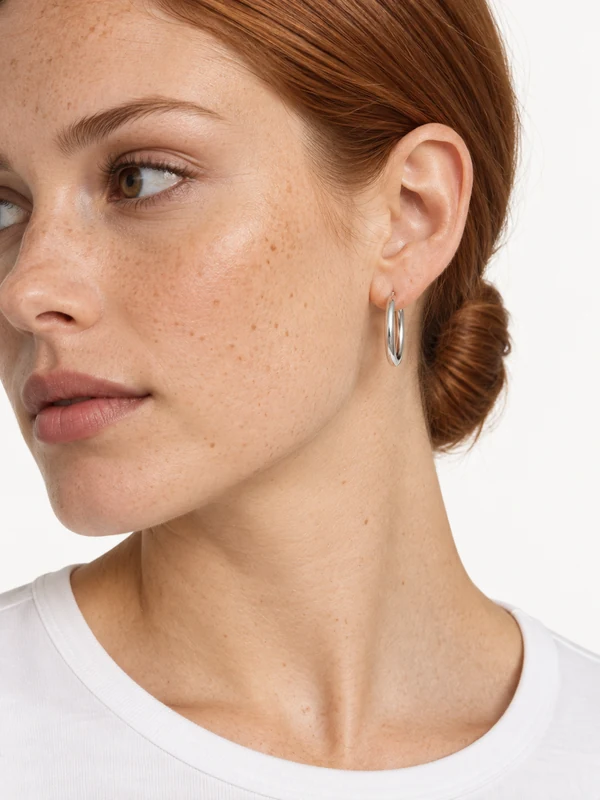
High key
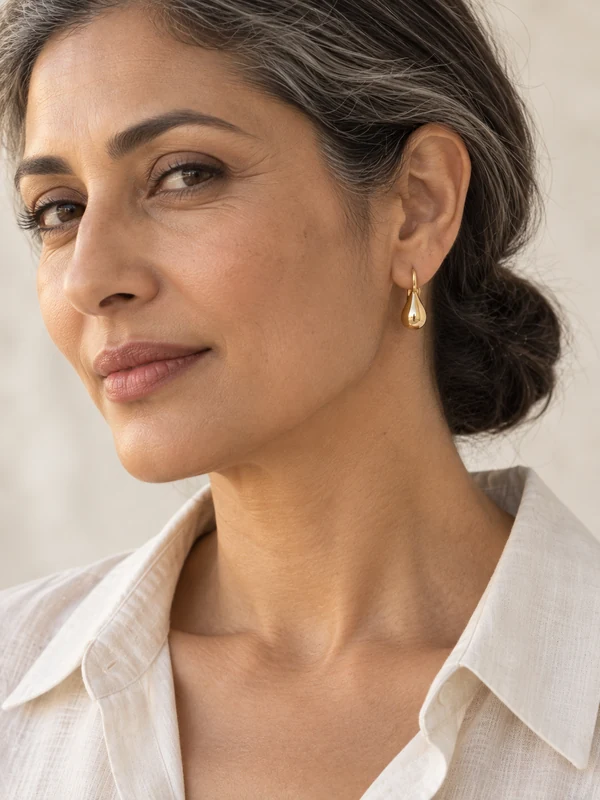
Low bun
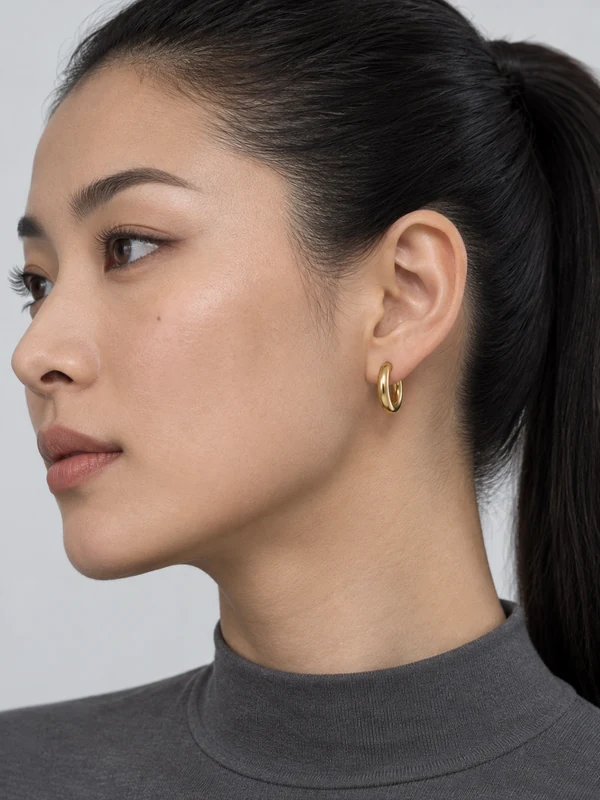
Ponytail
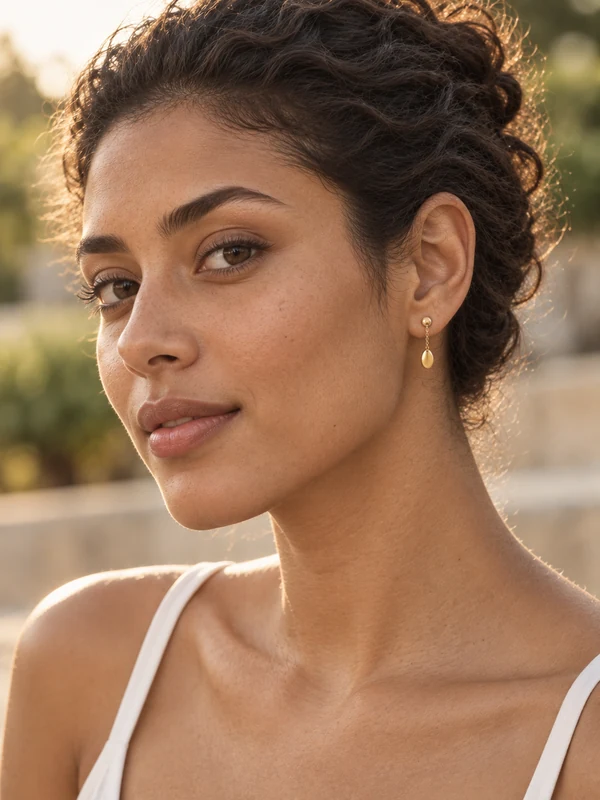
Golden hour
How it works
Three steps, one photo
- 1
Upload the product
A flat lay, a hanger shot or a plain packshot is enough. The product is the only thing you need to photograph.
- 2
Pick a model and pose
Choose a preset pose and setting, from clean studio to street, café or beach. Each one is made for the kind of product you are selling.
- 3
Download and list it
The result comes back with no watermark, ready for your product page, marketplace listing or ad.
Why sellers use it
Built for listings that sell
Shows real scale
A pendant on a neckline or a stud on an ear tells a buyer the size far better than a measurement in the description.
Close, clean light
Framed tight with soft light, so metal, stones and pearls read clearly at thumbnail size.
Every piece in the set
Show earrings, a necklace and a ring from the same collection on matching models and light.
No model or macro rig
Skip booking hand and neck models and the macro lenses jewelry shoots need.
AI jewelry photography for online stores
Jewelry is small, reflective and hard to judge from a packshot. Shoppers want to know how long a chain falls, how big a stud is and how a ring looks on a hand. AI jewelry try-on takes a photo of the piece on its own and places it on a model, so every listing can show it worn.
Picsmob's jewelry poses are framed for the piece: bare-shoulder and strapless necklines for necklaces and pendants, hair-back and profile shots for earrings, and close hand and wrist shots for rings, bracelets and watches. Soft studio light keeps metal and stones clean.
It suits independent jewelers, Etsy shops and fine-jewelry brands that need on-model photos for every piece without a shoot for each new design.
FAQ
Questions sellers ask
What jewelry works with the try-on?
Necklaces, pendants, chains, earrings — studs, drops and hoops — rings, bracelets, bangles, cuffs, anklets and watches.
What photo works best for jewelry?
A sharp close-up of the piece on a plain background with even light. Avoid strong reflections and props, and photograph one piece or one matching pair at a time.
Will small details like stones and engraving stay?
Detail comes from your photo, so the sharper it is, the more carries through. For fine engraving, keep a clean packshot in the gallery alongside the worn shot.
How many credits does a try-on cost?
Each try-on costs 15 credits. Every new account gets 50 free credits, enough for three try-ons, and packs start at $9 for 200 credits. There is no subscription and credits never expire.
Can I use the images commercially?
Yes. Exports carry no watermark and commercial use is included on every account, free or paid — product pages, marketplaces, social posts and paid ads.
Are the models real people?
No. The models are generated people, licensed for use in the content you make with Picsmob. Some marketplaces and countries ask you to disclose AI-generated imagery in ads, so check the rules where you sell.
What if a try-on fails?
Credits are reserved when a job starts and refunded automatically if it fails or times out, so you only pay for results you get.
Related tools
Accessories try-on →
Style handbags, sunglasses, hats and scarves on AI models, or put your product in a creator's hand. On-model accessory photos from one product shot. 15 credits per image.
Clothing try-on →
Turn a flat lay or hanger shot into on-model fashion photos. Choose from 16 poses and settings, keep your garment's colour and detail, no photoshoot. 15 credits per image.
Virtual try-on →
Put your clothing, shoes, jewelry and accessories on AI models from one product photo. On-model photos for Shopify, Amazon and Etsy without a photoshoot. 15 credits per try-on, 50 free.








Export-ready for the channels where you sell