

Replace object
Swap it in placea new colour, prop or print
Paint over part of the photo and say what should be there instead. It is swapped in with the same light, angle and shadow.
50 free credits · 15 credits per image · No watermark
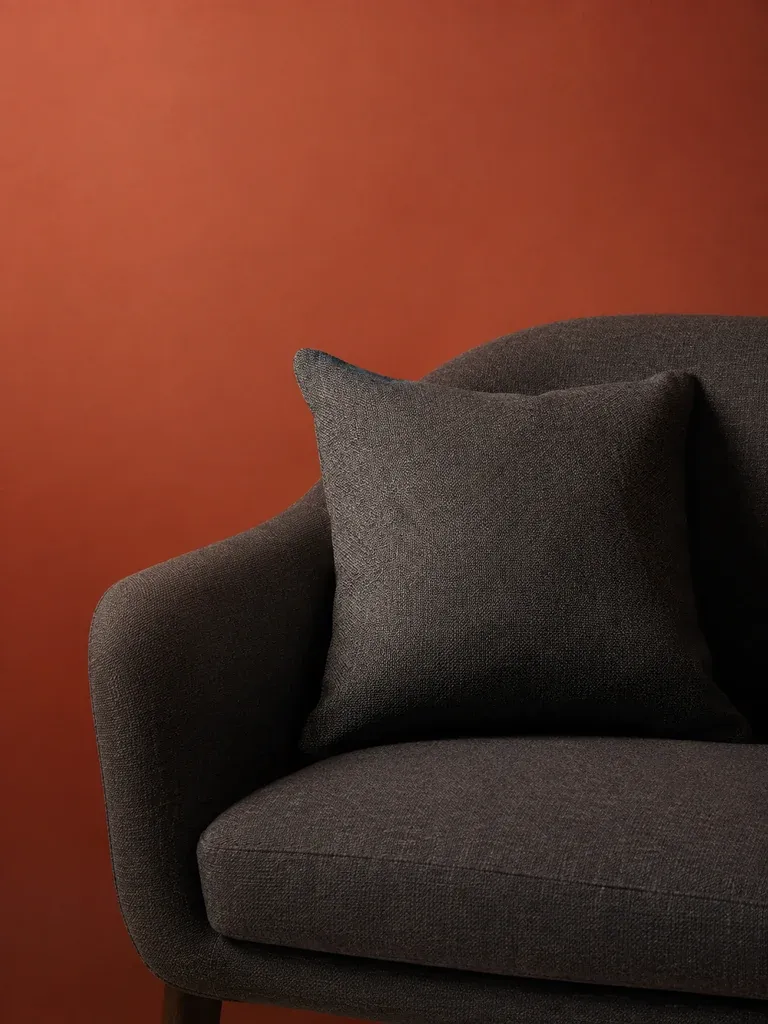
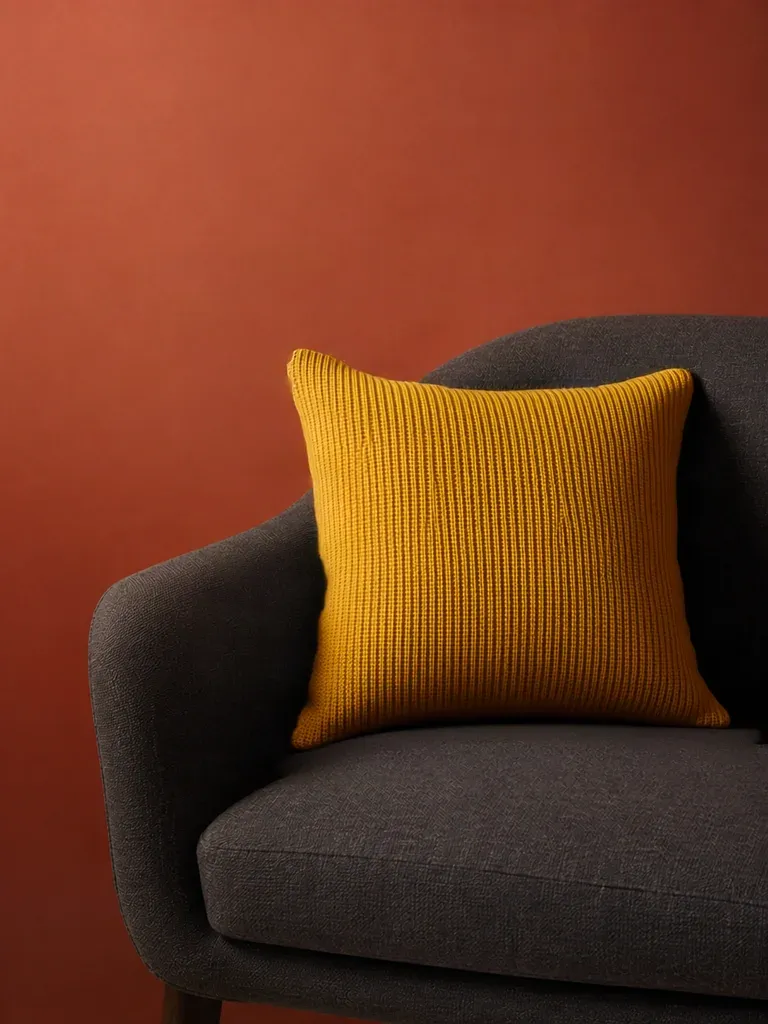
Painted over, swapped in
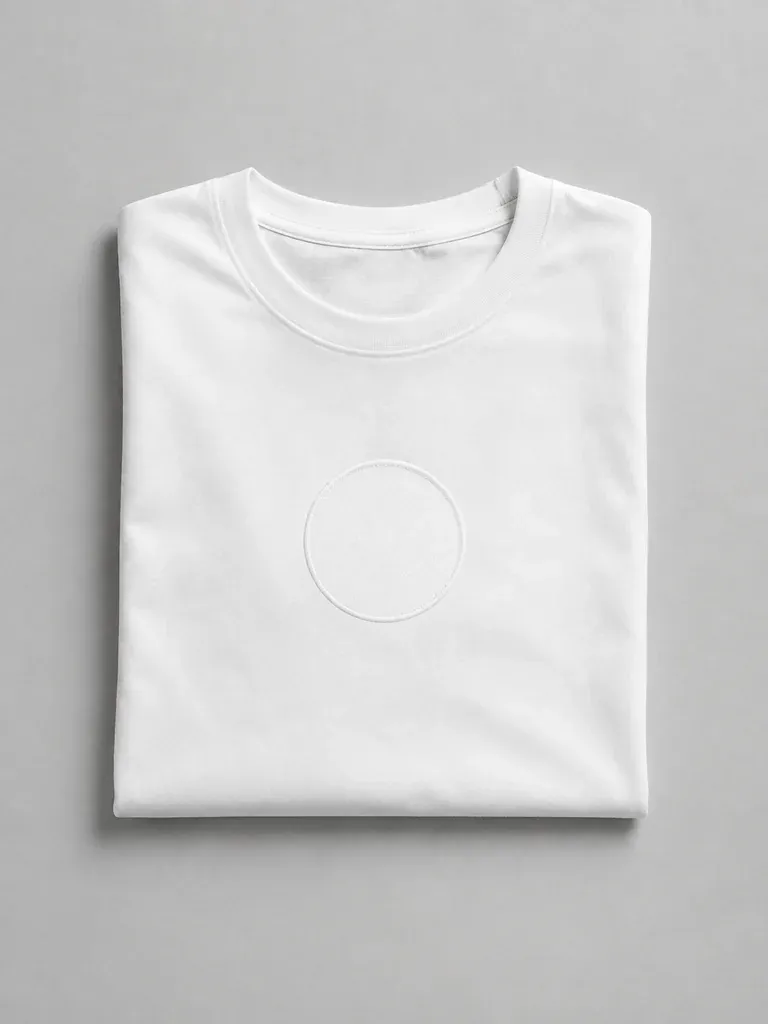
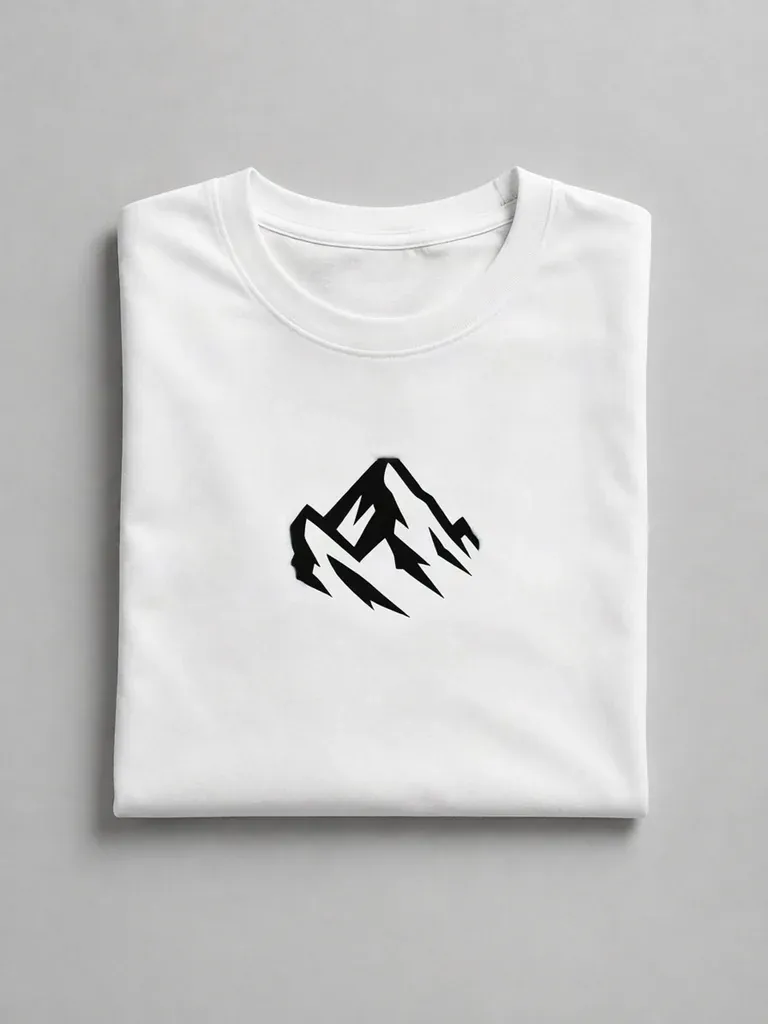
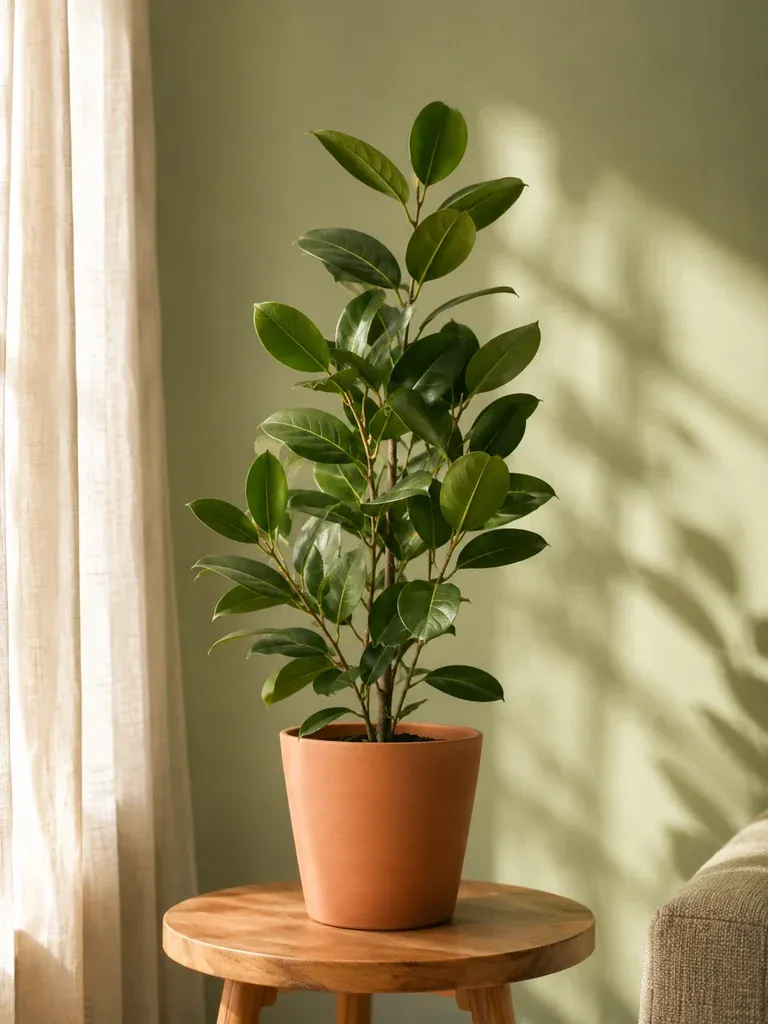
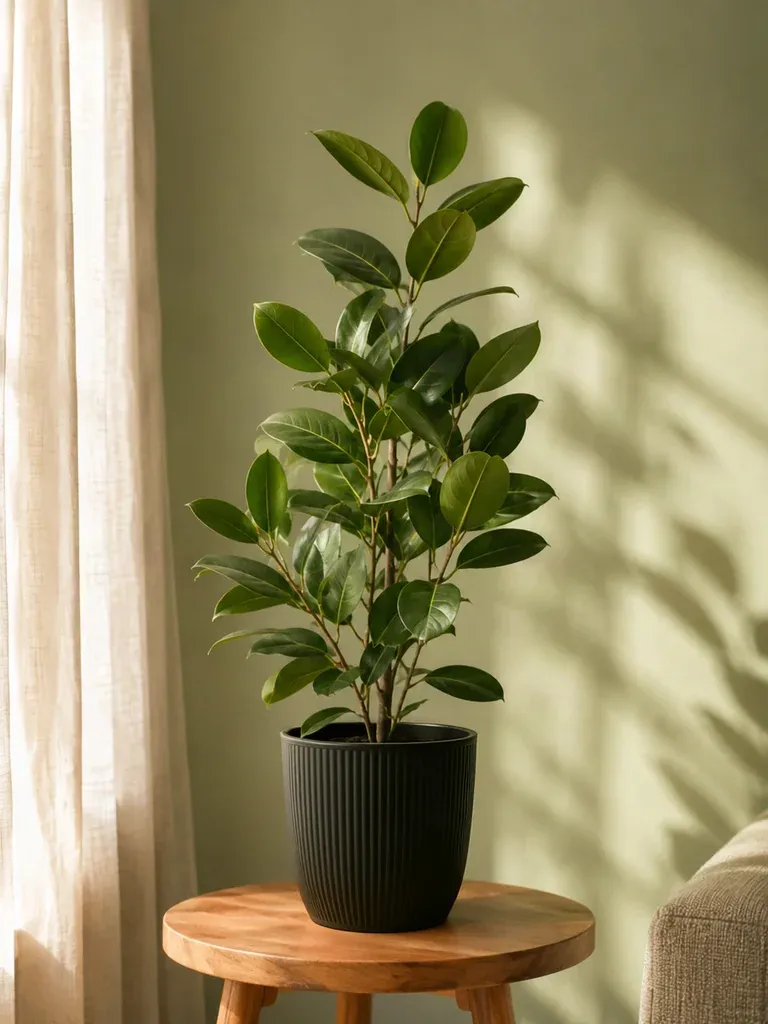
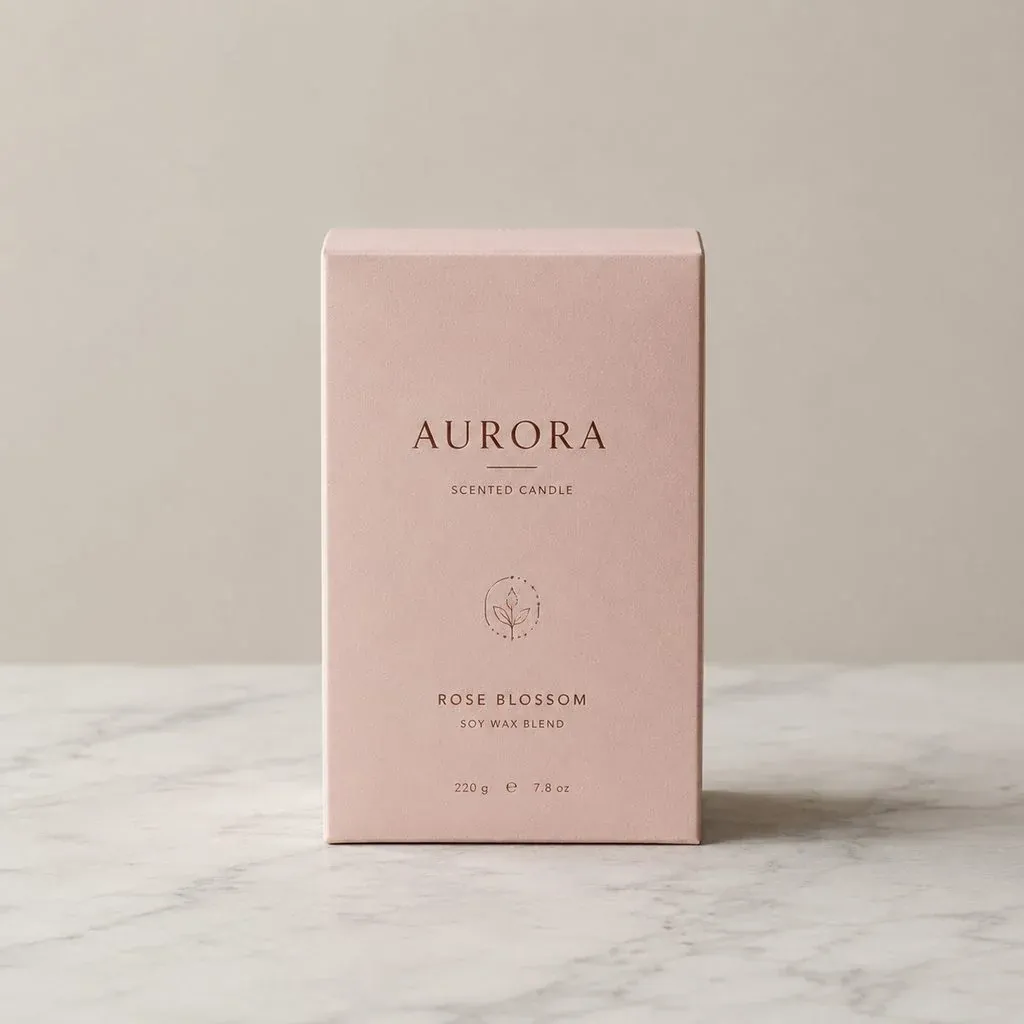
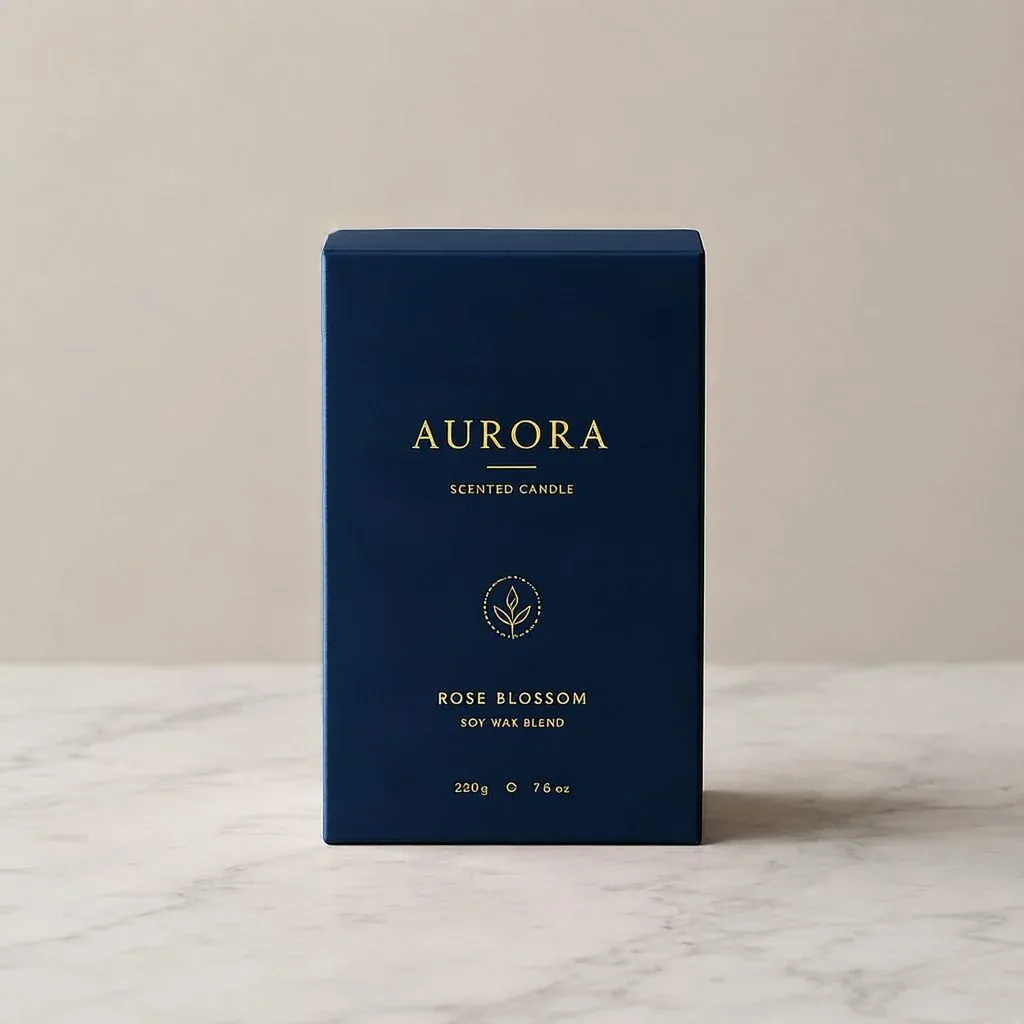
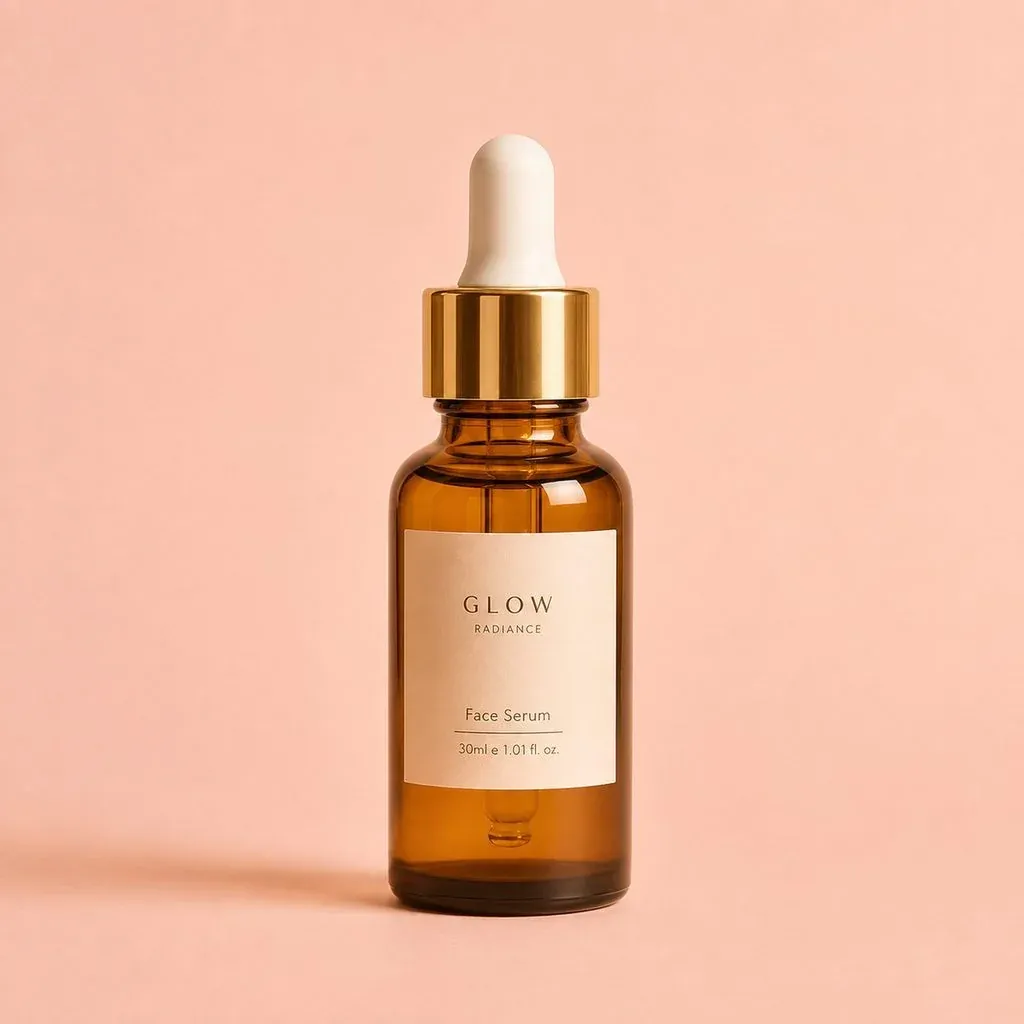
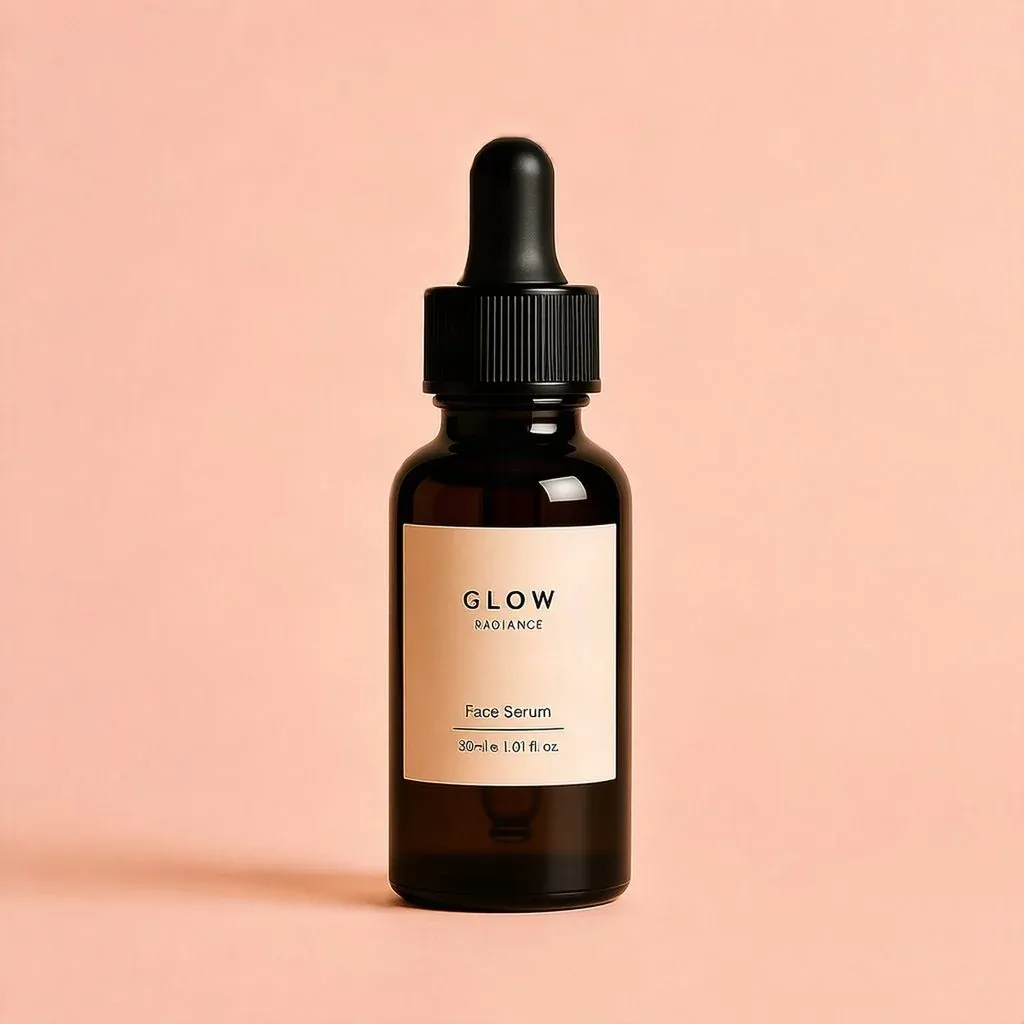
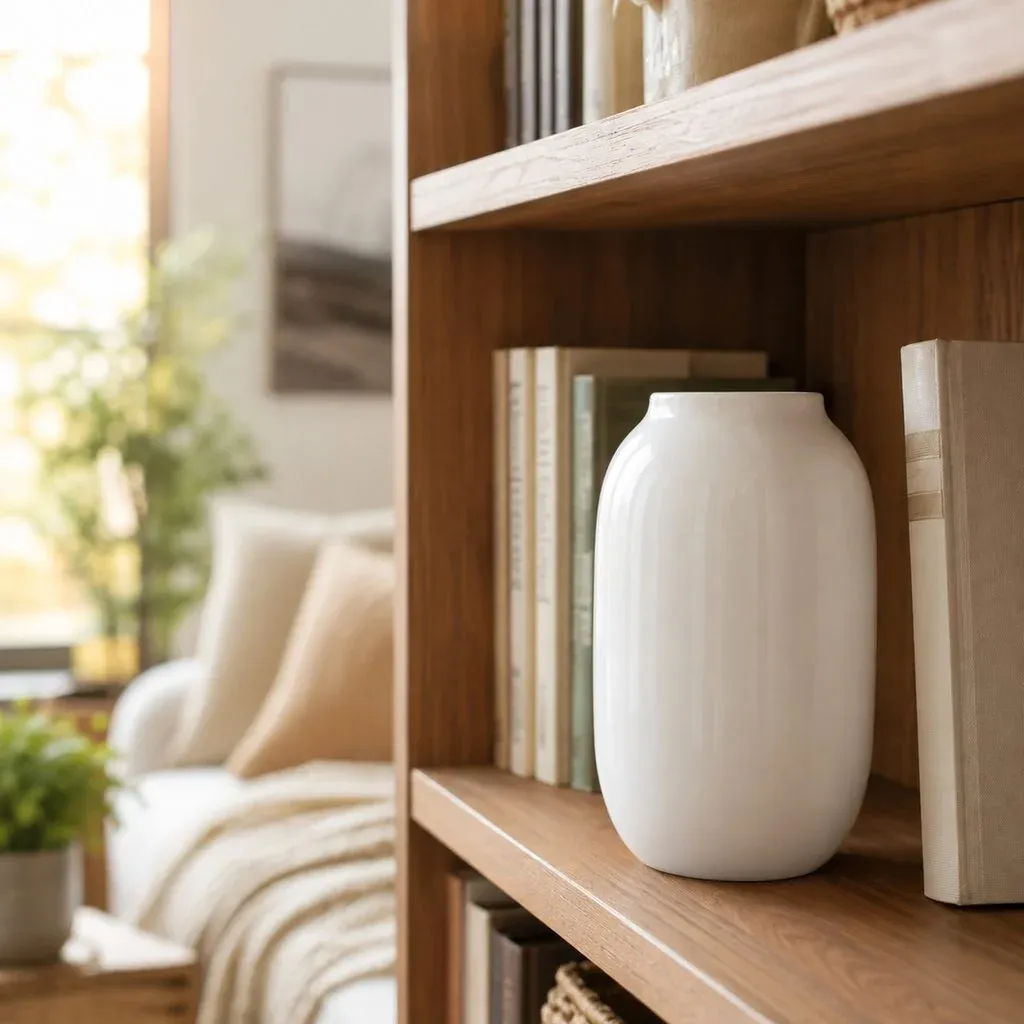
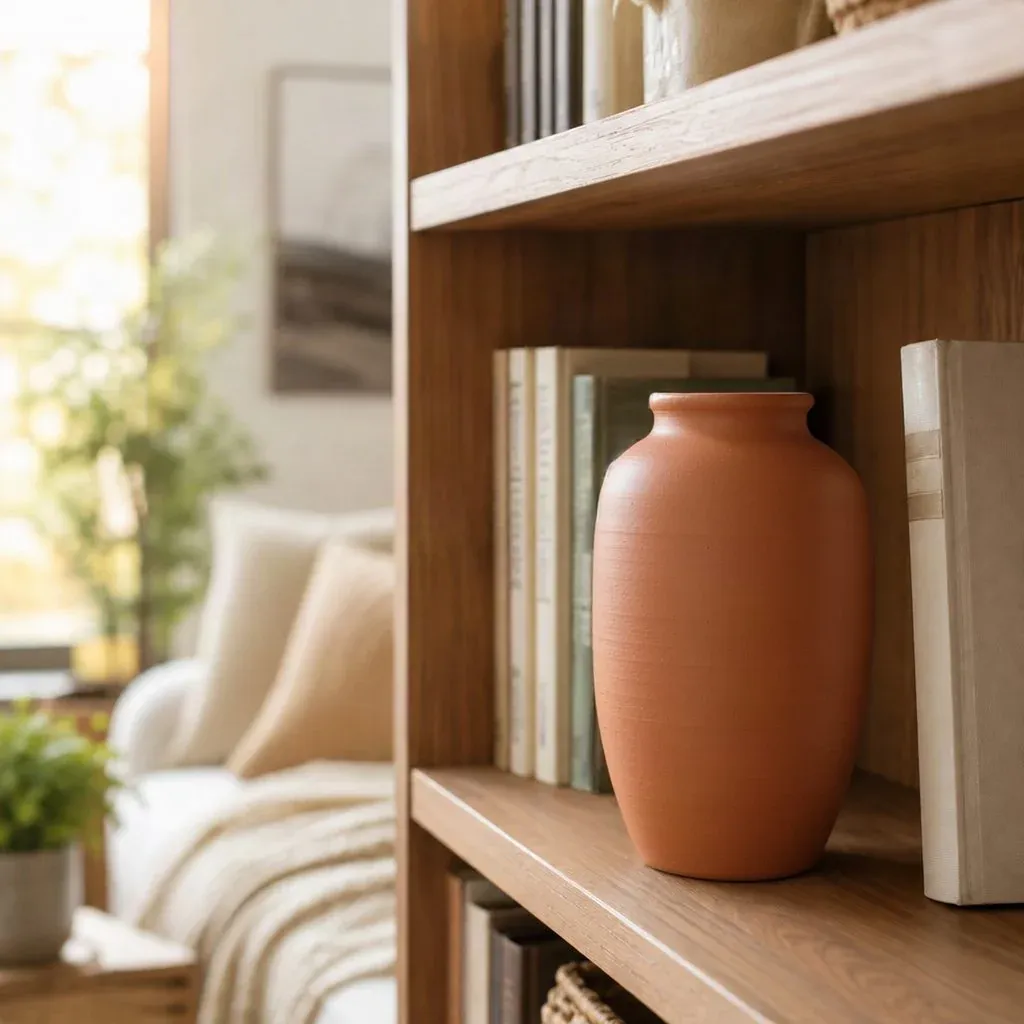
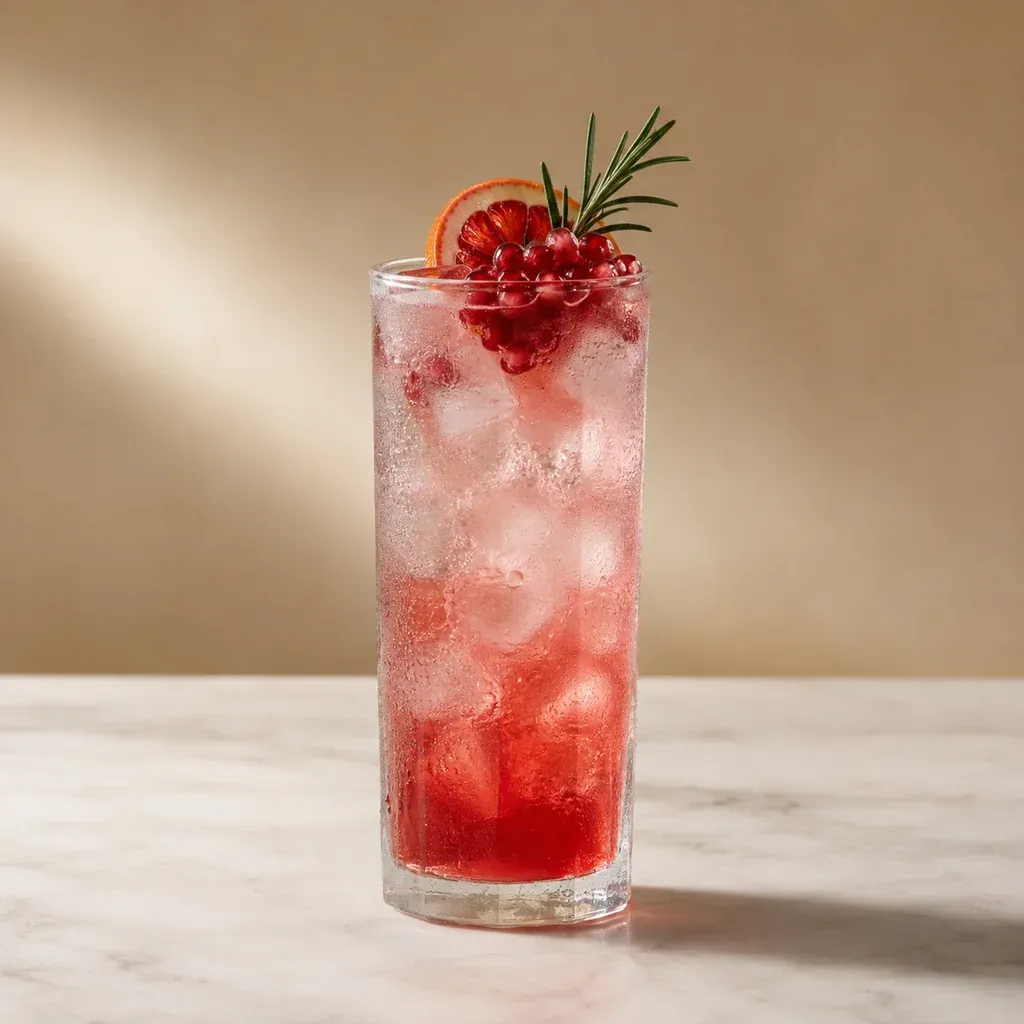
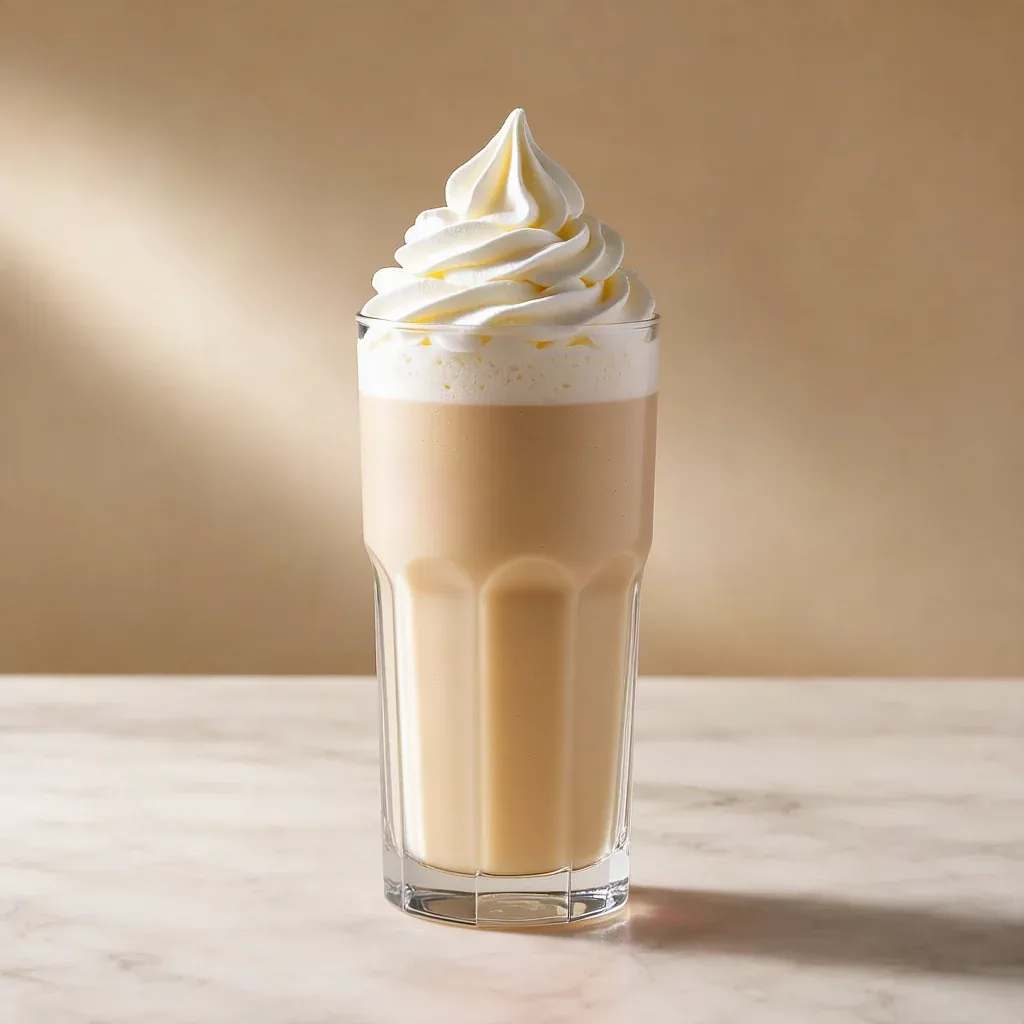
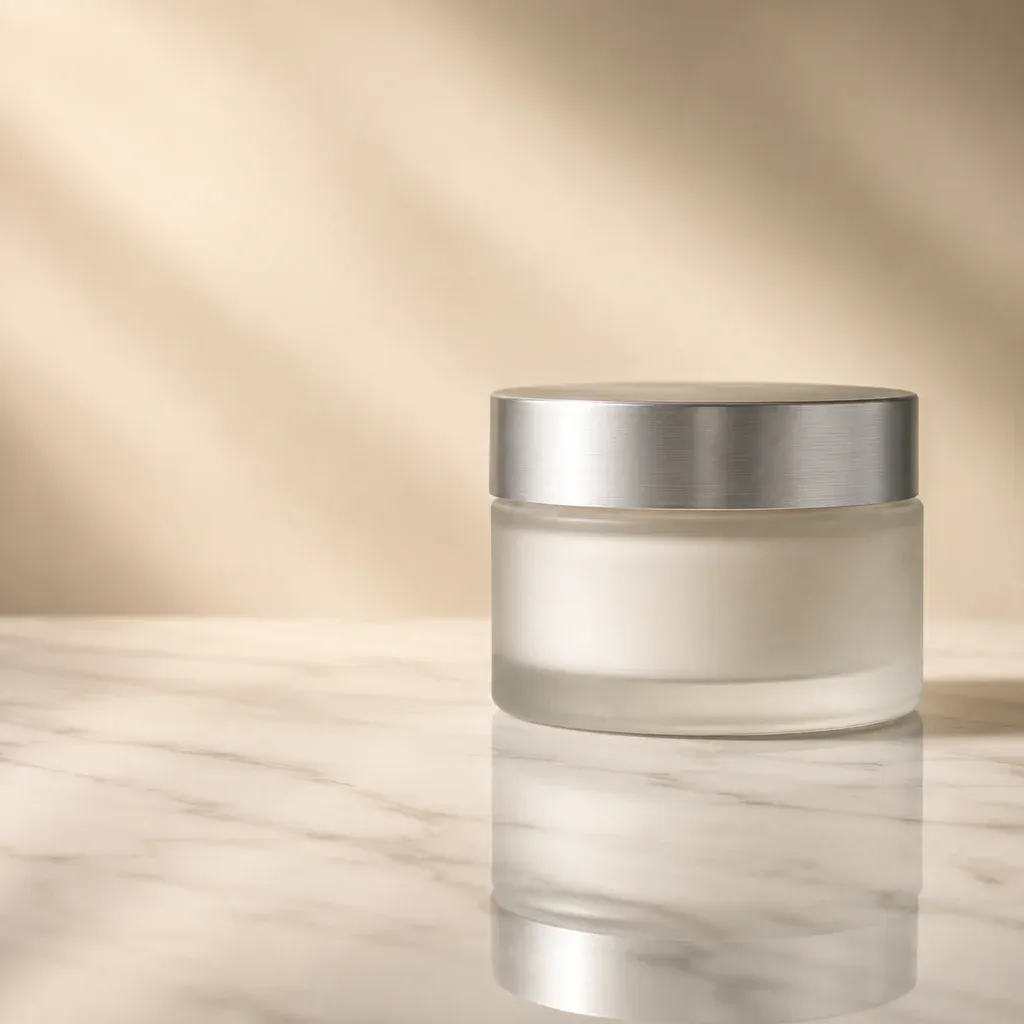
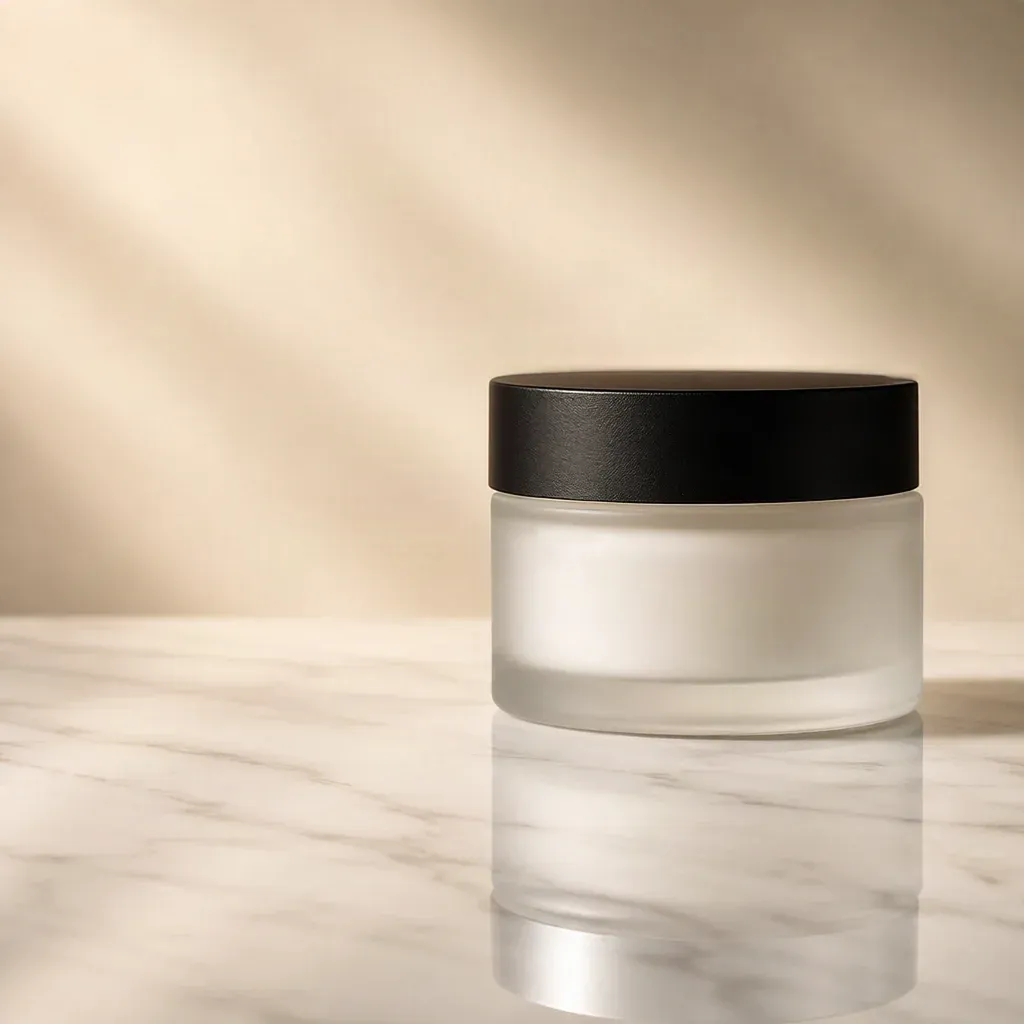
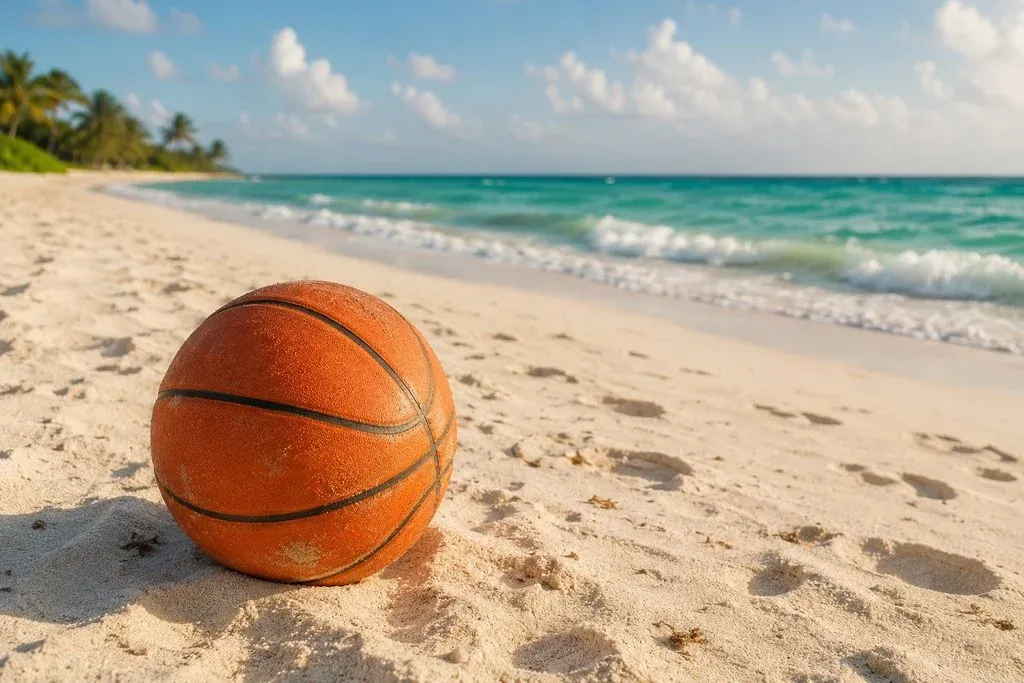
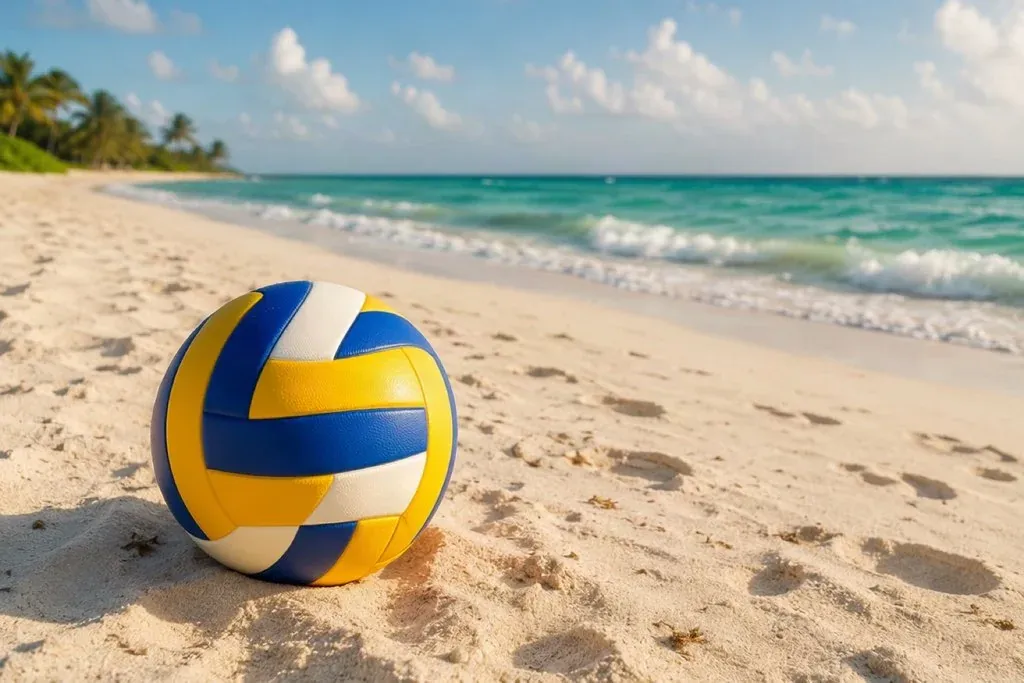
One photo, one change each: a colourway, a prop, a print or the packaging. Drag to compare.
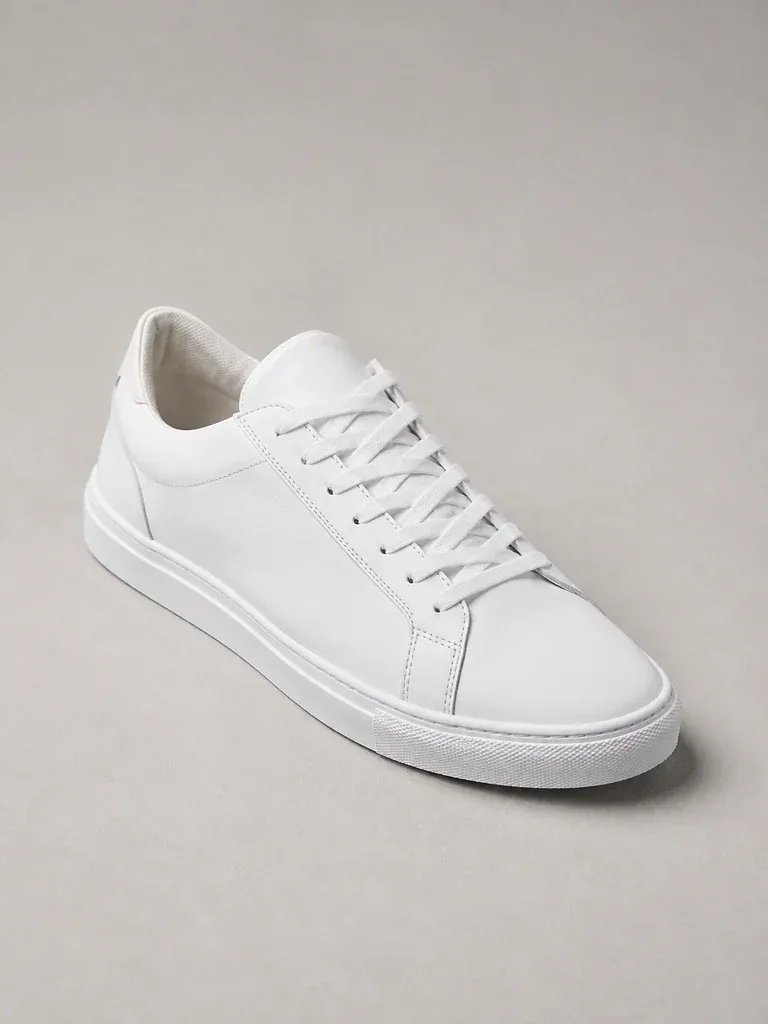
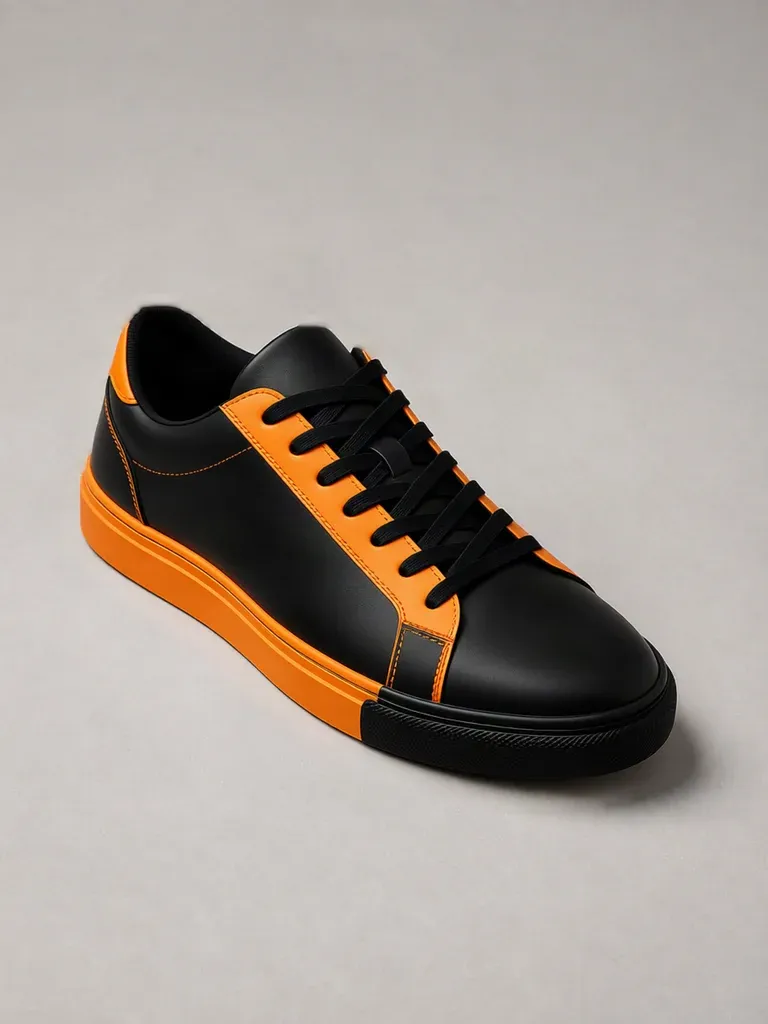


How it works
Three steps, one photo
- 1
Upload the photo
A product shot or a lifestyle photo you want to change one thing in.
- 2
Paint and describe
Brush over the part to change and write what it should become: “a mustard ribbed cushion”, “a black glass bottle”.
- 3
Download the new version
The swap keeps the photo's light, angle and shadows, so it looks shot that way.
Why sellers use it
Built for listings that sell
New variant, no reshoot
Show a new colourway or packaging from the photo of the old one.
Restyle a scene
Change a prop, a drink, a cushion or a plant to fit a season or a campaign.
Matches the shot
Light, perspective and shadow are carried into the new object.
Only what you paint
Everything outside the brushed area stays exactly as it was.
Replace objects in a photo with AI
Sometimes the photo is right except for one thing: the product is in last season's colour, the prop does not fit the campaign, or the packaging has changed. AI object replacement lets you paint over that part of the image, describe what should be there instead, and get it back swapped in — lit and angled to match the rest of the photo.
Sellers use it to show new colourways and packaging without a reshoot, to restyle lifestyle photos for a season or promotion, and to test a print on a tee or a label on a bottle before committing to a sample.
Everything outside the brushed area is left untouched, so the product, the set and the lighting you already approved stay exactly as they were.
FAQ
Questions sellers ask
How do I replace an object in a photo?
Upload the photo, choose Replace object, brush over the part to change and describe the replacement in a short prompt. Run it to get the new version.
Can I change a product's colour?
Yes. Paint over the product or the part of it to recolour, and describe the new colour and material.
Does the rest of the photo change?
No. Only the area you paint over is replaced; the rest of the image is kept as it was.
How much does it cost?
15 credits per image. Every new account gets 50 free credits, and packs start at $9 for 200 credits. There is no subscription and credits never expire.
Is there a watermark? Can I use the result commercially?
No watermark, on free credits or paid. Commercial use is included — product pages, marketplaces, social posts and ads.
What if the result is not right?
If a job fails or times out, its credits are refunded automatically. You can run the tool again on the same photo at any time.
Related tools
Remove object from photo →
Brush over price tags, hands, stickers, scuffs and cables to erase them from product photos. The background fills in naturally. 10 credits per image, 50 free credits.
AI product photography →
Turn one product photo into studio and lifestyle scenes with AI — marble vanities, café tables, poolside, kitchens and more, with real lighting and shadows. 20 credits per image, 50 free credits.
Background remover →
Cut any product photo out to a transparent PNG or a clean white background in one click. Built for Shopify, Amazon and Etsy listings. 1 credit per image, 50 free credits, no watermark.








Export-ready for the channels where you sell