

Background remover
Remove the backgroundkeep every edge
Upload a product photo and get a clean cutout on transparency or listing white. Straps, laces and soft edges stay intact.
50 free credits · 1 credit per image · No watermark
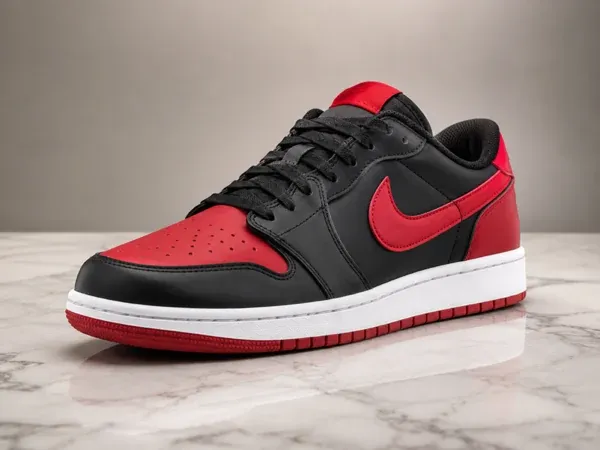
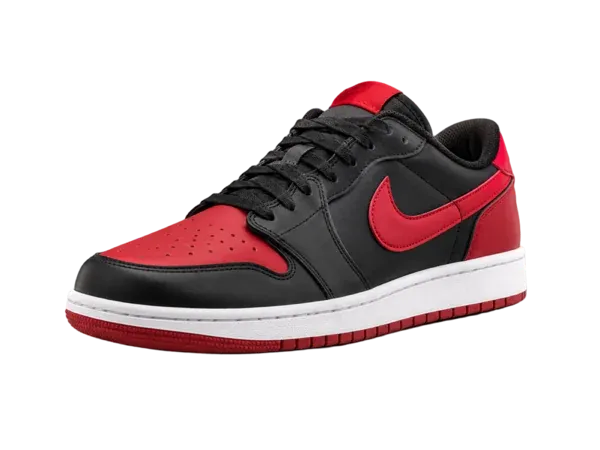
Any product, any background
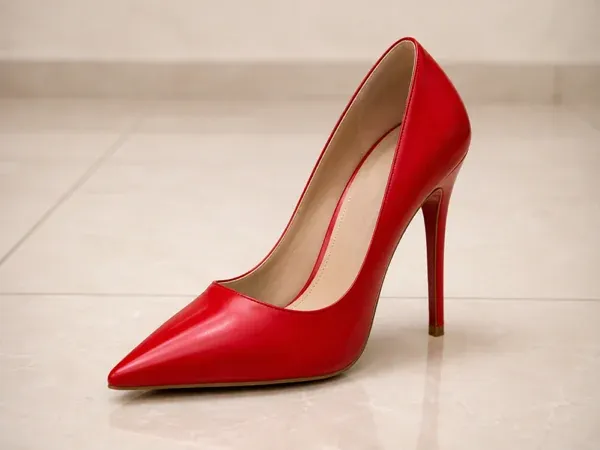
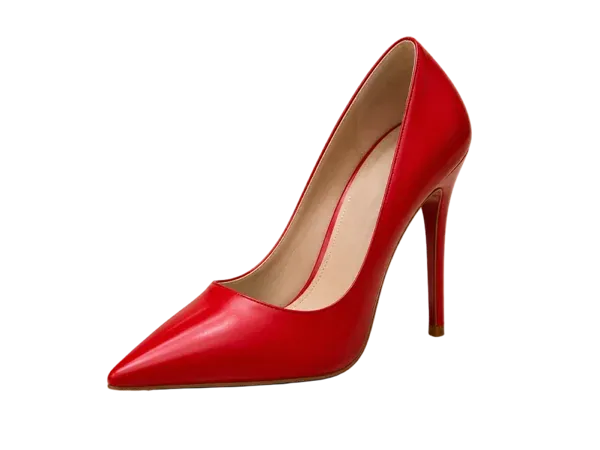
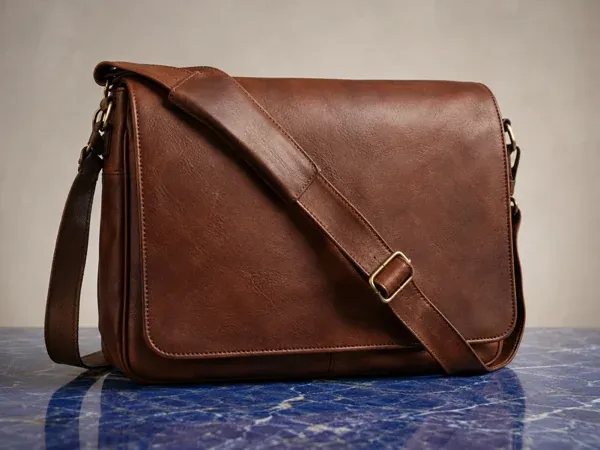
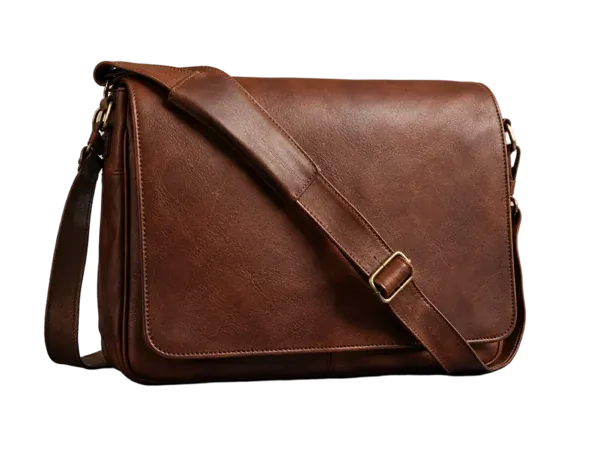
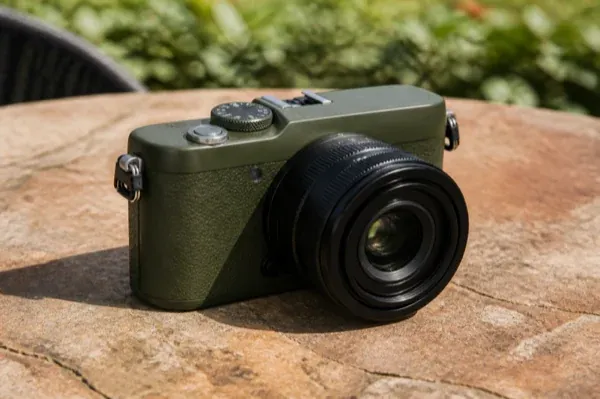
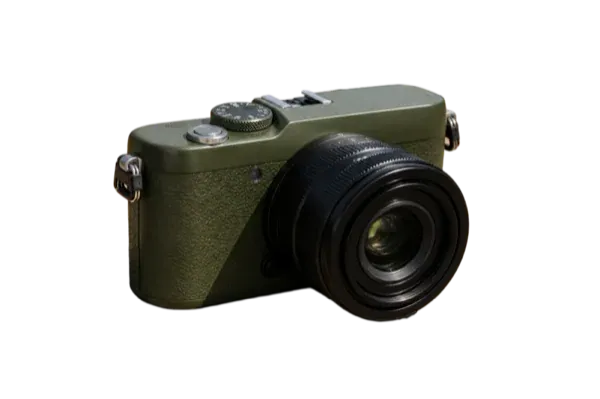
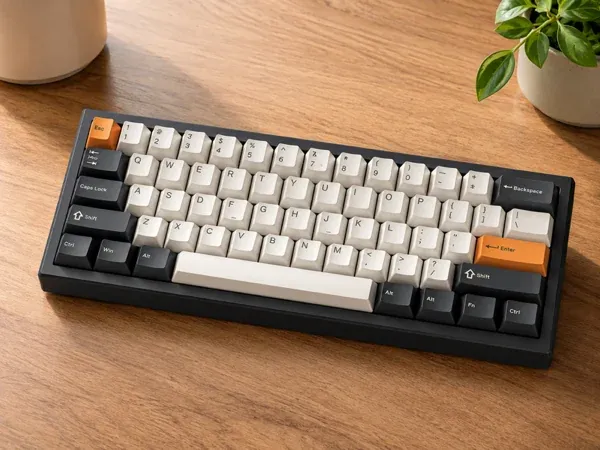
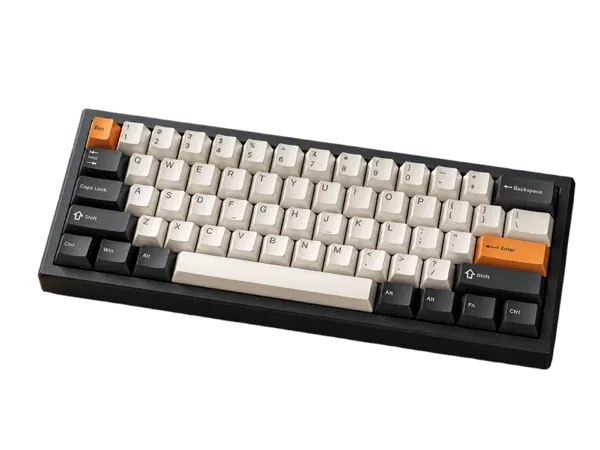
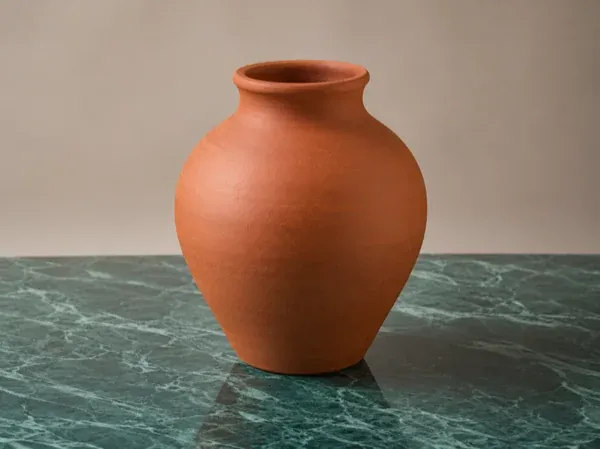
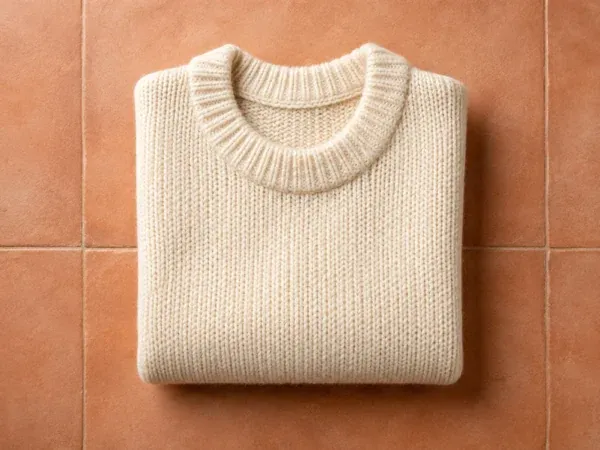
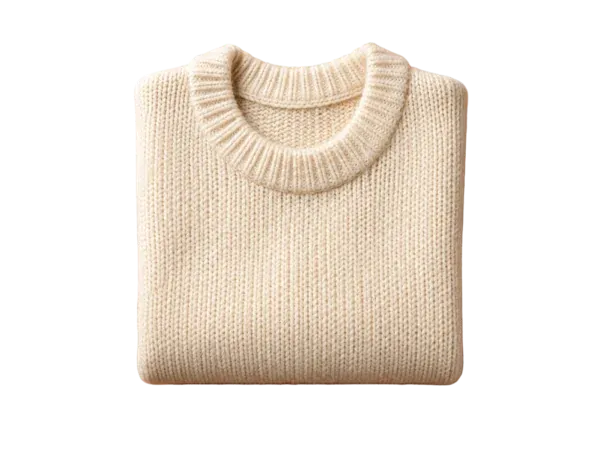
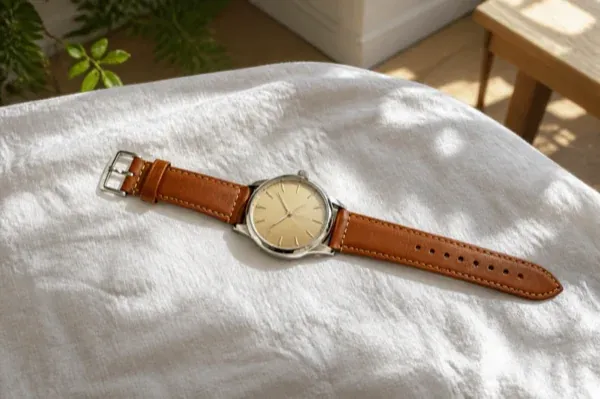
Drag each slider to compare the original photo with the cutout.
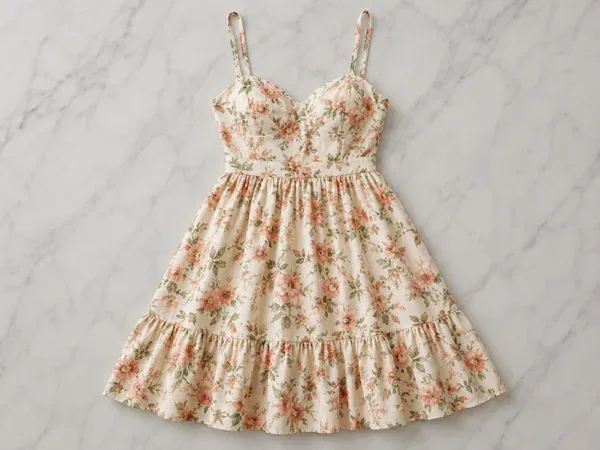
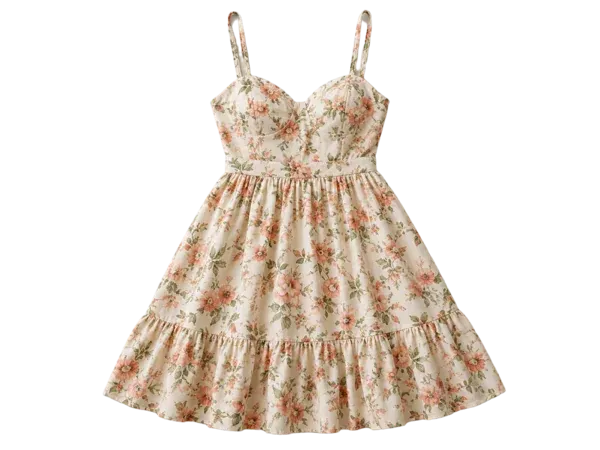




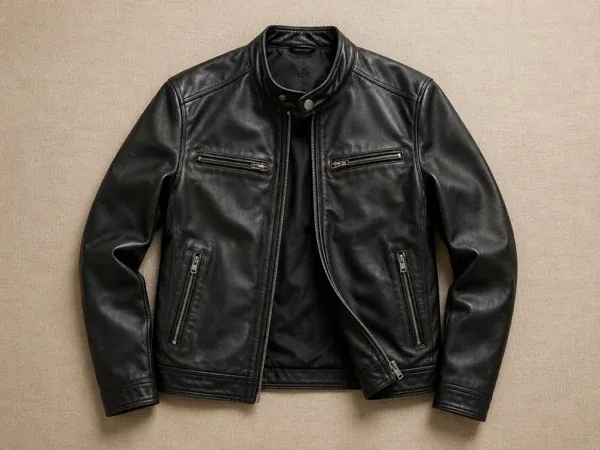
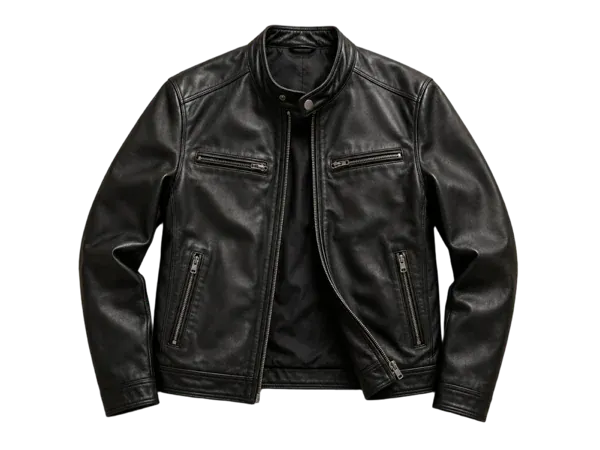
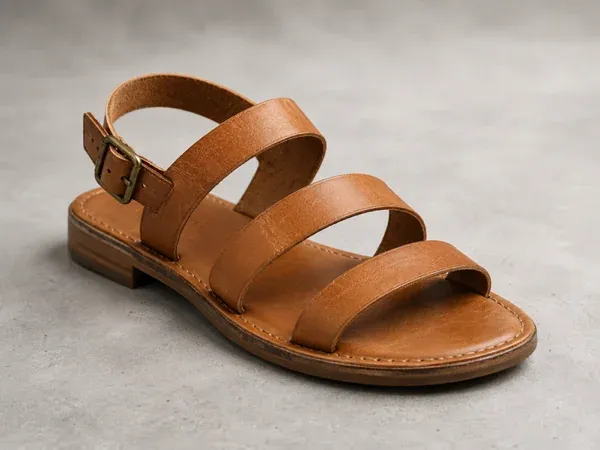
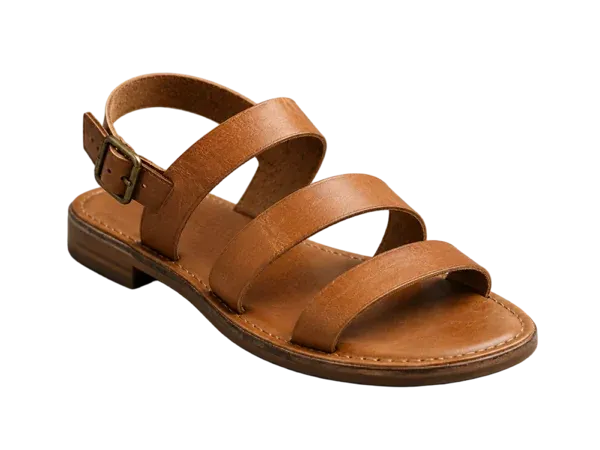


How it works
Three steps, one photo
- 1
Upload a photo
Any product photo — on a table, a bed, a rug or a busy background.
- 2
Pick the background
Keep it transparent, or choose white, ivory, soft grey or a pastel. Crop to the product with even padding if you want.
- 3
Download the cutout
Export a transparent PNG, or a JPEG or WebP, ready for a marketplace listing, a template or the next edit.
Why sellers use it
Built for listings that sell
Clean, careful edges
Straps, laces, fur and fine hardware are kept, not clipped into a hard outline.
Marketplace white
One click to the plain white background Amazon and other marketplaces ask for in the main image.
The start of every edit
Use the cutout for an AI shadow, a new scene or a graphic template without re-uploading.
1 credit a photo
The cheapest tool in the studio — 50 free credits cover fifty cutouts.
Remove the background from product photos
A product photo with the background removed is the building block of an online catalog. Marketplaces like Amazon want the main image on pure white; your own store looks better when every product sits on the same backdrop; and ads and social posts need a cutout to place on colour or in a layout.
Picsmob's background remover takes any product photo — shot on a table, on a bed, outdoors or on a busy background — and cuts the product out with its edges intact. Keep it on transparency and export a PNG, drop it onto white, ivory, soft grey or a pastel, or crop it to the product with even padding.
It is the first step for most edits in the studio: remove the background, add an AI shadow for a grounded studio look, or place the cutout into a generated scene or a graphic template.
FAQ
Questions sellers ask
How do I remove the background from a product photo?
Upload the photo in the studio and run Remove background. The product is cut out automatically; choose transparent or a solid colour and download.
Can I get a white background for Amazon?
Yes. Choose White as the background to get the plain white main image marketplaces ask for.
What file do I get?
Export as PNG, JPEG or WebP. PNG keeps the transparent background, ready to place in a design.
Does it work on clothing and shoes?
Yes — apparel, footwear, bags, jewelry, electronics, homeware and packaged goods. A sharp photo with the whole product in frame works best.
How much does it cost?
1 credit per image. Every new account gets 50 free credits, and packs start at $9 for 200 credits. There is no subscription and credits never expire.
Is there a watermark? Can I use the result commercially?
No watermark, on free credits or paid. Commercial use is included — product pages, marketplaces, social posts and ads.
What if the result is not right?
If a job fails or times out, its credits are refunded automatically. You can run the tool again on the same photo at any time.
Related tools
AI product photography →
Turn one product photo into studio and lifestyle scenes with AI — marble vanities, café tables, poolside, kitchens and more, with real lighting and shadows. 20 credits per image, 50 free credits.
Remove object from photo →
Brush over price tags, hands, stickers, scuffs and cables to erase them from product photos. The background fills in naturally. 10 credits per image, 50 free credits.
Replace object in photo →
Paint over part of a photo and describe what should be there instead — a new colour, a different prop, a new print. Lighting and perspective are matched. 15 credits per image.








Export-ready for the channels where you sell