Product poster maker
Posters, posts and bannersfrom one product photo
Pick a layout, add your product and retype the words. The background comes off on its own, and the design is ready for your feed, your store or an ad.
50 free credits · 1 credit per image · No watermark
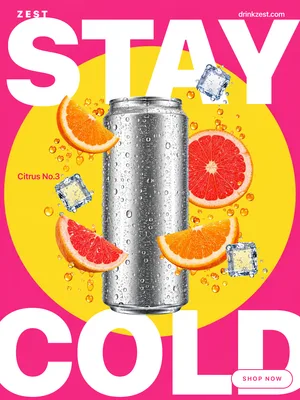
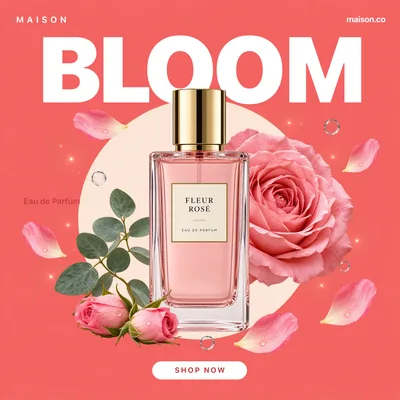
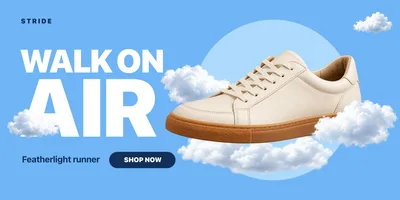
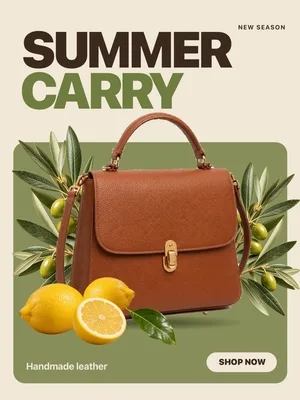
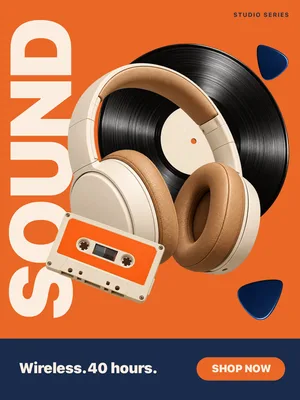
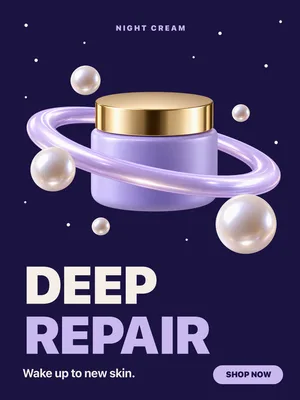
16 layouts, three shapes
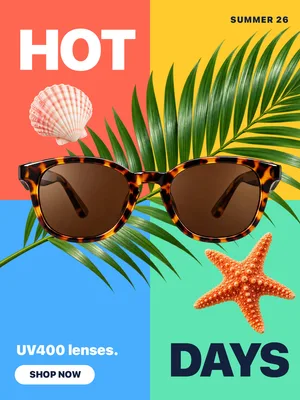
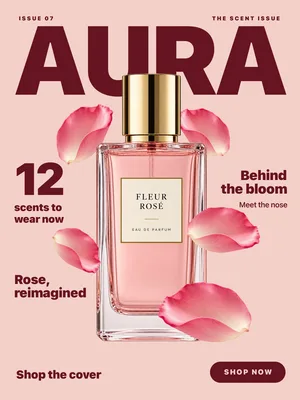
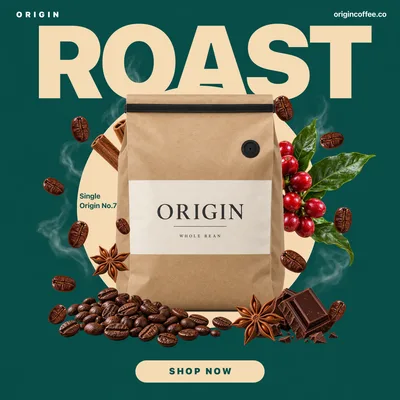
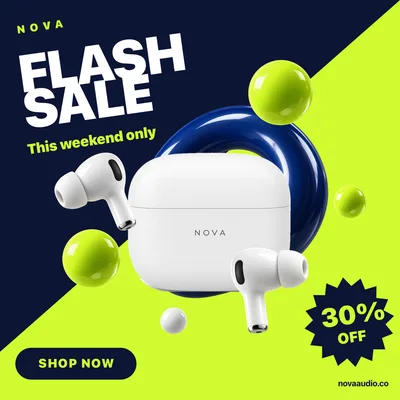
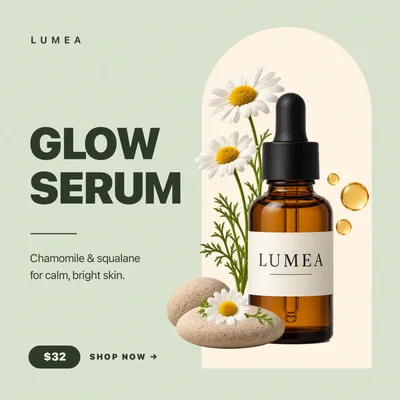
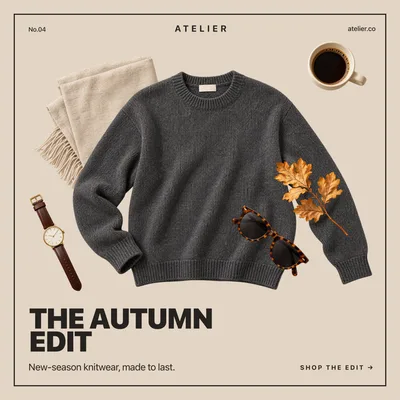
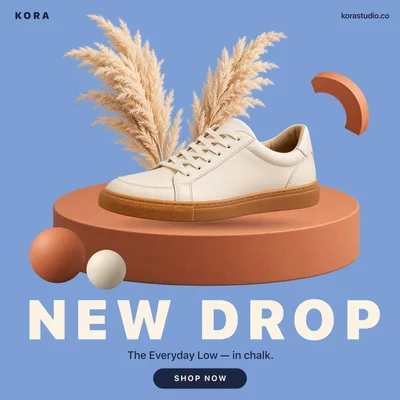
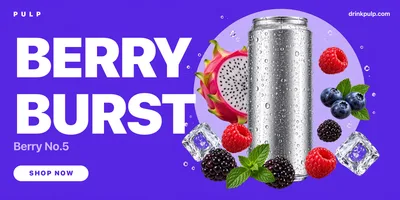
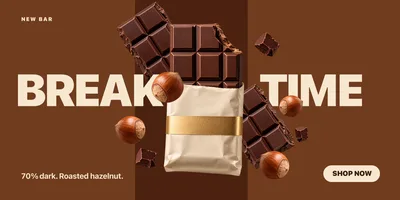
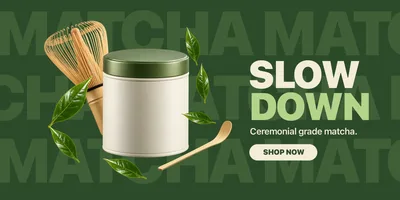
Each one is a real product dropped into a layout. Swap in yours and change every line of text.
Posters · 1080 × 1440
Square posts · 1080 × 1080
Banners · 1200 × 600
How it works
Three steps, one photo
- 1
Choose a layout
A portrait poster, a square post or a wide banner, each designed around a product.
- 2
Add your product
Upload a product photo. The background is removed automatically and the product drops into place.
- 3
Retype and export
Change the headline, the offer and the button text, then download the finished design.
Why sellers use it
Built for listings that sell
No design tool needed
The layout, type and colour are done. You bring the product and the words.
Background removed for you
Any product photo works — there is no need to cut it out first.
Sized for where it goes
Portrait for stories and posters, square for the feed, wide for site and email banners.
1 credit a design
Make a version for every product in a range for less than the cost of one stock template.
Make product posters and social posts without a designer
Every launch and sale needs graphics: a poster for the announcement, square posts for the feed, a banner for the homepage and the email. A product poster maker gives you finished layouts built around a product, so you drop yours in, change the words and publish.
Picsmob's layouts are made for product marketing — sale posters with a bold headline and offer, clean feature banners, seasonal drops and editorial covers. Upload a product photo and the background is removed automatically, so the product sits in the design as if it was shot for it. Every piece of text can be retyped.
Use them for Instagram and TikTok posts, Facebook and Pinterest ads, store homepage banners, email headers and marketplace promotions.
FAQ
Questions sellers ask
What sizes are the layouts?
Posters are 1080 × 1440, square posts 1080 × 1080 and banners 1200 × 600 pixels.
Do I need to remove the background first?
No. Upload any product photo and the background is removed automatically when it drops into the layout.
Can I change the text?
Yes. Every word in a layout — the headline, offer, details and button — can be retyped once your product is in.
How much does a design cost?
1 credit per design. New accounts get 50 free credits.
Is there a watermark? Can I use it commercially?
No watermark, on free credits or paid. Commercial use is included — product pages, marketplaces, social posts and paid ads.
Is there a subscription?
No. You pay per design in credits. Credits come in one-time packs from $9 for 200, never expire, and failed jobs are refunded automatically.
Related tools
Background remover →
Cut any product photo out to a transparent PNG or a clean white background in one click. Built for Shopify, Amazon and Etsy listings. 1 credit per image, 50 free credits, no watermark.
AI product photography →
Turn one product photo into studio and lifestyle scenes with AI — marble vanities, café tables, poolside, kitchens and more, with real lighting and shadows. 20 credits per image, 50 free credits.
AI UGC ads →
Turn a product photo into UGC-style video ads, reviews, unboxings and try-ons with 12 AI creators. Vertical, square or wide for TikTok, Reels and paid social. From 45 credits per video.







Export-ready for the channels where you sell