

Accessories try-on
Bags, shades and hatsstyled on a model
Upload the accessory on its own and choose how it is worn — on the shoulder, on the face, in hand. Get back a styled photo for your listing.
50 free credits · 15 credits per image · No watermark
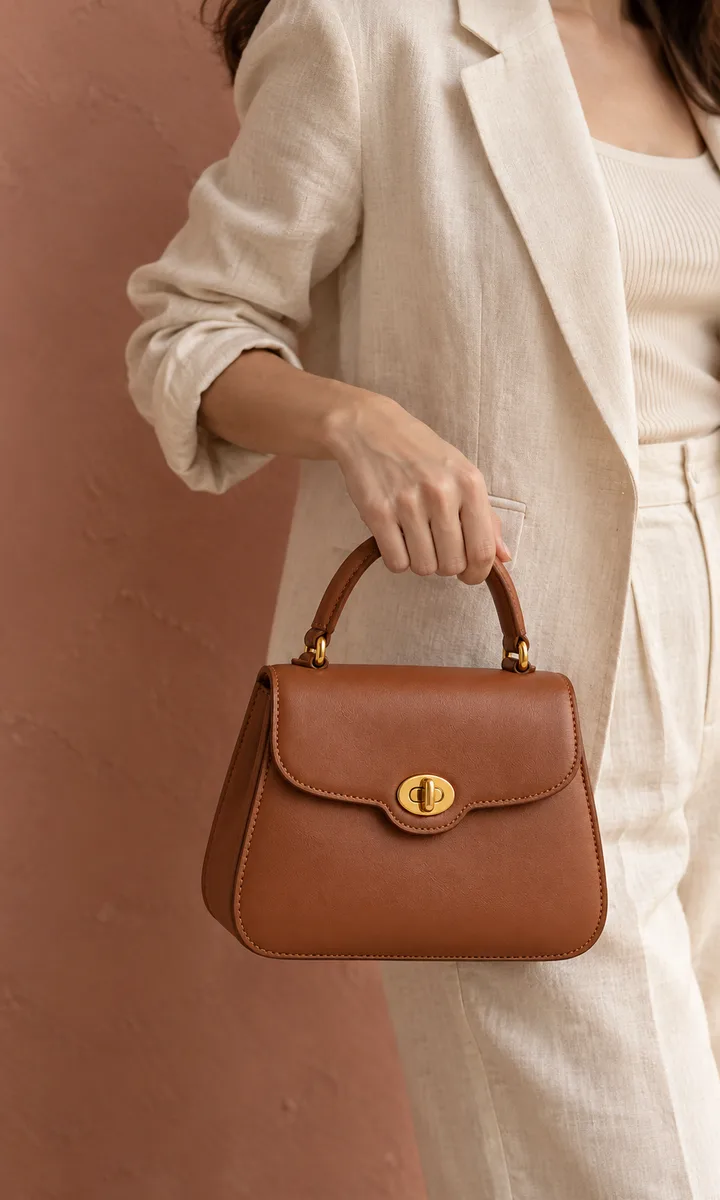
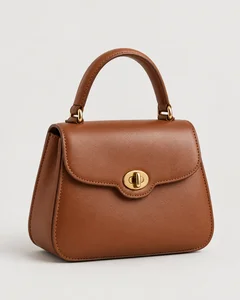
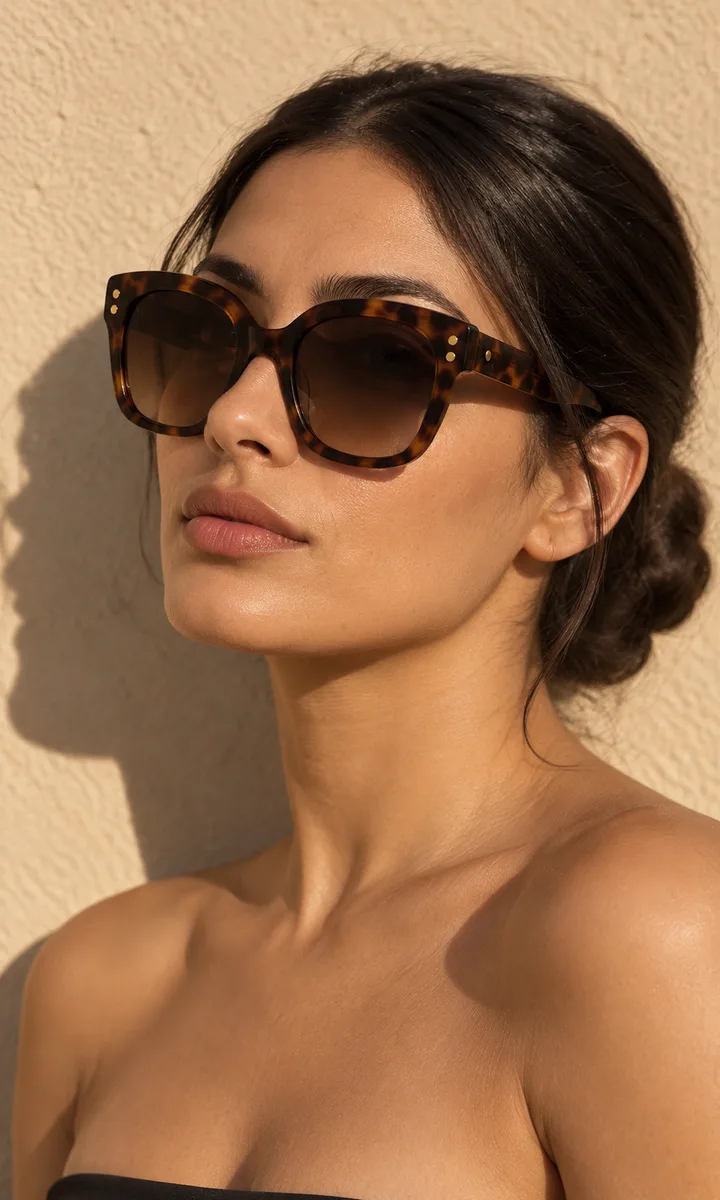
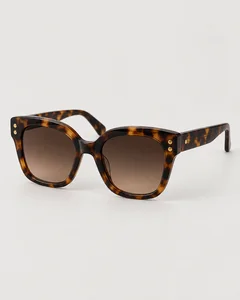
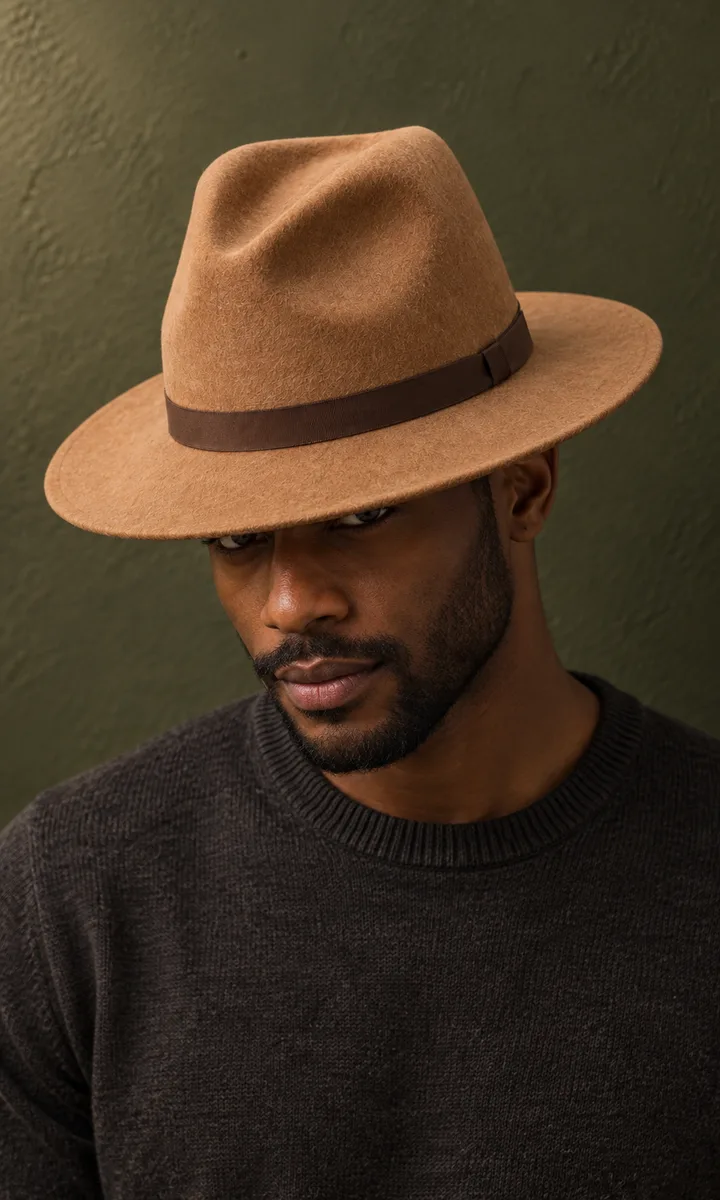
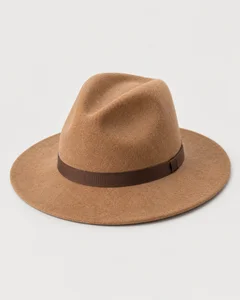
Accessory in, styled shot out
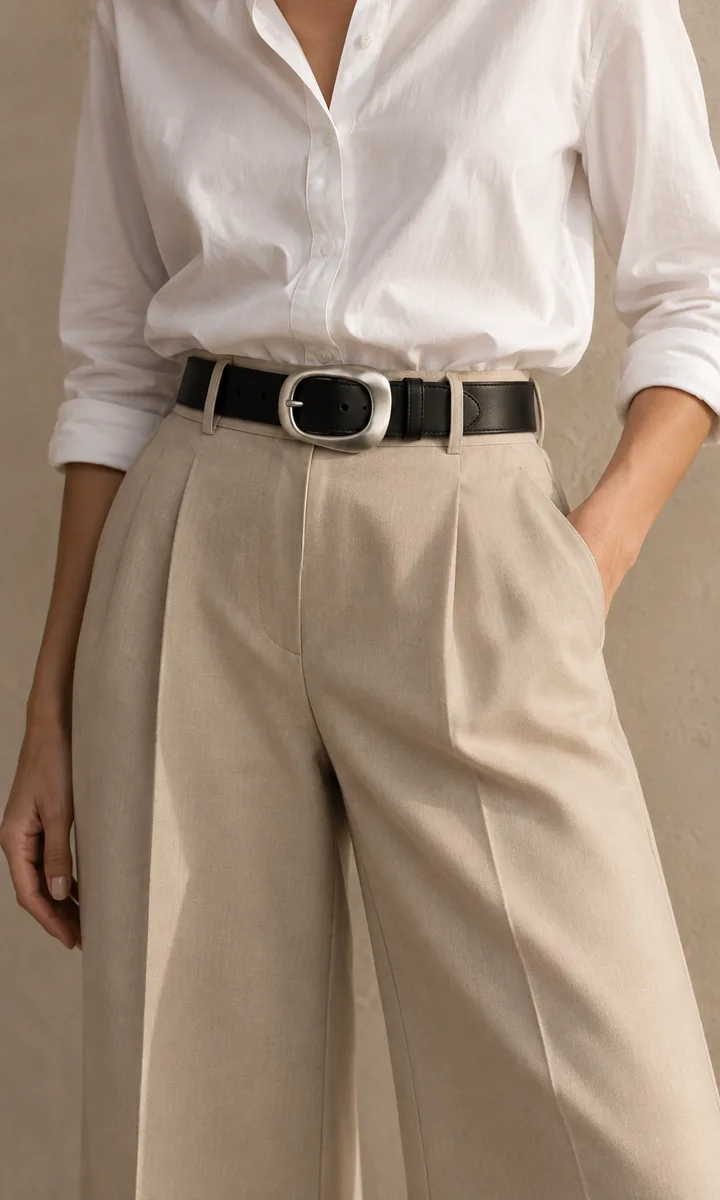
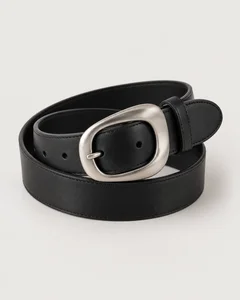
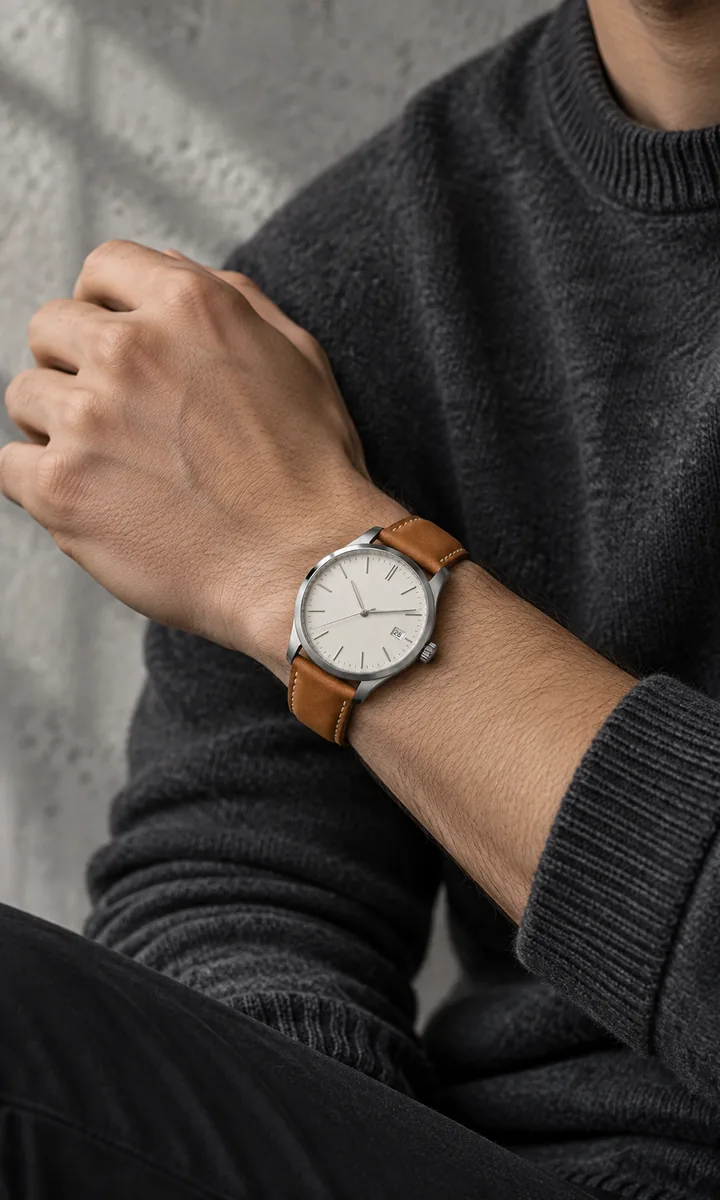
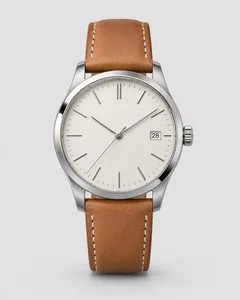
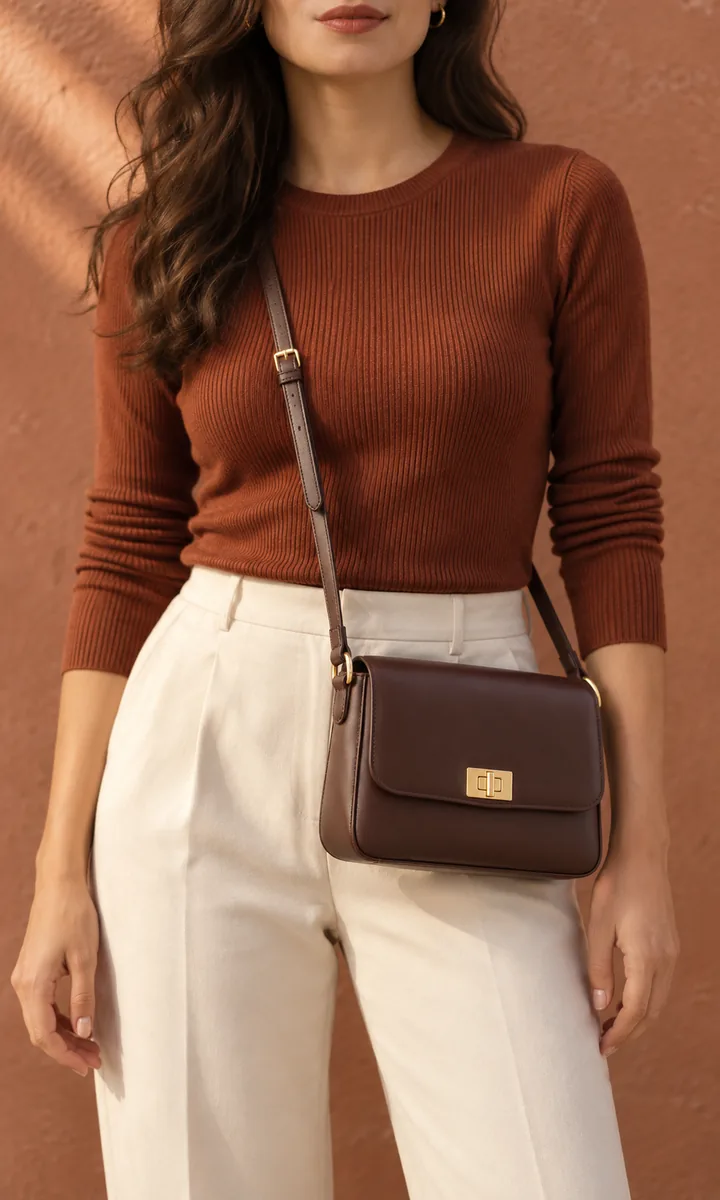
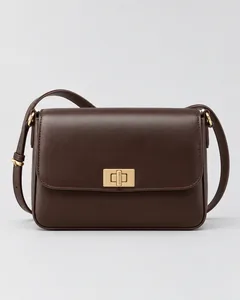
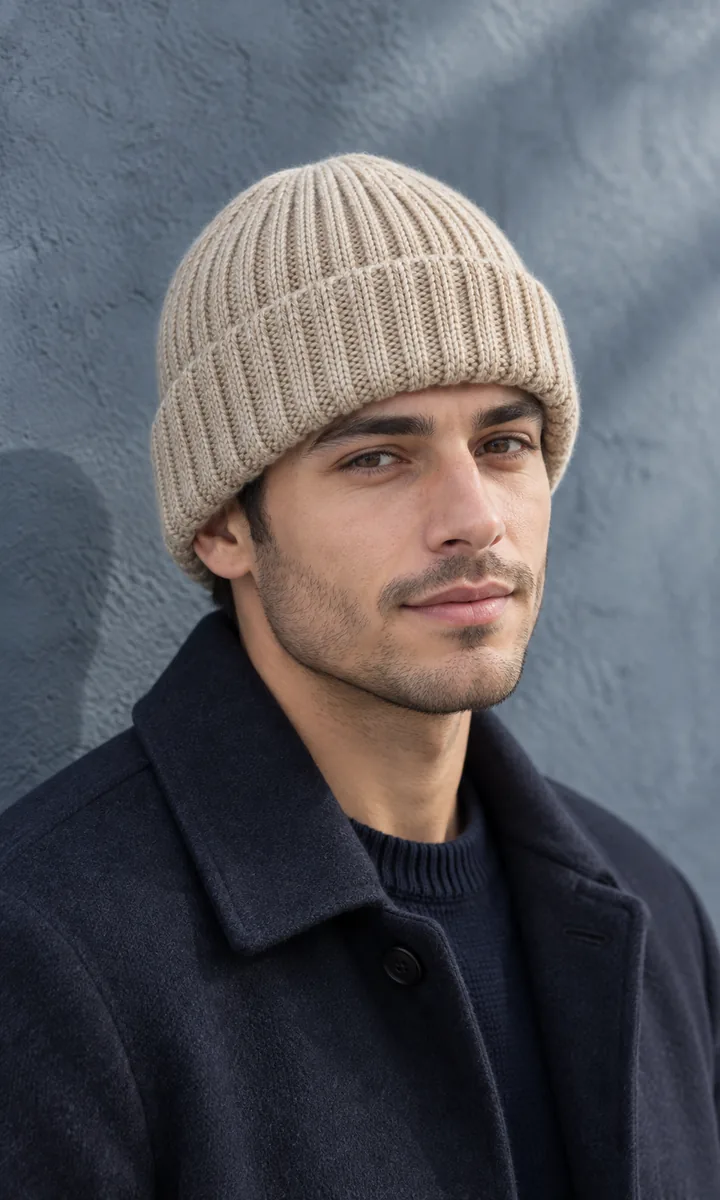
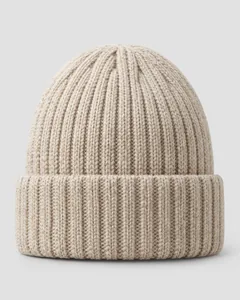
Bags, eyewear, hats, scarves, belts and backpacks, each next to the product photo it came from.
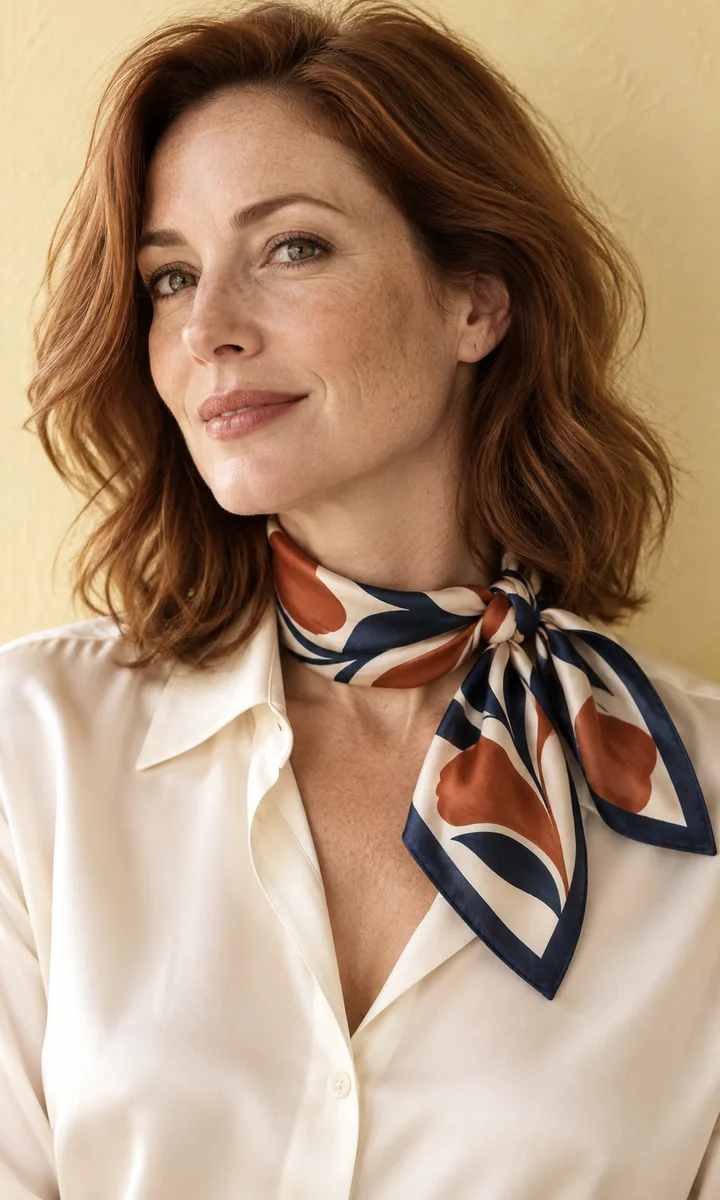
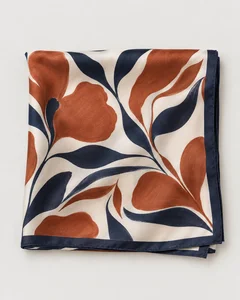
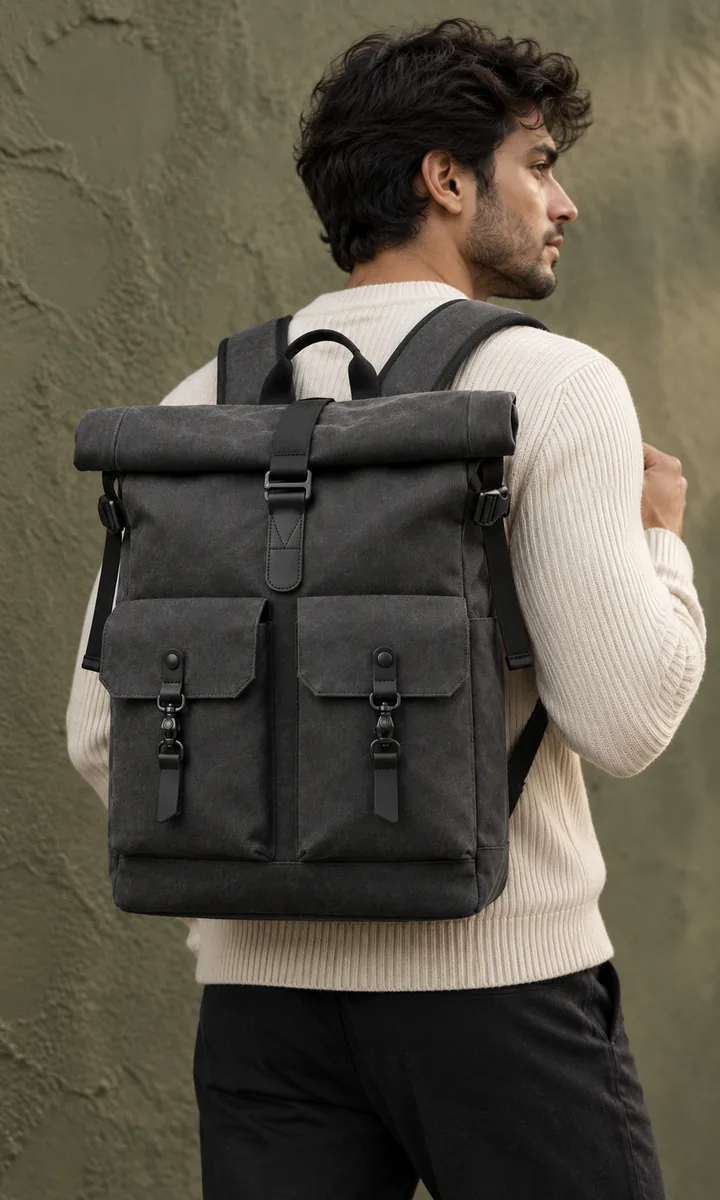
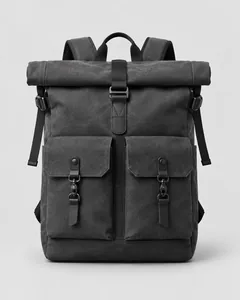
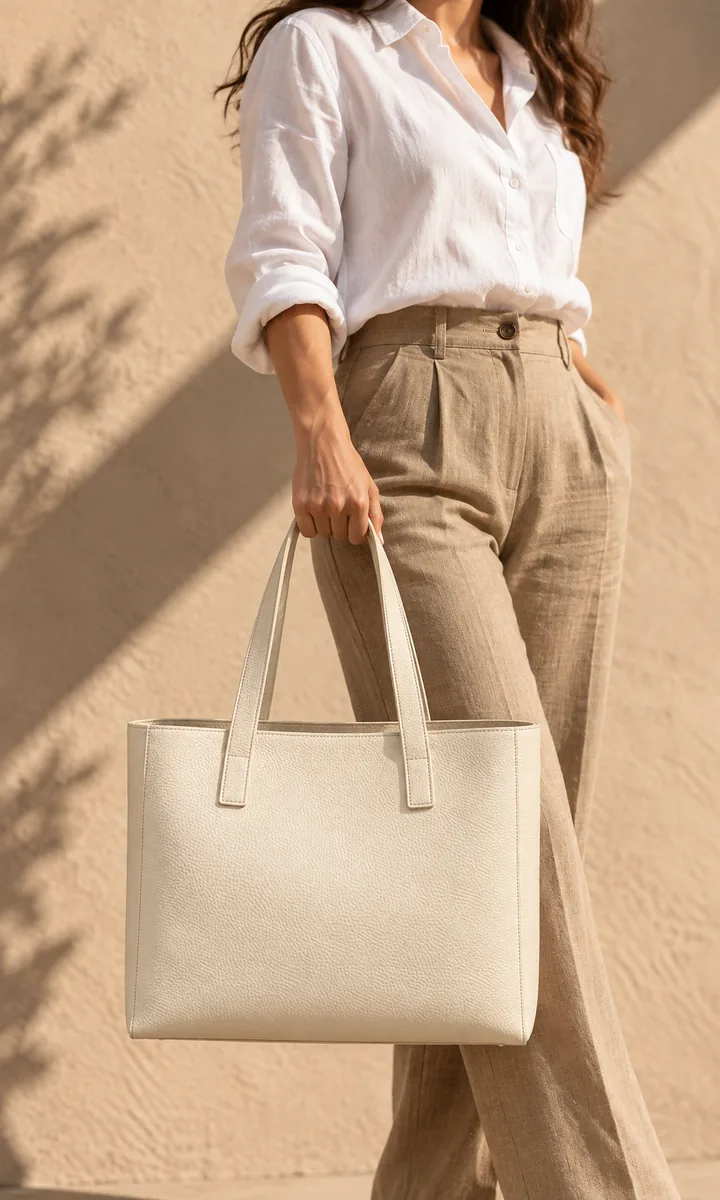
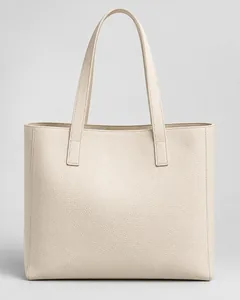
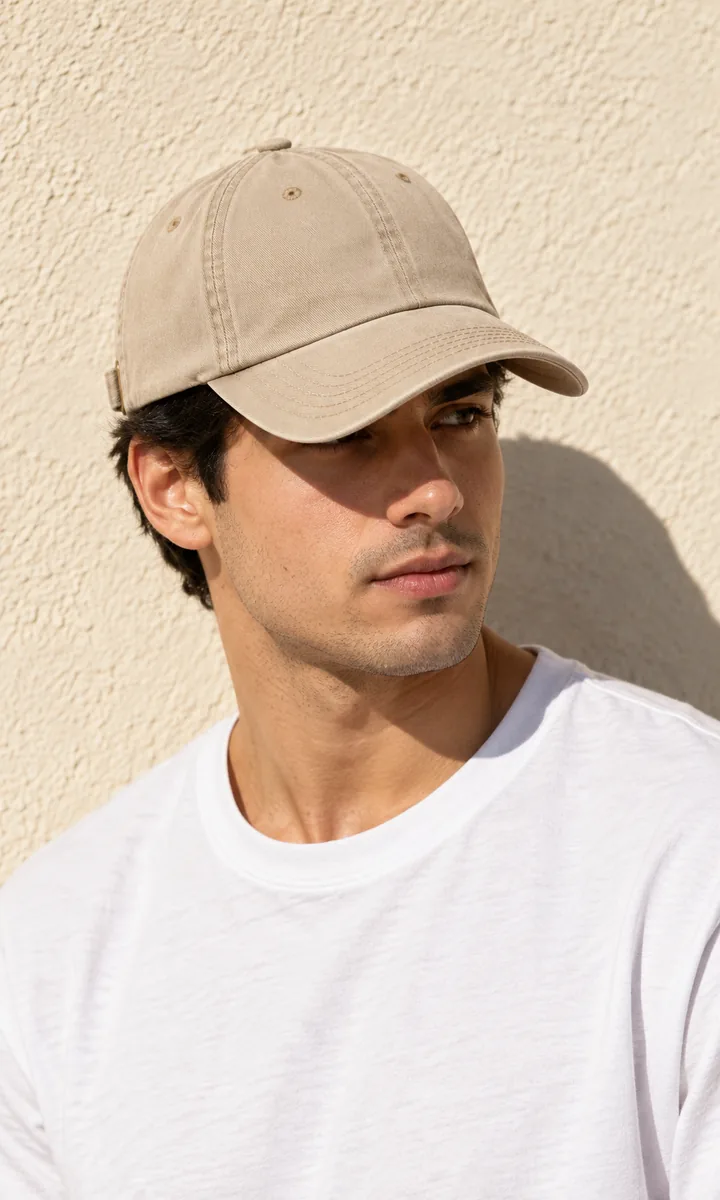
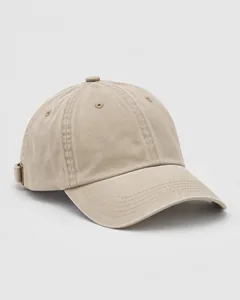
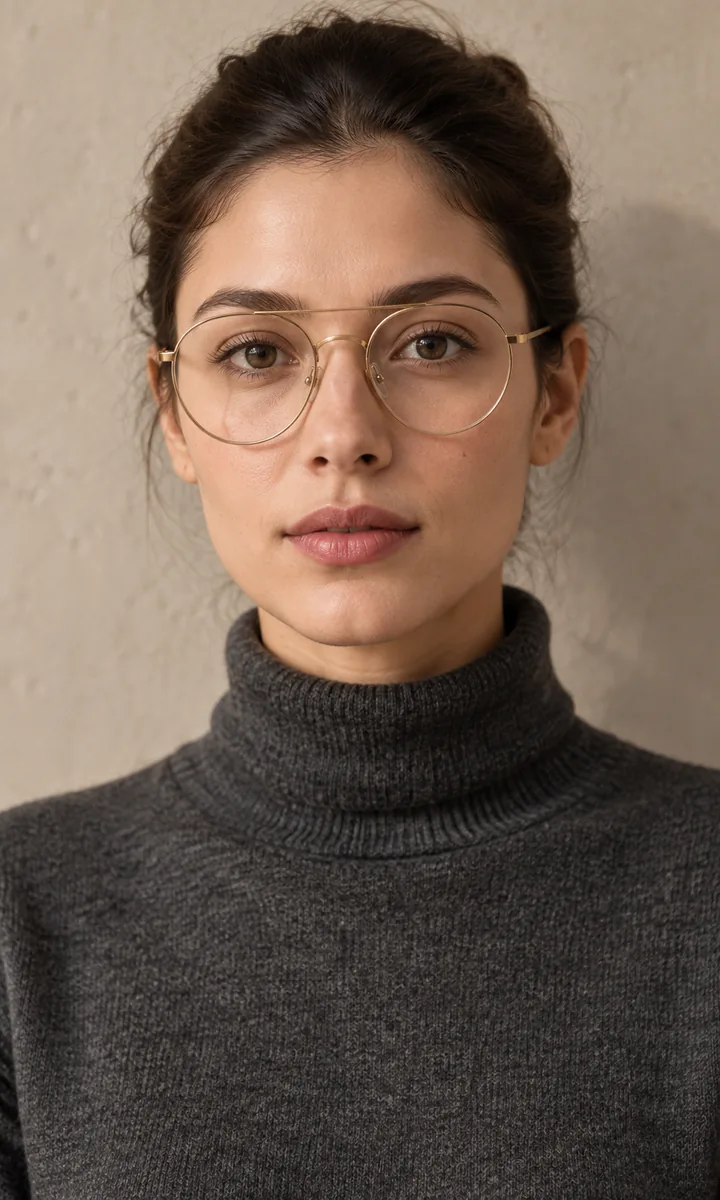
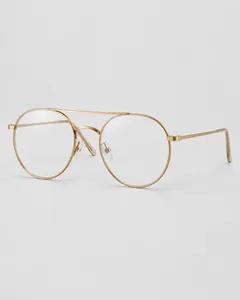
Poses for each accessory
Sunglasses in the studio, on the street or in a café; hats from fedora to bucket; bags in hand, on the shoulder or as a clutch — plus in-hand creator shots.
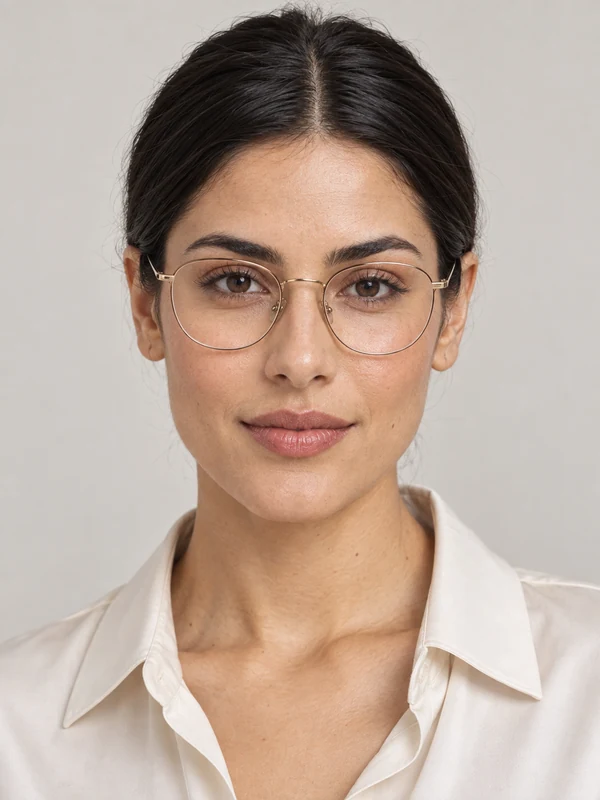
Studio
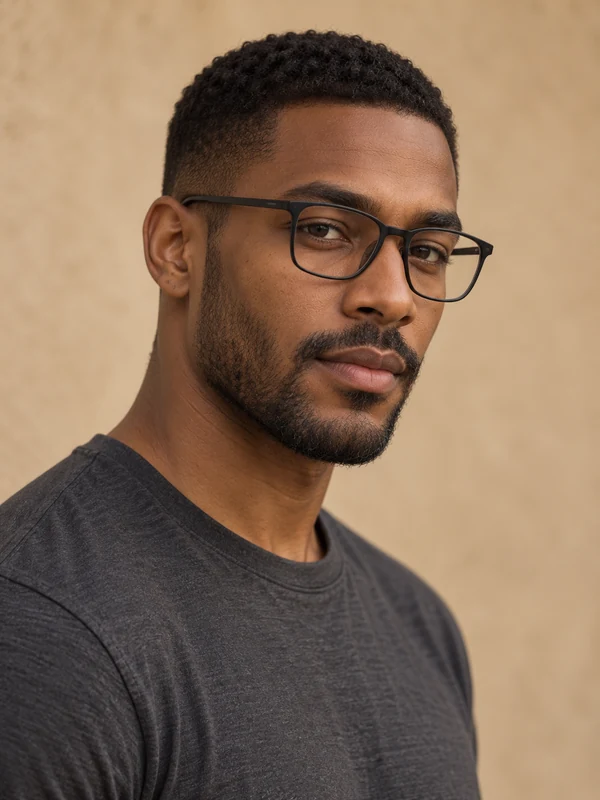
Warm wall
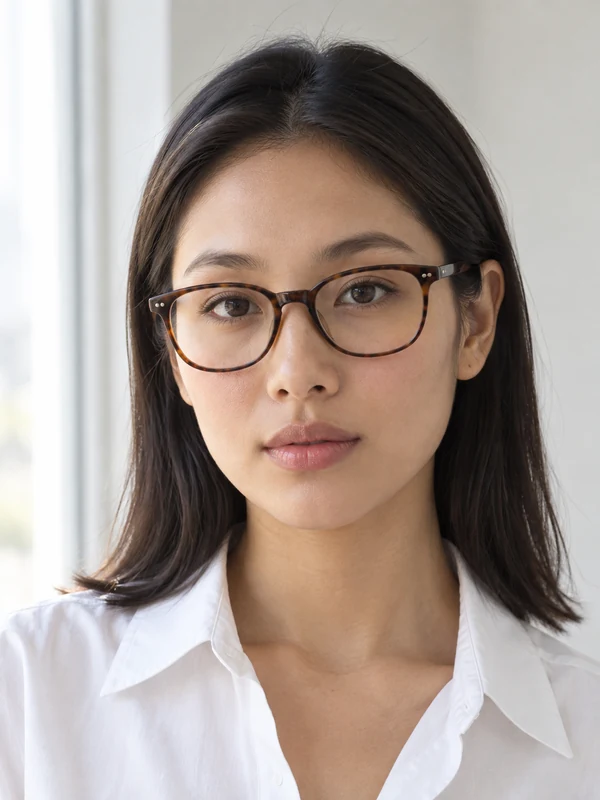
Window light

Dark studio
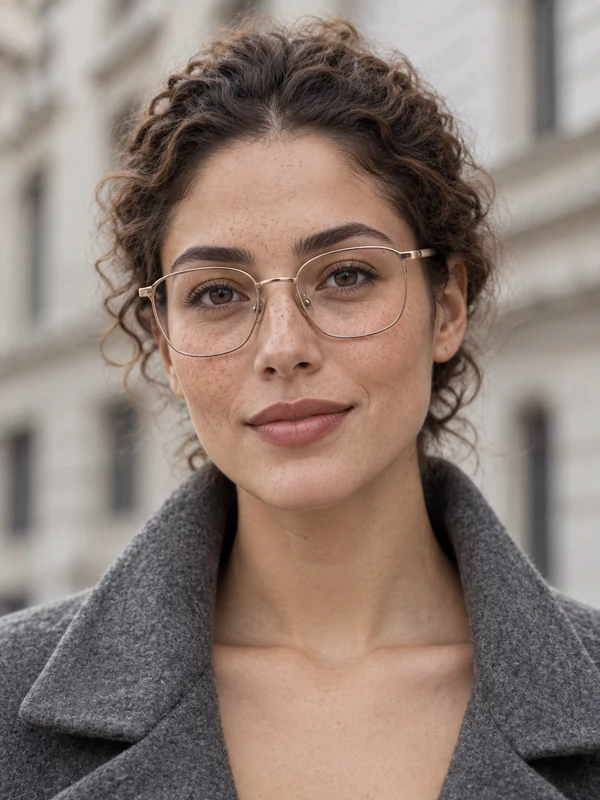
Street

Park
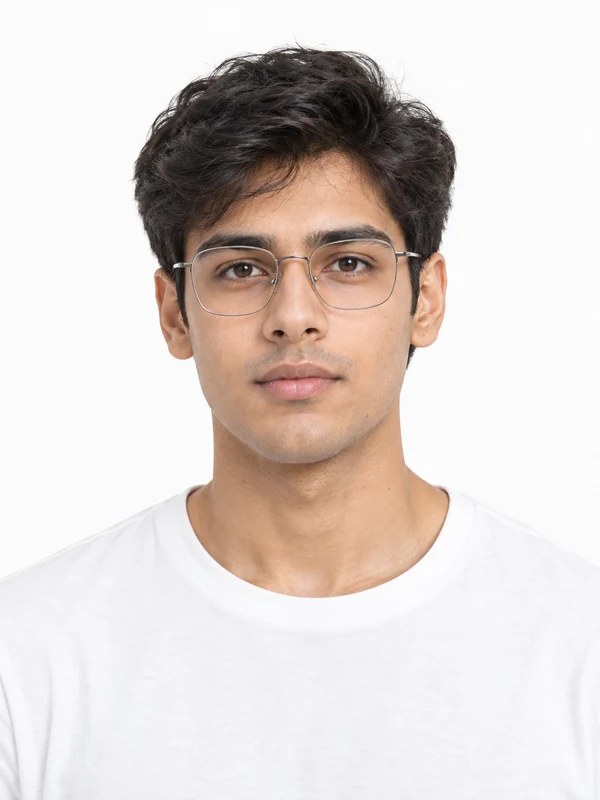
High key
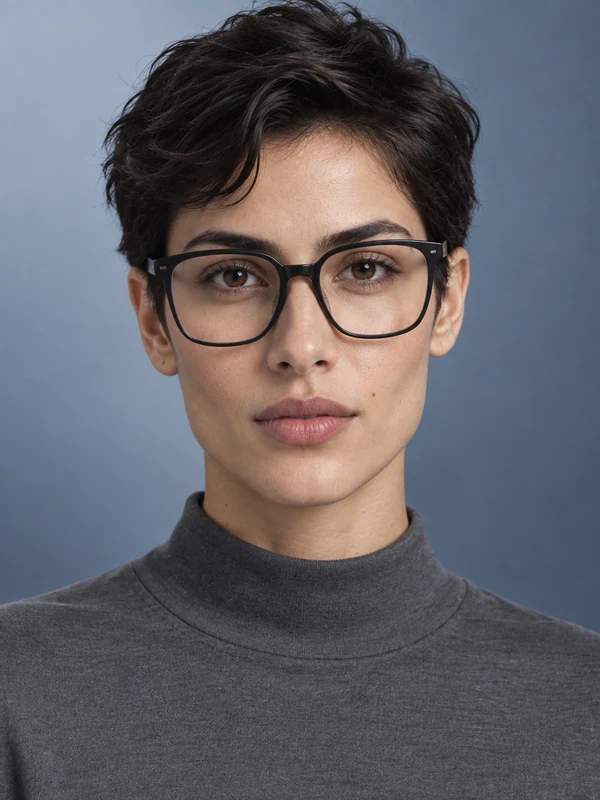
Blue studio
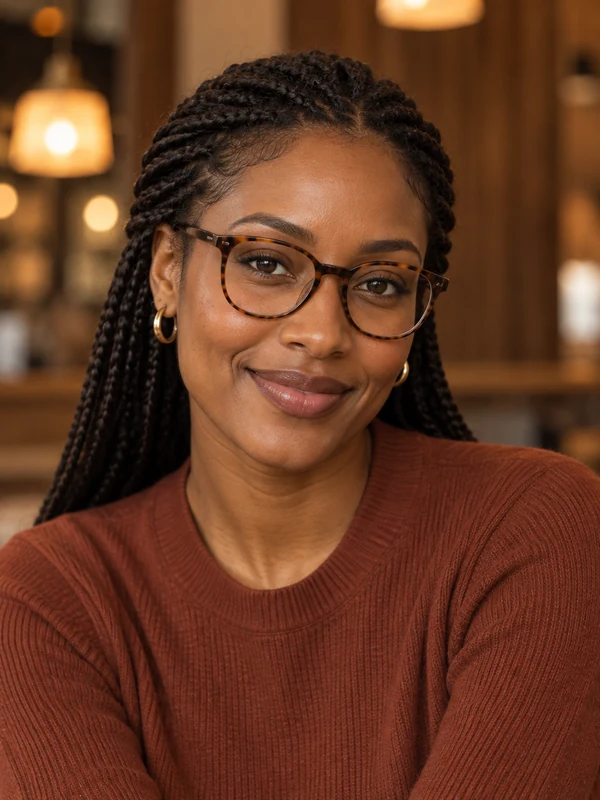
Café
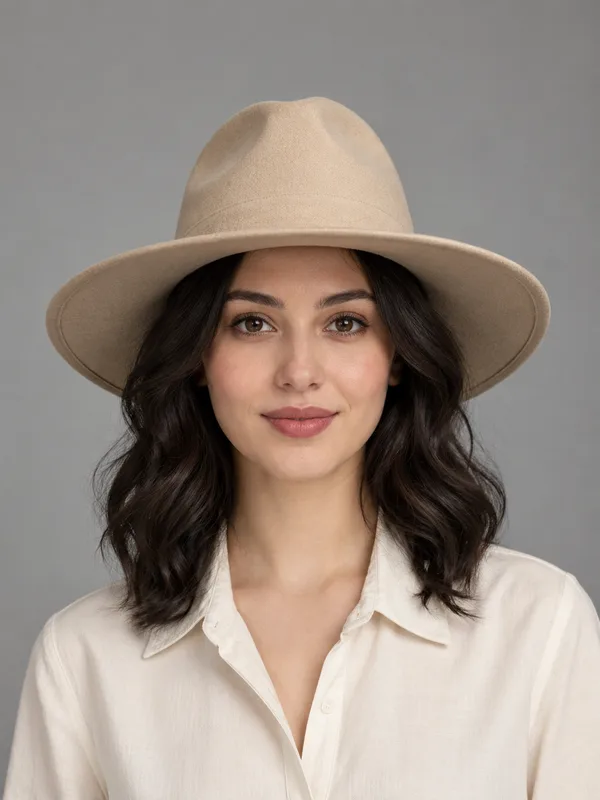
Fedora

Wide brim
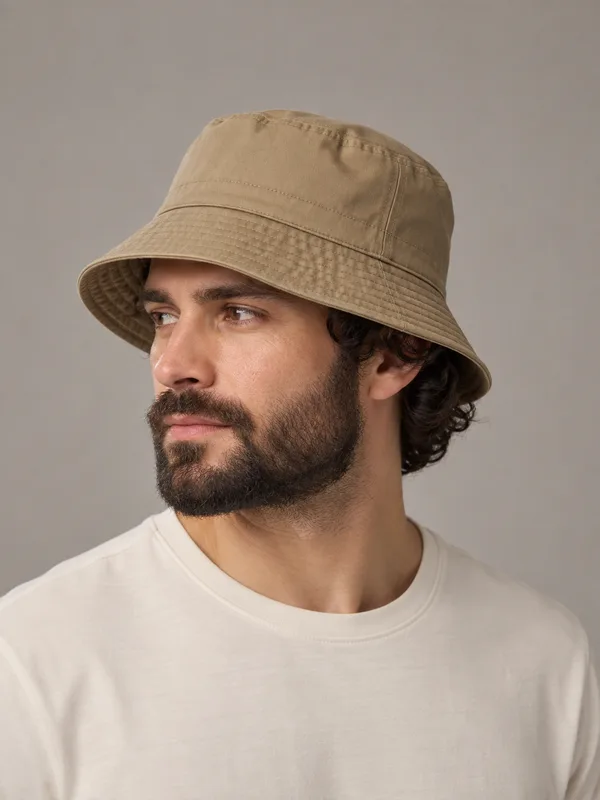
Bucket
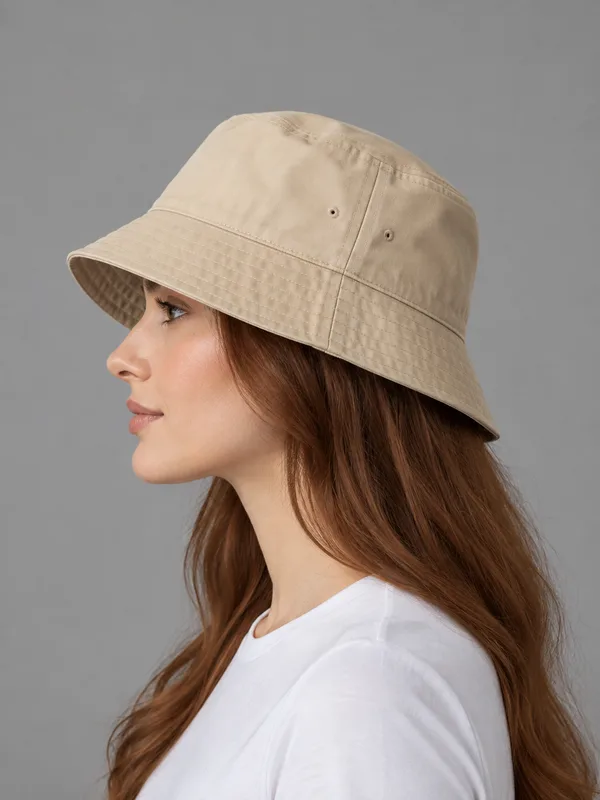
Bucket, angled
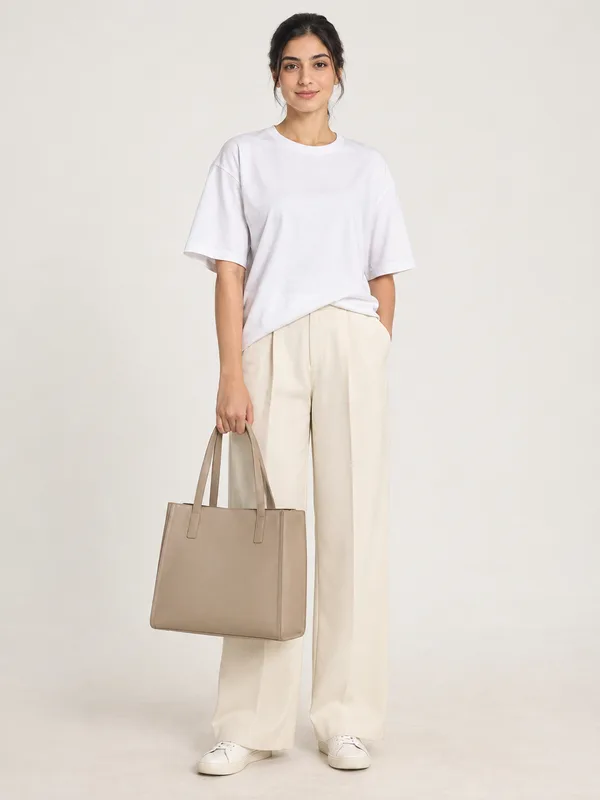
In hand
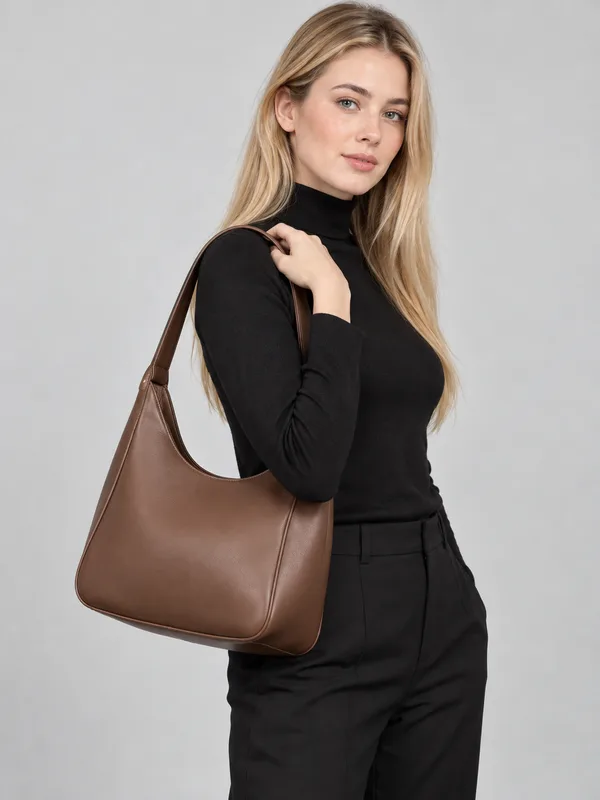
On shoulder
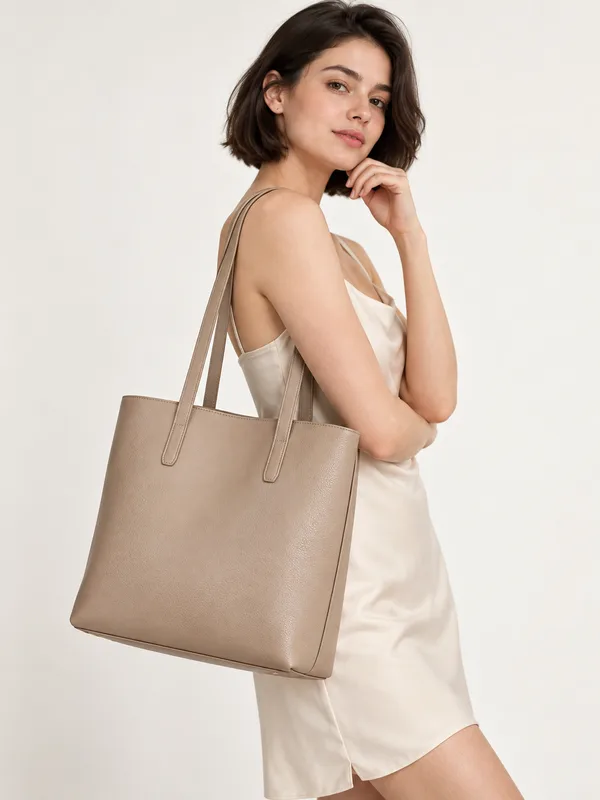
Long straps
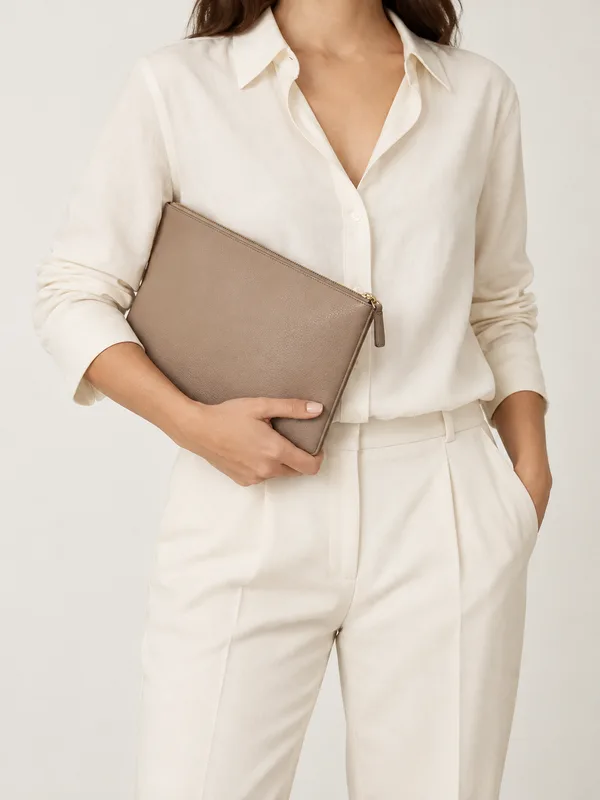
Clutch
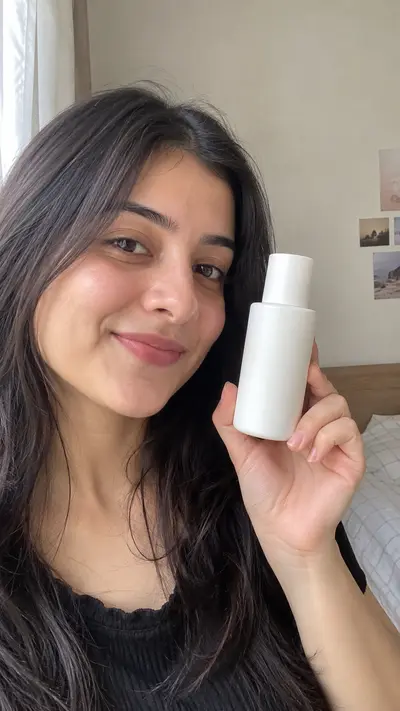
Selfie
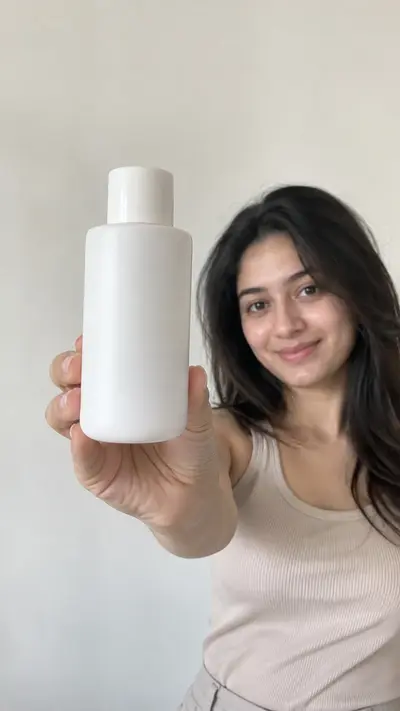
Held out
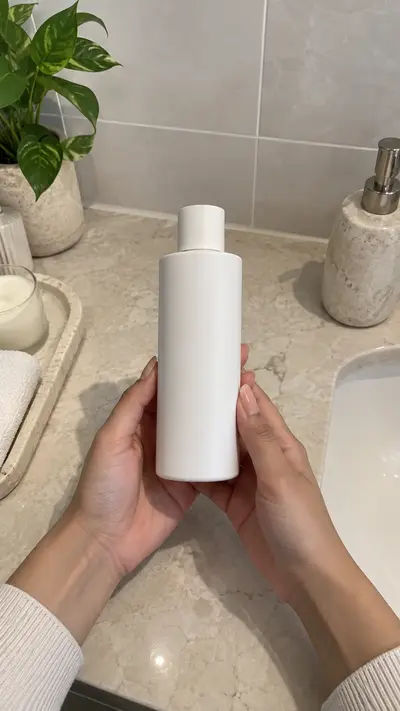
Counter
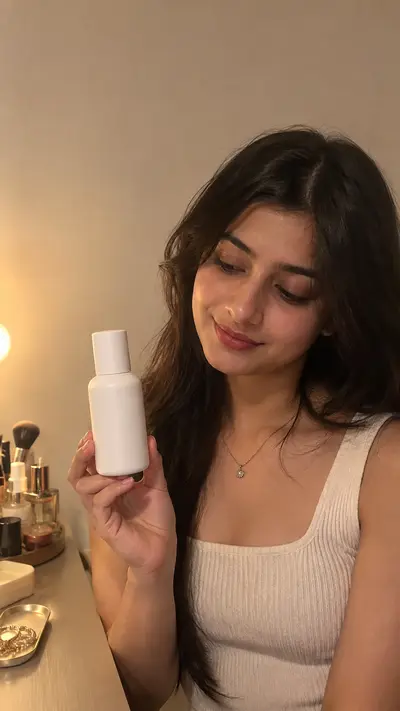
Vanity
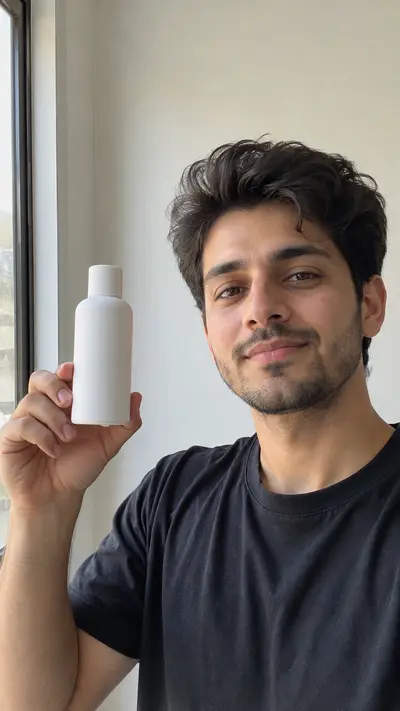
Window
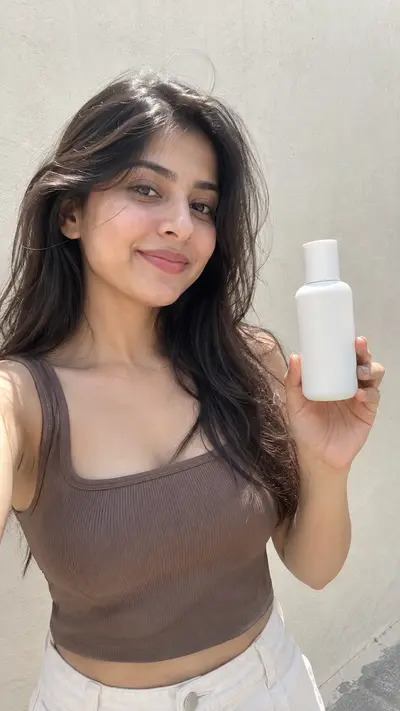
Outdoors
How it works
Three steps, one photo
- 1
Upload the product
A flat lay, a hanger shot or a plain packshot is enough. The product is the only thing you need to photograph.
- 2
Pick a model and pose
Choose a preset pose and setting, from clean studio to street, café or beach. Each one is made for the kind of product you are selling.
- 3
Download and list it
The result comes back with no watermark, ready for your product page, marketplace listing or ad.
Why sellers use it
Built for listings that sell
Shows size and style
A bag on a shoulder or sunglasses on a face answers the size question and shows the look in one image.
In-hand creator shots
Put a product in a creator's hand for a selfie, counter or outdoor shot that reads like social content.
One photo, many looks
Run one handbag through in-hand, shoulder and clutch poses to fill a product gallery.
Ready for ads
Styled, on-model frames work as paid social creatives as well as listing images.
On-model photos for bags, eyewear and hats
Accessories are bought on how they look worn: a bag's size against the body, how sunglasses sit on a face, how a hat changes an outfit. AI accessory try-on takes a product photo of the item on its own and styles it on a model, so you can show all of that without a shoot.
Picsmob has pose sets for each type — sunglasses and glasses on faces in studio, street, park and café settings; hats from fedora and wide brim to bucket; handbags held in hand, worn on the shoulder, on long straps or carried as a clutch. The in-hand shot adds creator-style frames with the product held up to camera.
Use the results as the lifestyle images on a product page, marketplace alternates, or ad creatives for Instagram and TikTok.
FAQ
Questions sellers ask
What accessories work with the try-on?
Handbags, totes, crossbody bags, backpacks, sunglasses, glasses, hats, caps, beanies, scarves, belts and watches.
What is the in-hand shot?
It places your product in a creator's hand — a selfie, held out to camera, on a counter or outdoors — for social-style images. It works for small products of any kind, not only accessories.
What photo should I upload for a bag?
A front-facing photo of the bag on a plain background, with the straps visible. Remove stuffing tags and props first for the cleanest result.
How many credits does a try-on cost?
Each try-on costs 15 credits. Every new account gets 50 free credits, enough for three try-ons, and packs start at $9 for 200 credits. There is no subscription and credits never expire.
Can I use the images commercially?
Yes. Exports carry no watermark and commercial use is included on every account, free or paid — product pages, marketplaces, social posts and paid ads.
Are the models real people?
No. The models are generated people, licensed for use in the content you make with Picsmob. Some marketplaces and countries ask you to disclose AI-generated imagery in ads, so check the rules where you sell.
What if a try-on fails?
Credits are reserved when a job starts and refunded automatically if it fails or times out, so you only pay for results you get.
Related tools
Jewelry try-on →
Put necklaces, earrings, rings and bracelets on AI models from one product photo. Close-up on-model jewelry photos that show scale and shine. 15 credits per image, 50 free.
Clothing try-on →
Turn a flat lay or hanger shot into on-model fashion photos. Choose from 16 poses and settings, keep your garment's colour and detail, no photoshoot. 15 credits per image.
Virtual try-on →
Put your clothing, shoes, jewelry and accessories on AI models from one product photo. On-model photos for Shopify, Amazon and Etsy without a photoshoot. 15 credits per try-on, 50 free.








Export-ready for the channels where you sell