
Clothing try-on
Put your clothes on a modelfrom a flat lay or hanger shot
Upload the garment and pick a pose. Get back a full-length fashion photo with the fabric, colour and fit of the piece you sell.
50 free credits · 15 credits per image · No watermark
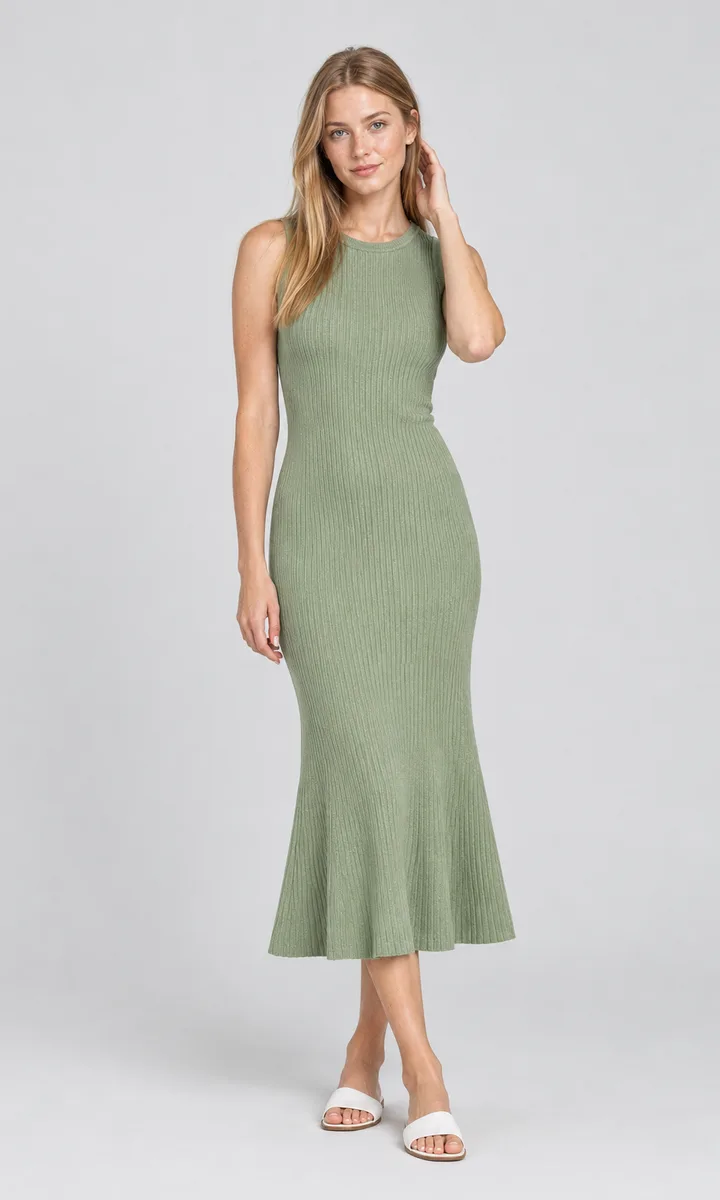
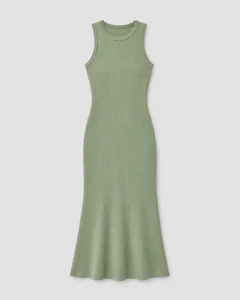
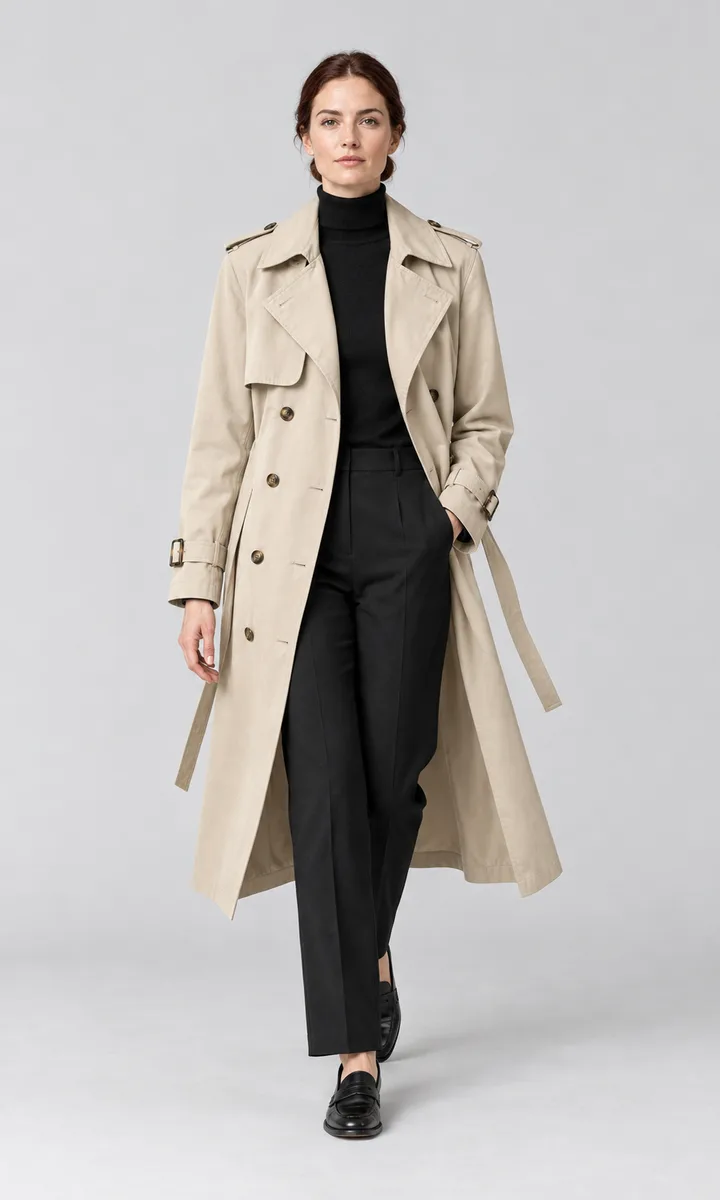
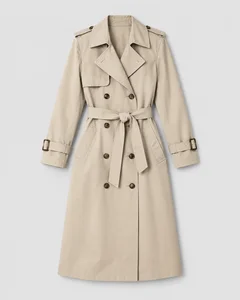
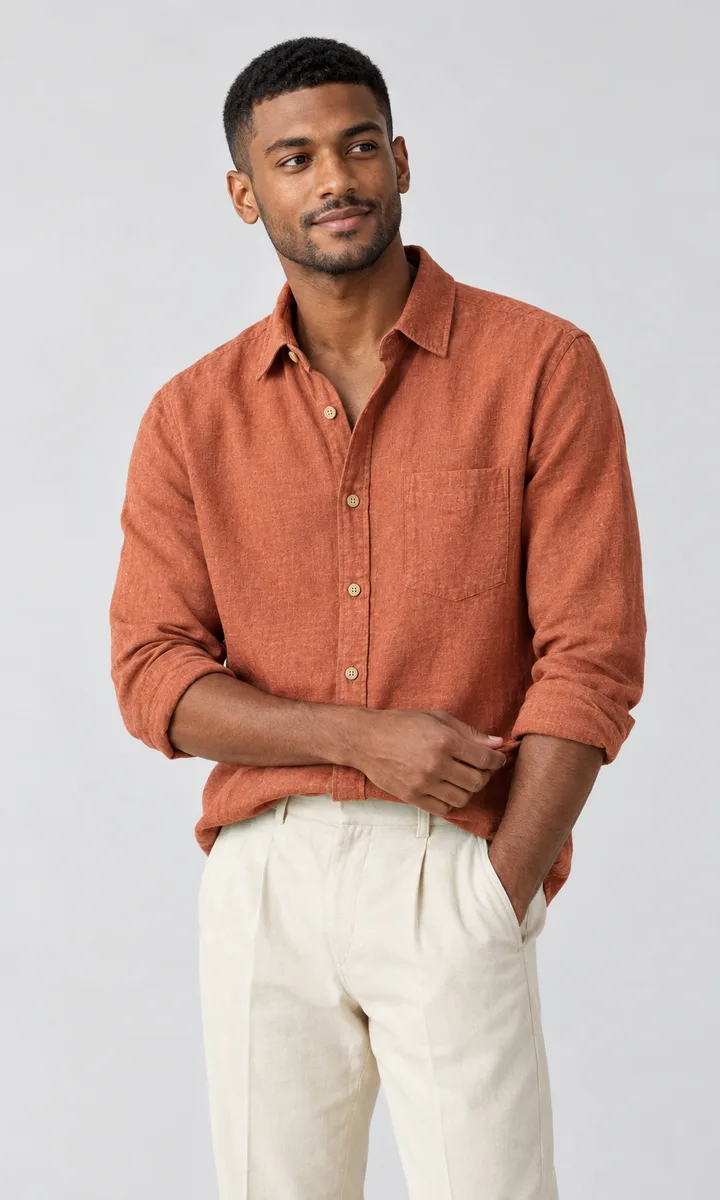
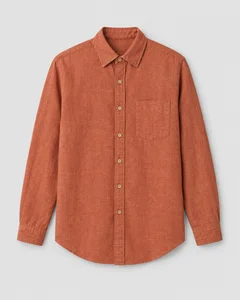
Garment in, model shot out
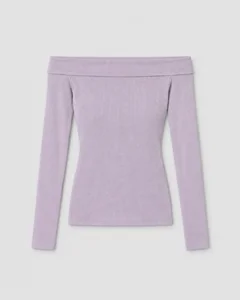
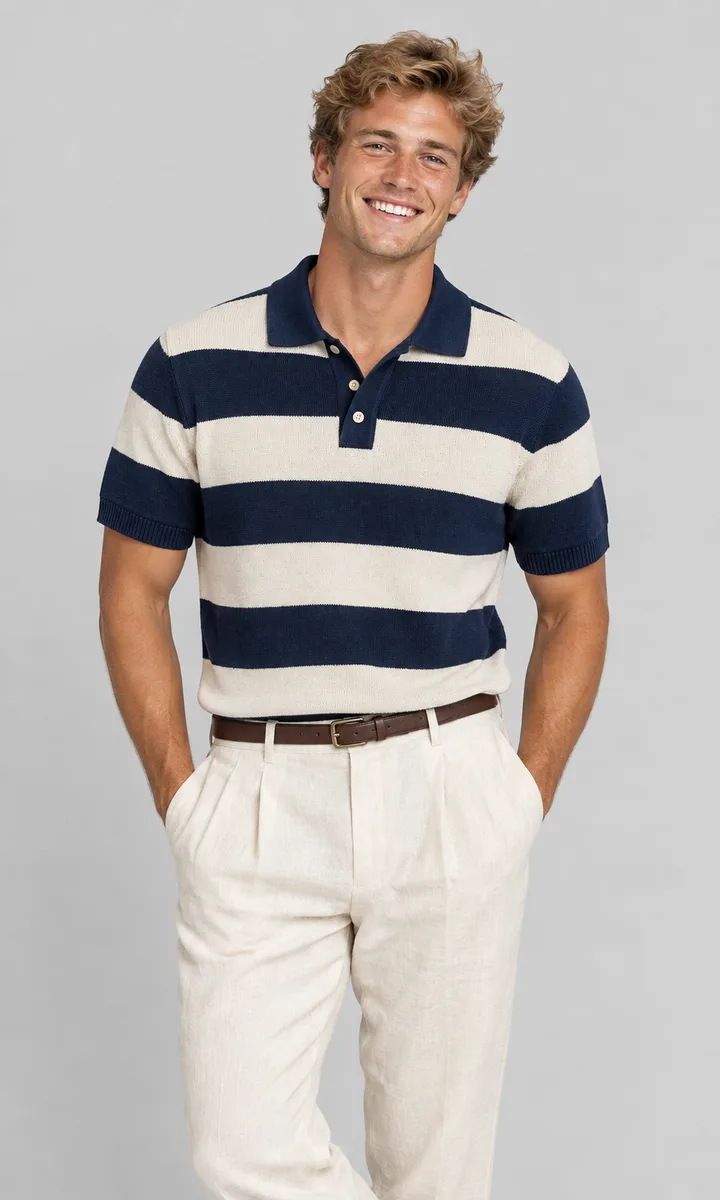
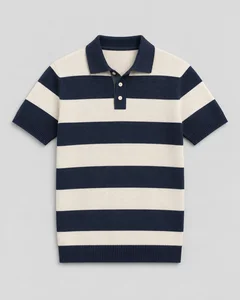
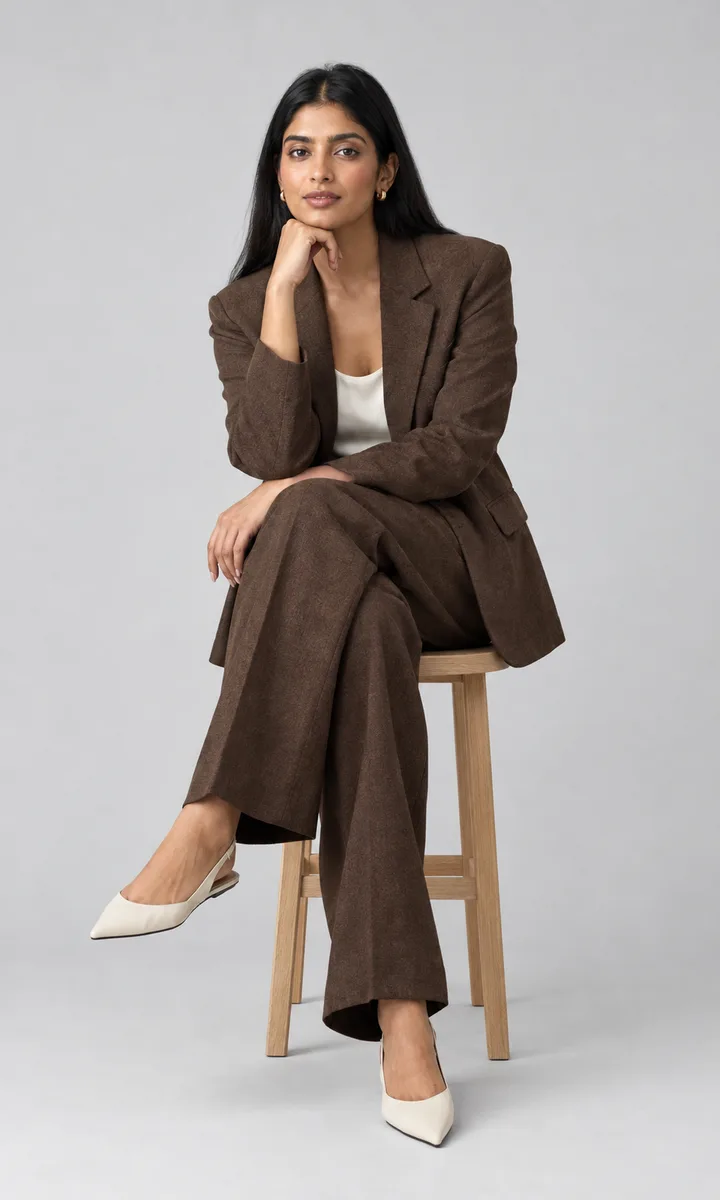
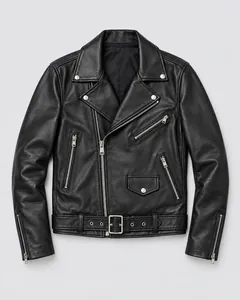
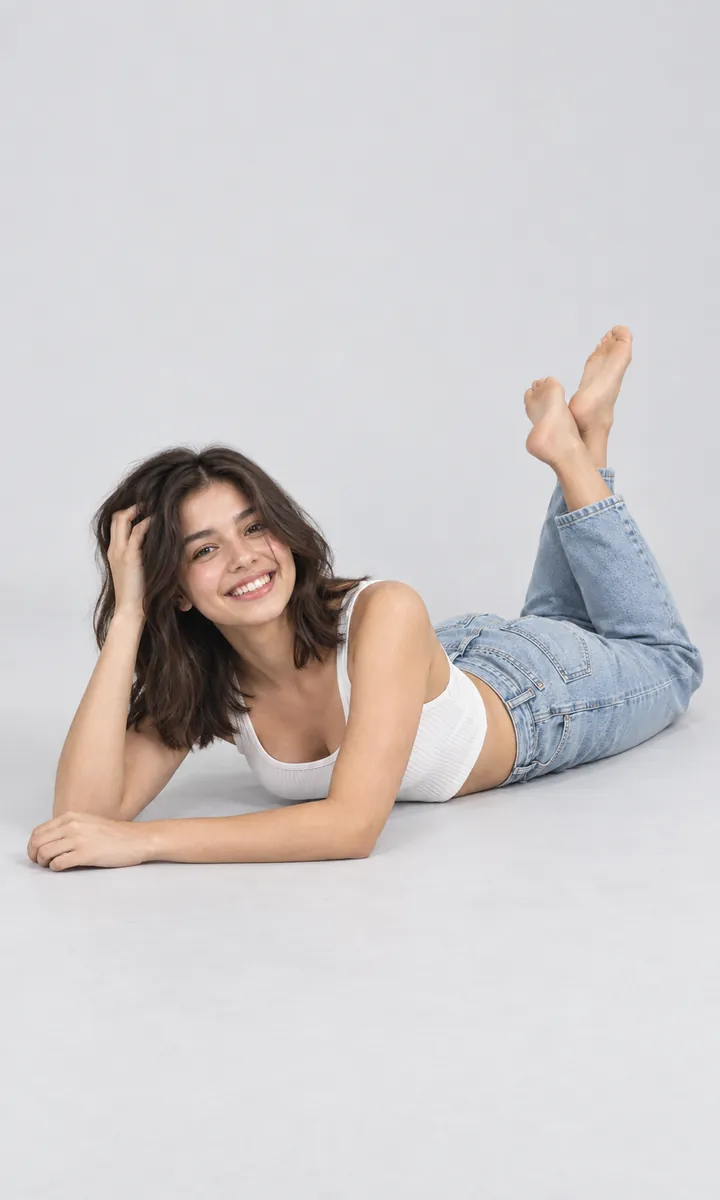
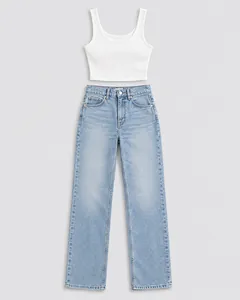
Fifteen pieces, each shown next to the product photo it started from.
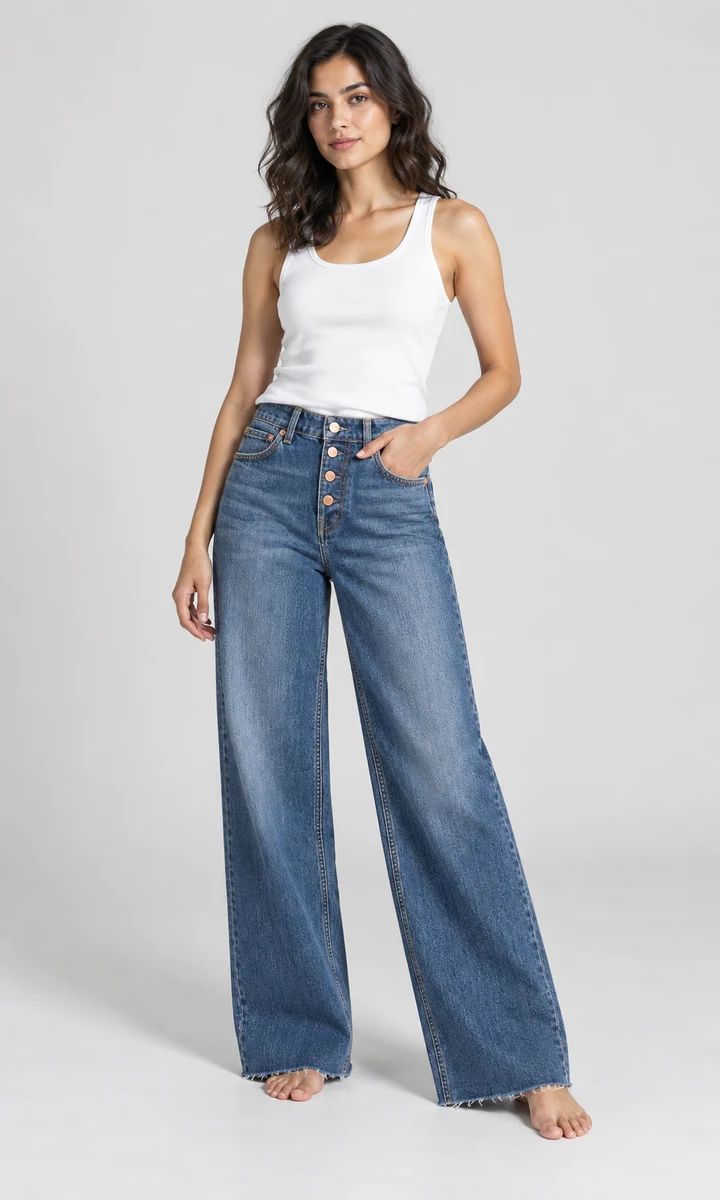
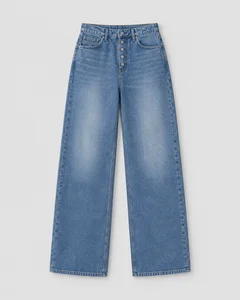
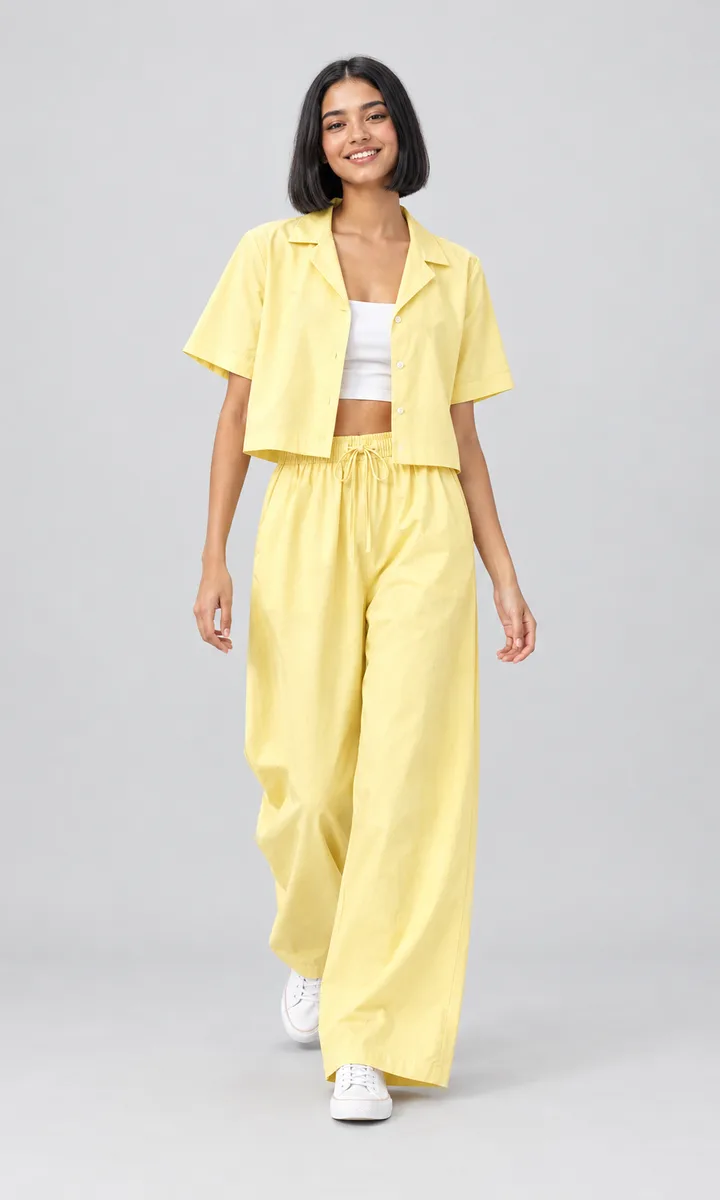
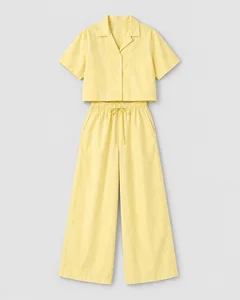
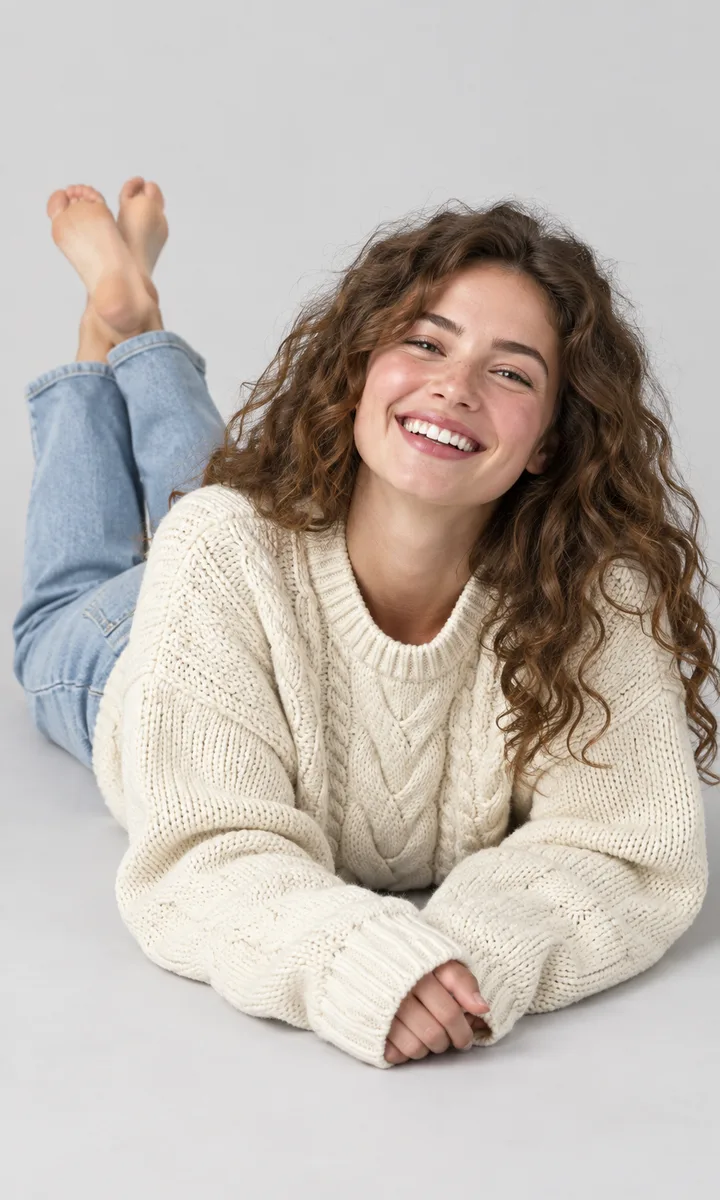
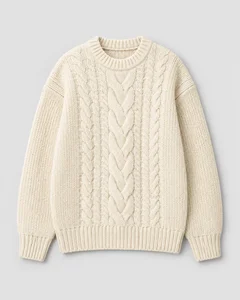
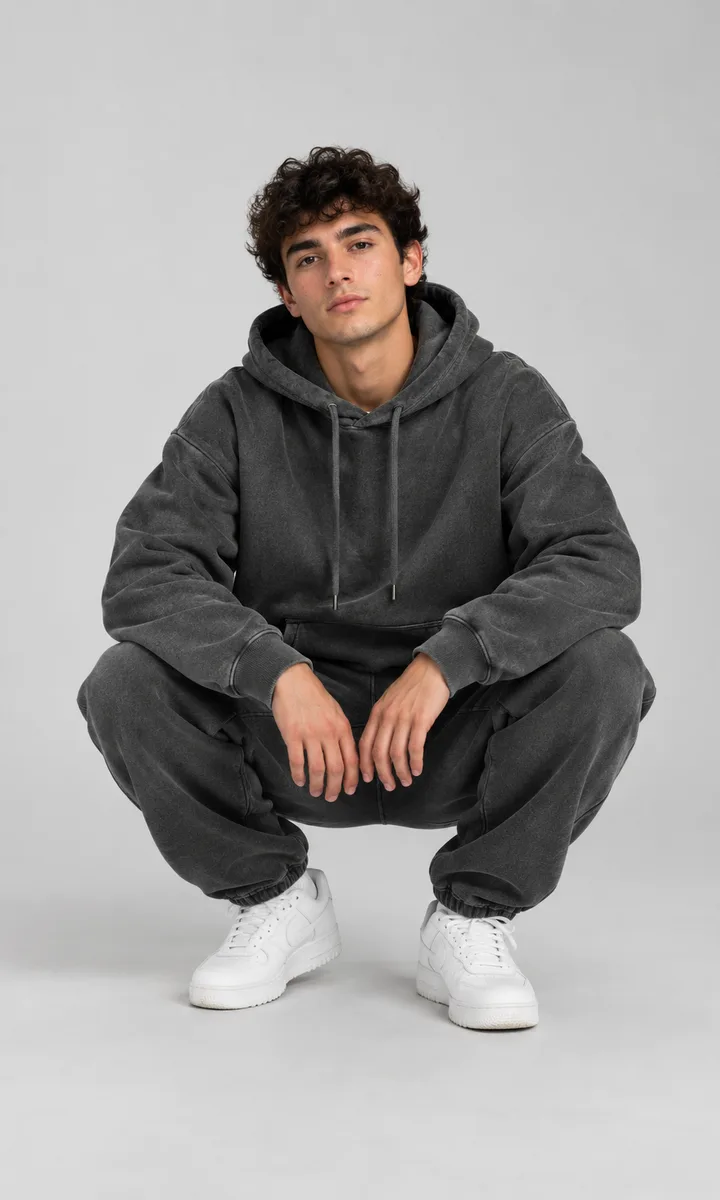
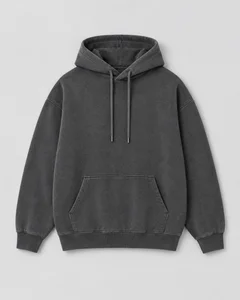
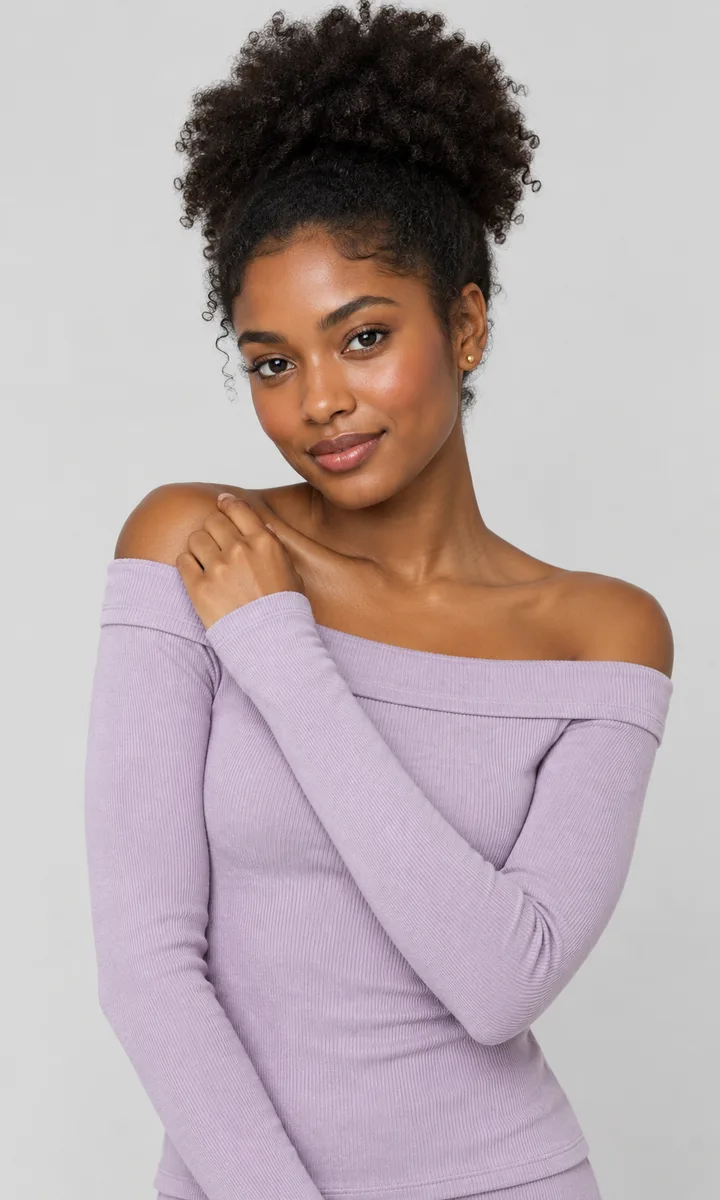
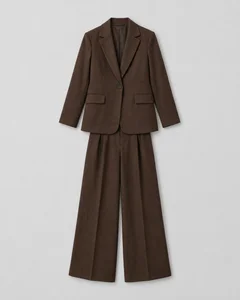
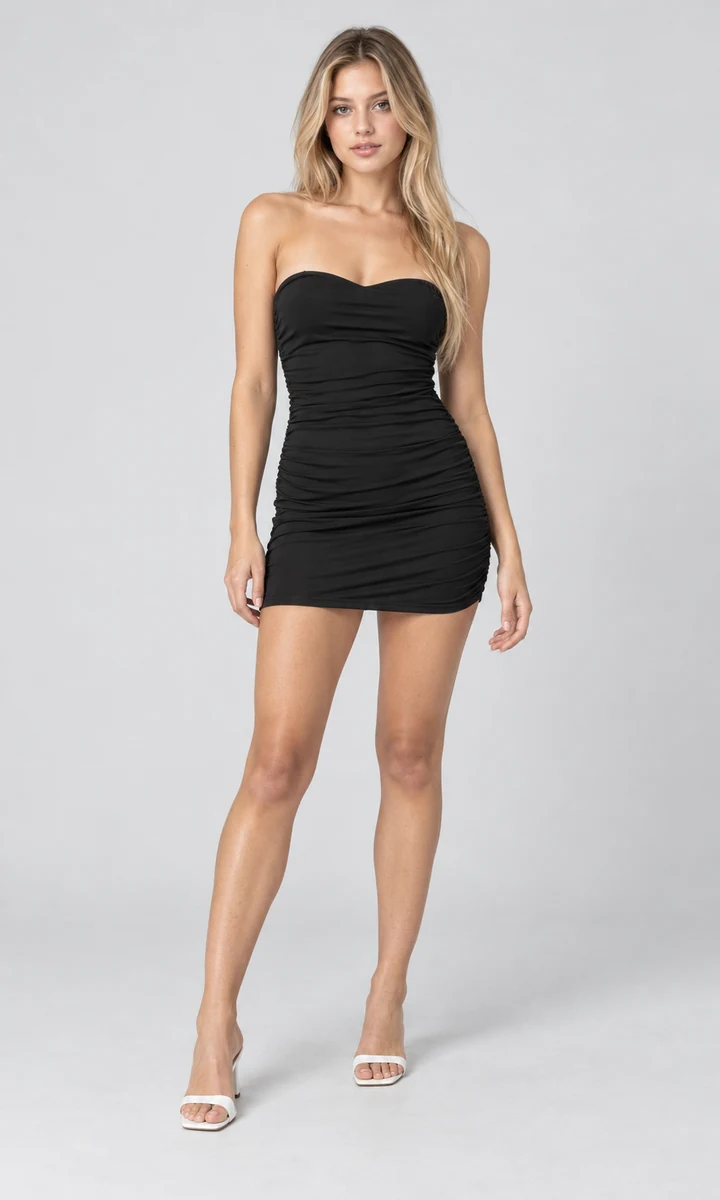
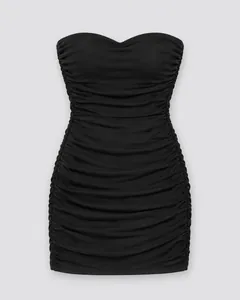
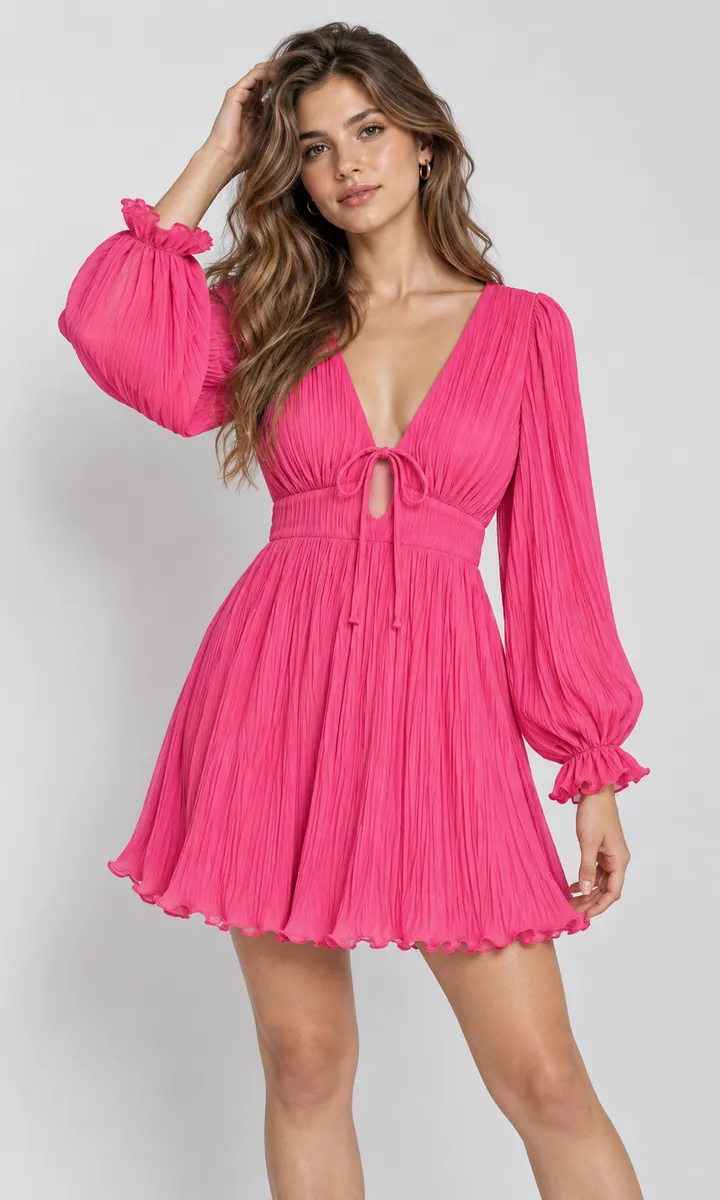
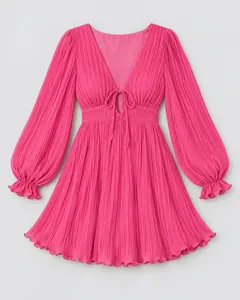
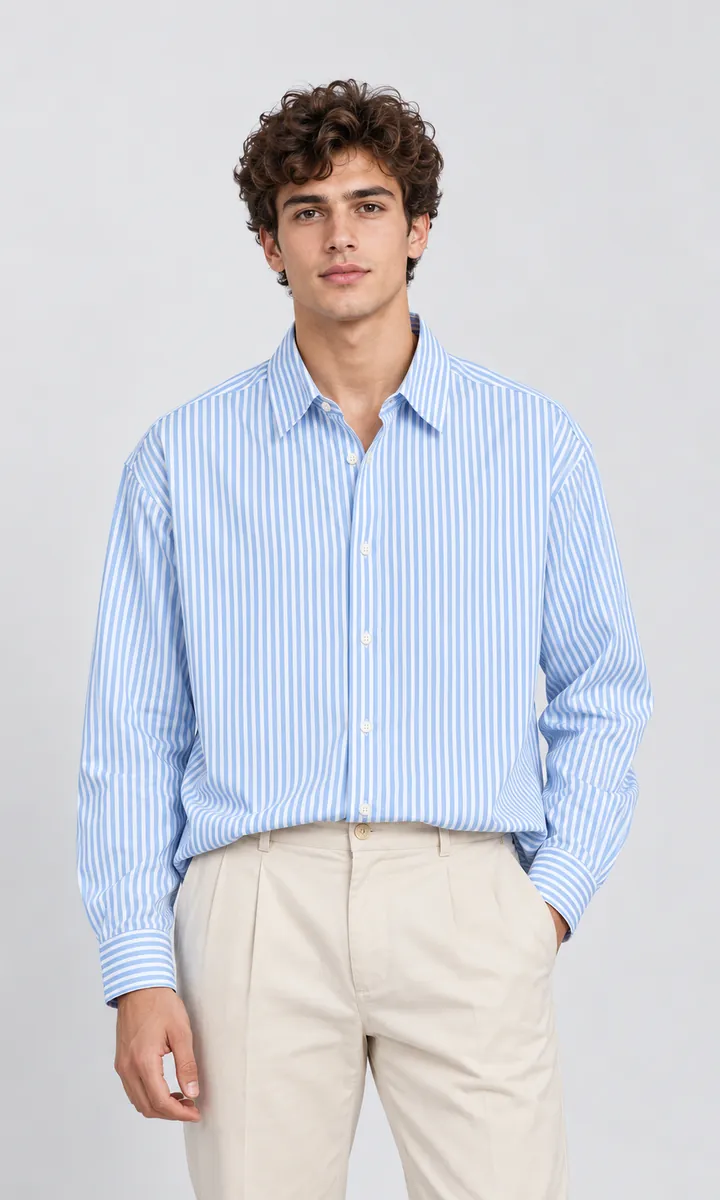
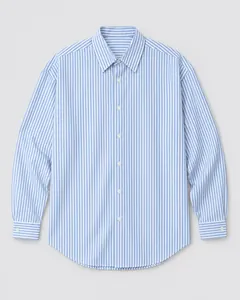
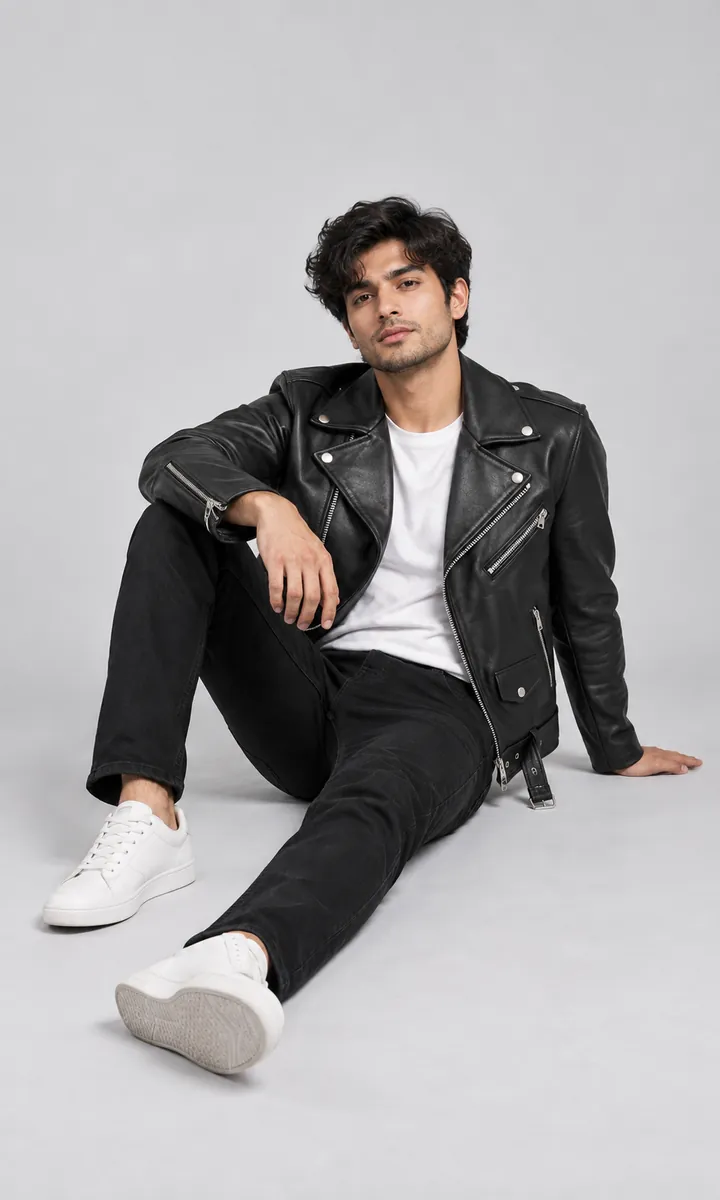
16 poses and settings
Standing, seated and walking, in studio, on the street, by the pool or on a rooftop — with womenswear and menswear models.
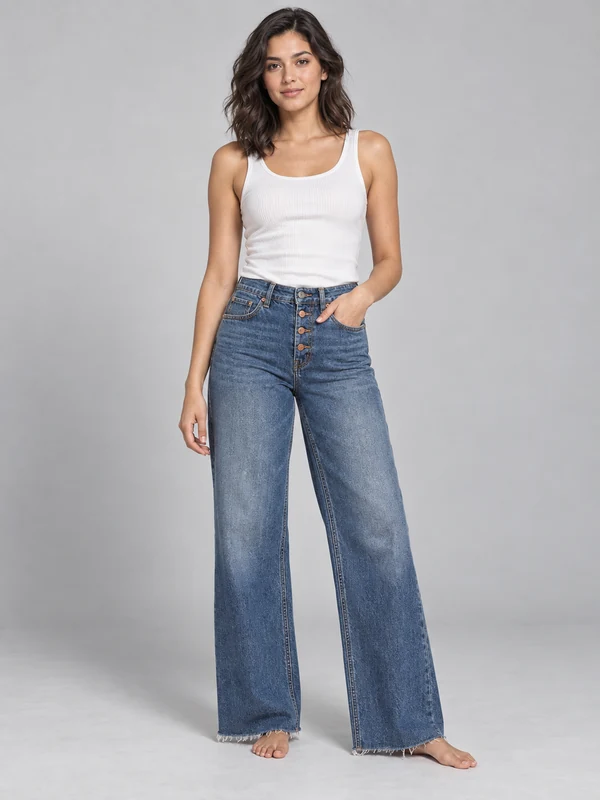
Standing
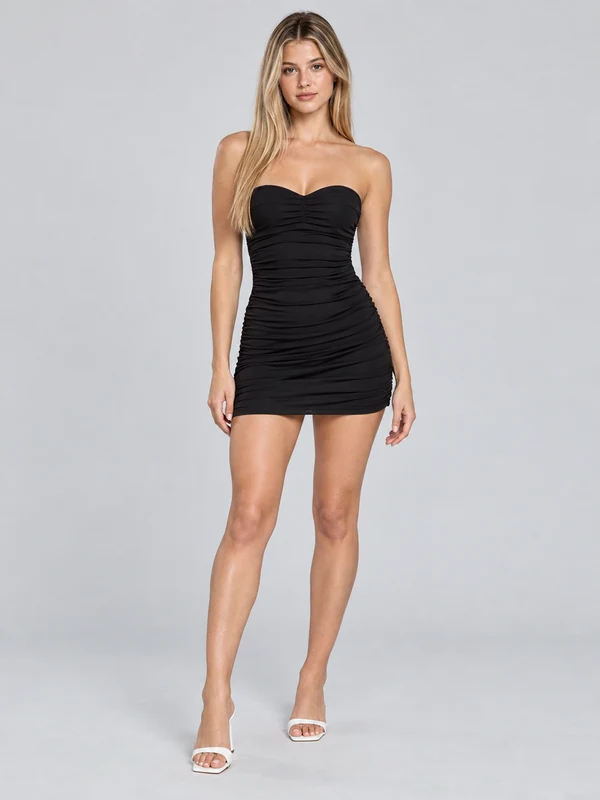
Mini dress
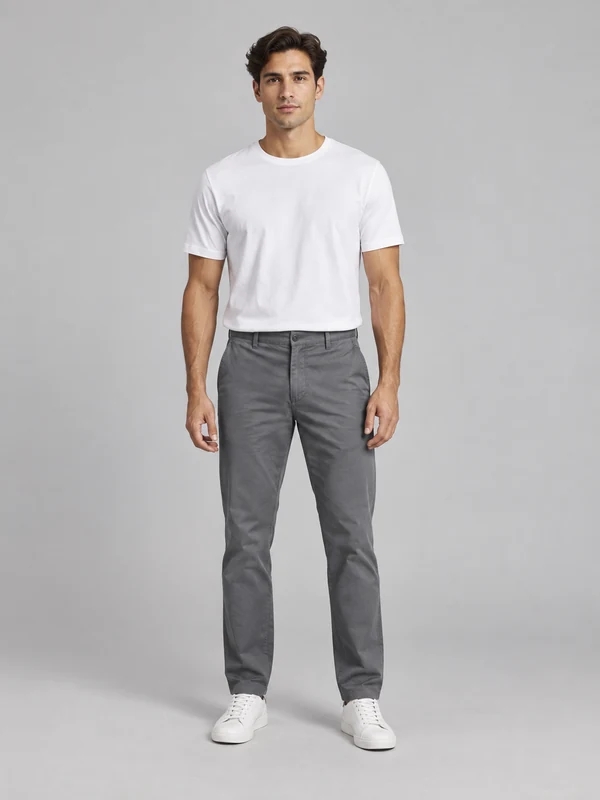
Menswear
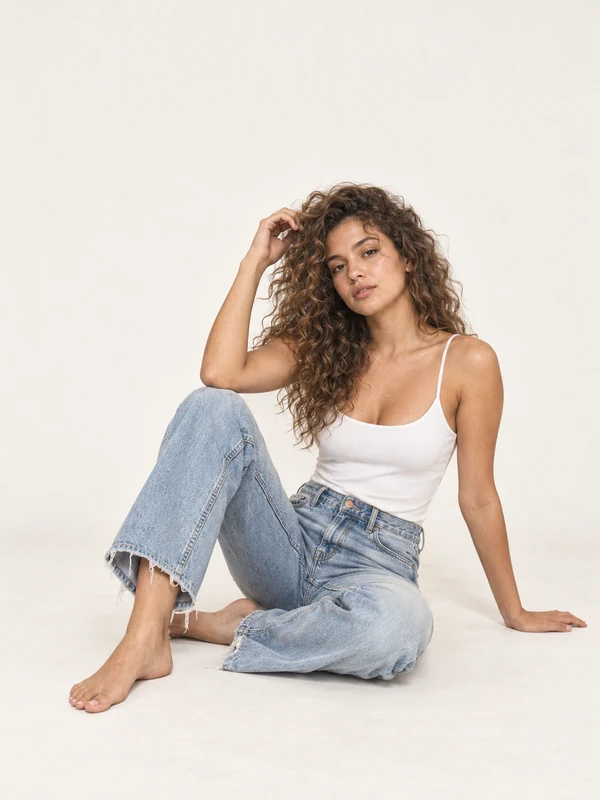
Seated
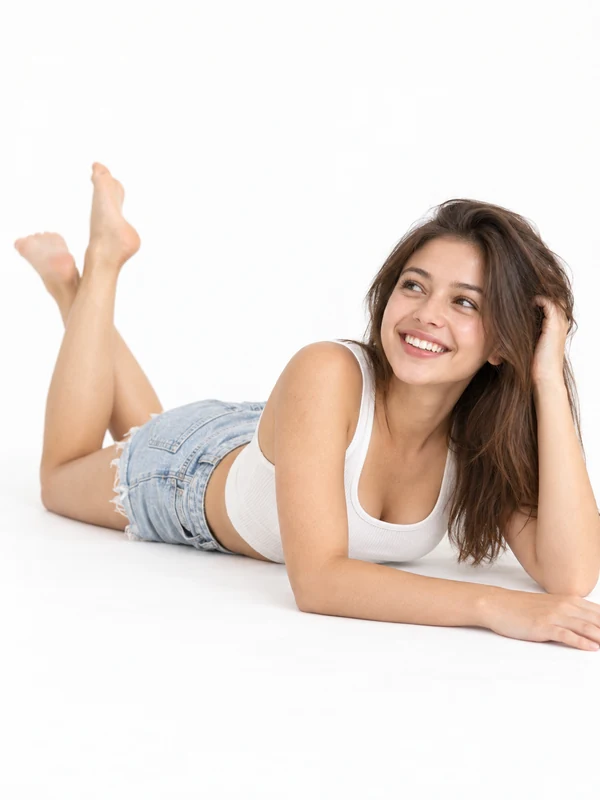
Lying down
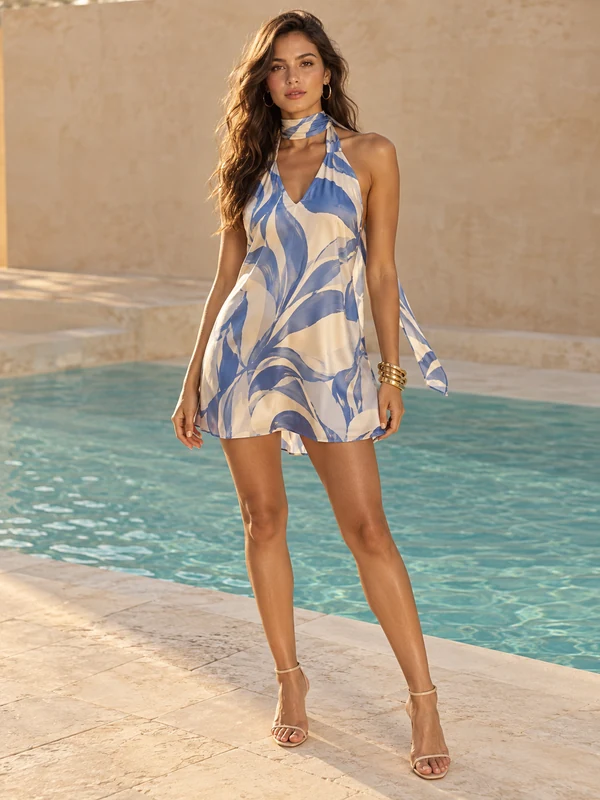
Poolside
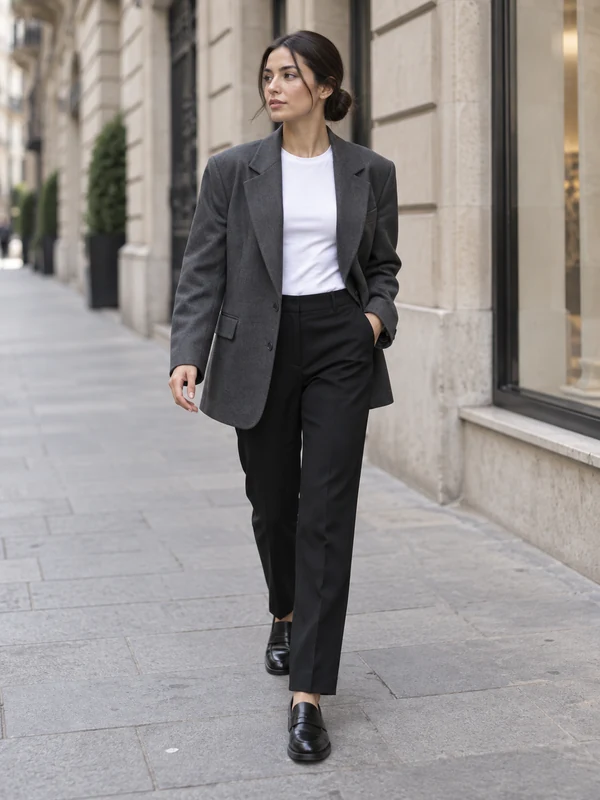
Street
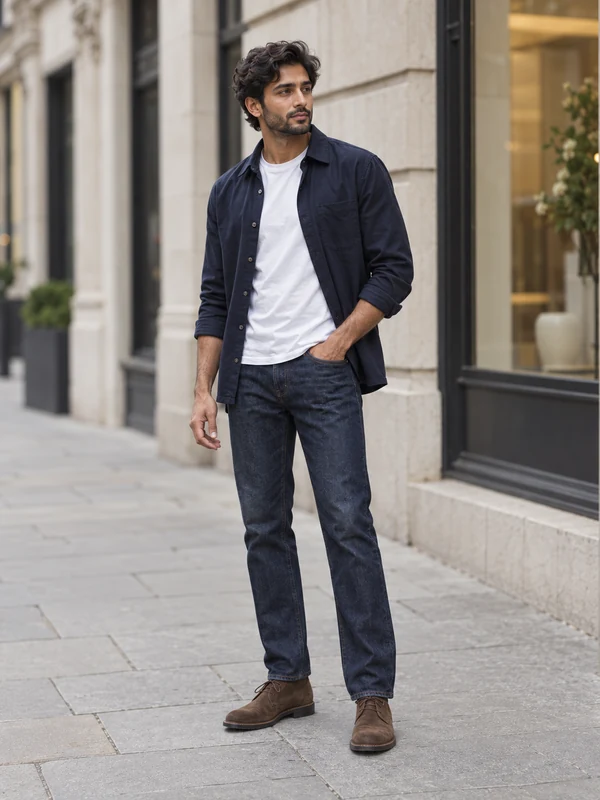
Menswear street
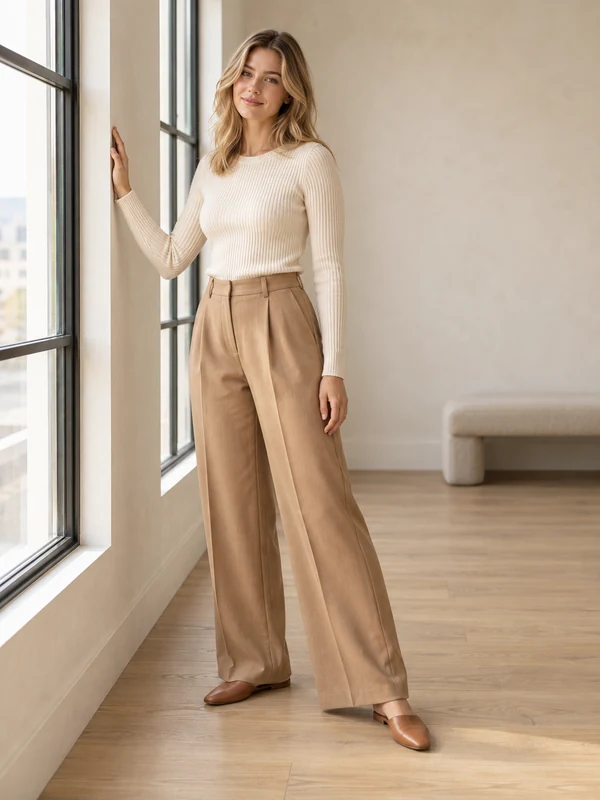
Window light
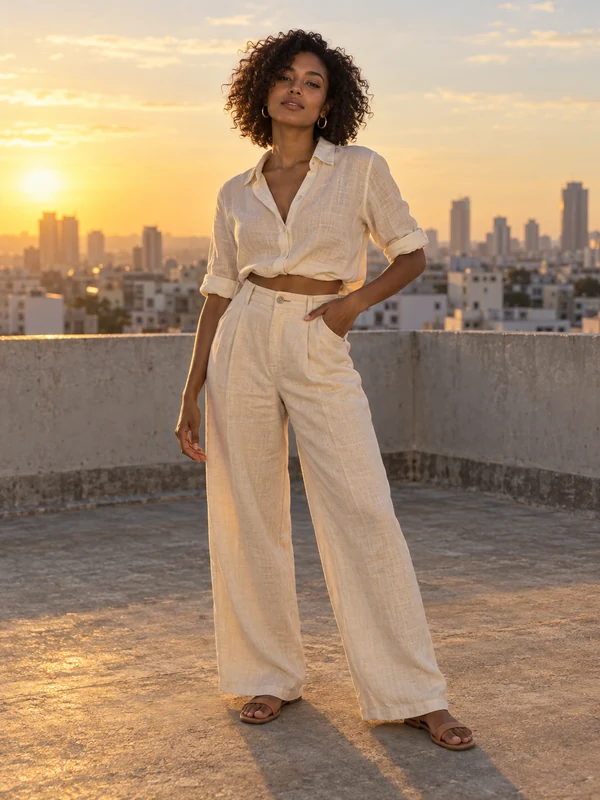
Rooftop
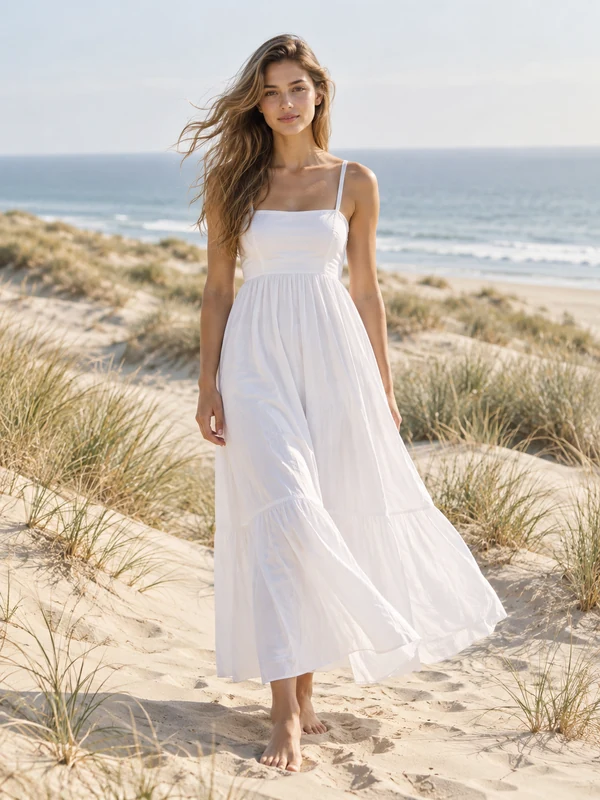
Beach
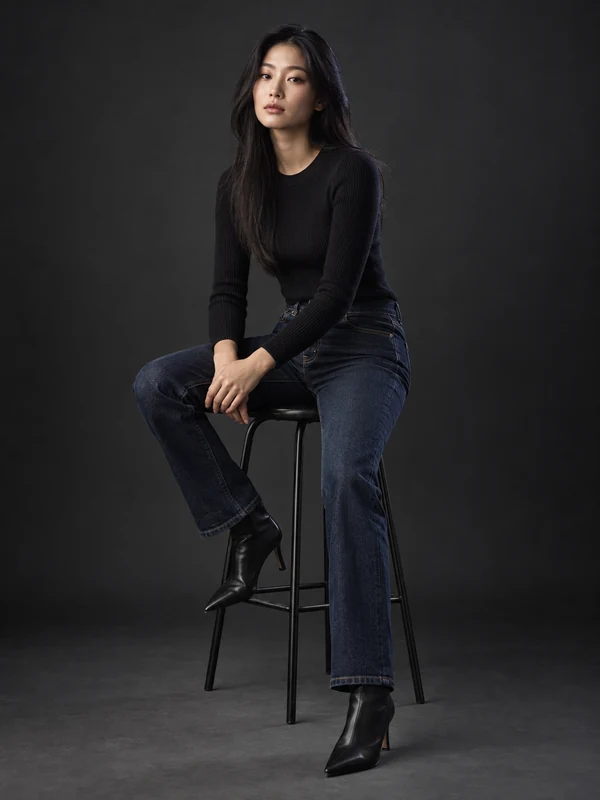
Studio stool
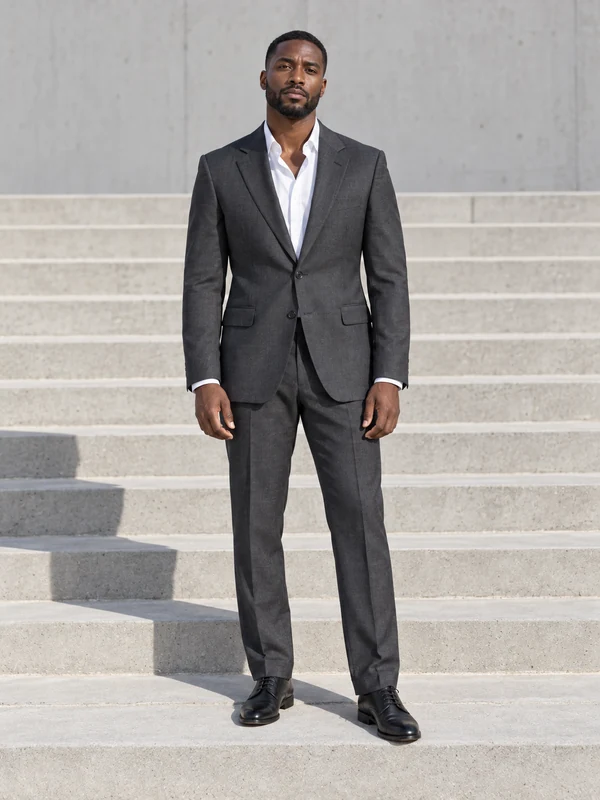
Menswear suit
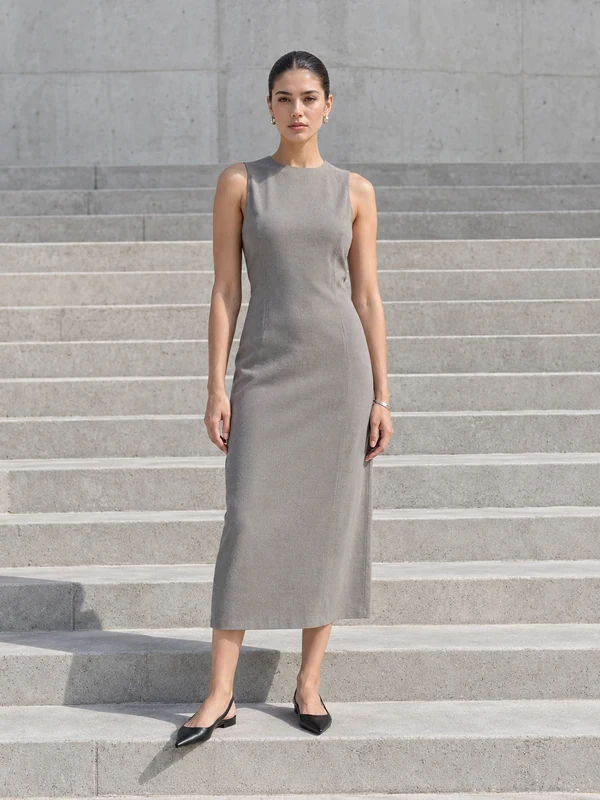
Steps
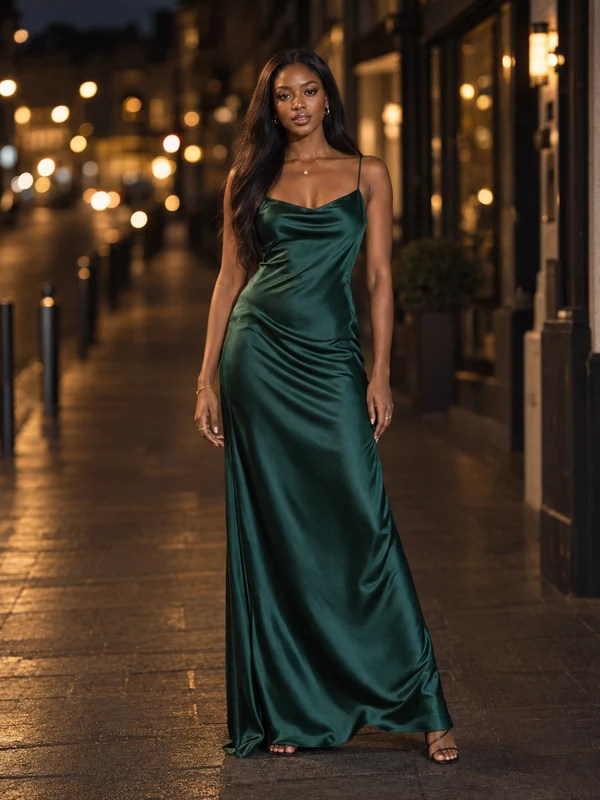
Evening
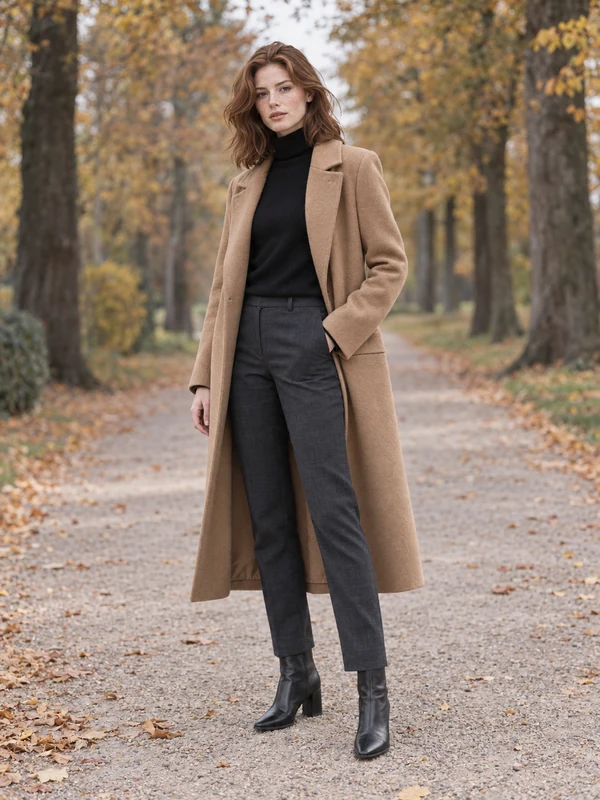
Autumn coat
How it works
Three steps, one photo
- 1
Upload the product
A flat lay, a hanger shot or a plain packshot is enough. The product is the only thing you need to photograph.
- 2
Pick a model and pose
Choose a preset pose and setting, from clean studio to street, café or beach. Each one is made for the kind of product you are selling.
- 3
Download and list it
The result comes back with no watermark, ready for your product page, marketplace listing or ad.
Why sellers use it
Built for listings that sell
Keeps the garment true
Colour, print, knit texture, buttons and seams come from your photo, so the result matches what the customer receives.
Every pose for one piece
Run the same garment through a front view, a seated shot and a street look to fill a whole product gallery.
Womenswear and menswear
Dresses, co-ords, knitwear, suits, outerwear and denim on models suited to each.
Ready the same day
List a new drop the day it lands instead of waiting for a shoot and the edits after it.
AI fashion models for online clothing stores
An AI clothing model generator puts a garment you have photographed on its own onto a generated model. For fashion brands and resellers it turns the product photos you already have — flat lays, ghost-mannequin shots, hanger shots — into on-model images for product pages and ads.
Clothing sells on fit. Shoppers want to see how a dress falls, how long a coat is and how a knit sits on the shoulders. With Picsmob you pick a pose and setting for each garment, from a clean studio front view for the main image to street, window-light and beach looks for lifestyle frames, and keep the whole collection consistent.
It suits small brands that cannot book a model for every drop, marketplace sellers who need an on-body photo to compete, and larger catalogs that need alternates in more poses than a shoot day allows.
FAQ
Questions sellers ask
What clothing works with the try-on?
Dresses, tops, shirts, knitwear, hoodies, co-ord sets, trousers, jeans, suits, jackets and coats. One garment per photo gives the cleanest result.
Do I need a mannequin or model photo to start?
No. A flat lay or a photo of the garment on a hanger is enough. A ghost-mannequin shot also works well.
Will the colour and pattern stay the same?
The try-on is built from your product photo, so colour, print and details carry over. Start from a sharp, evenly lit photo for the most faithful result.
How many credits does a try-on cost?
Each try-on costs 15 credits. Every new account gets 50 free credits, enough for three try-ons, and packs start at $9 for 200 credits. There is no subscription and credits never expire.
Can I use the images commercially?
Yes. Exports carry no watermark and commercial use is included on every account, free or paid — product pages, marketplaces, social posts and paid ads.
Are the models real people?
No. The models are generated people, licensed for use in the content you make with Picsmob. Some marketplaces and countries ask you to disclose AI-generated imagery in ads, so check the rules where you sell.
What if a try-on fails?
Credits are reserved when a job starts and refunded automatically if it fails or times out, so you only pay for results you get.
Related tools
Footwear try-on →
Show sneakers, heels, boots and sandals on foot from a single product photo. 16 poses from studio to street, no model or shoot needed. 15 credits per image.
Accessories try-on →
Style handbags, sunglasses, hats and scarves on AI models, or put your product in a creator's hand. On-model accessory photos from one product shot. 15 credits per image.
Virtual try-on →
Put your clothing, shoes, jewelry and accessories on AI models from one product photo. On-model photos for Shopify, Amazon and Etsy without a photoshoot. 15 credits per try-on, 50 free.








Export-ready for the channels where you sell